




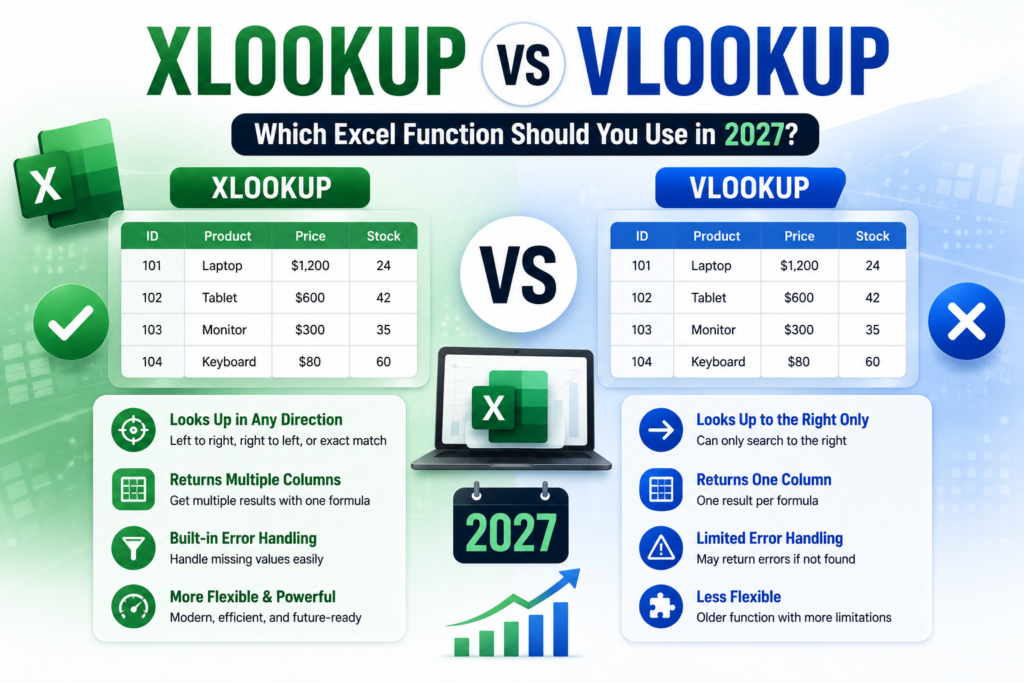
XLOOKUP vs VLOOKUP is one of the most common questions Excel learners ask once they move past basic formulas, and the answer matters more in 2027 than ever before. VLOOKUP has been the default lookup function for over three decades, but XLOOKUP now standard in Microsoft 365 and Excel 2021+ fixes nearly every limitation VLOOKUP has. If you’re deciding which one to learn, use at work, or teach your team, here’s a complete, practical breakdown.
This guide compares syntax, speed, error handling and real workplace use cases so you know exactly when to reach for each function and why most employers now expect both.
What Is VLOOKUP?
VLOOKUP (Vertical Lookup) searches for a value in the leftmost column of a range and returns a value from a column you specify by number. Its syntax is straightforward:
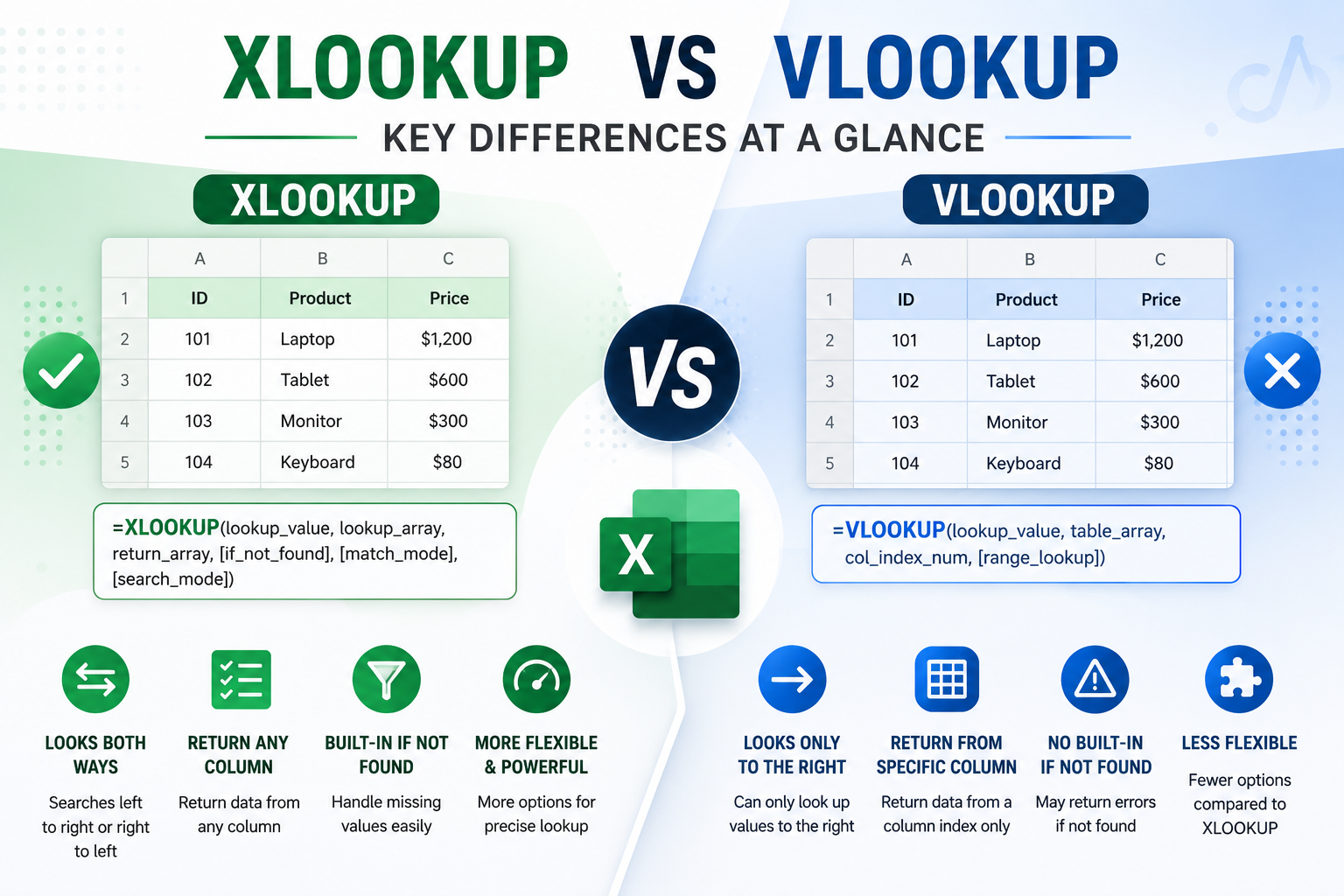
=VLOOKUP(lookup_value, table_array, col_index_num, [range_lookup])
It has been the go-to formula for pulling matching data between spreadsheets prices, employee IDs, customer records for decades, and it still appears in almost every Excel job description in Australia.
What Is XLOOKUP?
XLOOKUP was introduced in Microsoft 365 and is now the modern replacement for VLOOKUP, HLOOKUP and much of INDEX/MATCH. Its syntax is:
=XLOOKUP(lookup_value, lookup_array, return_array, [if_not_found], [match_mode], [search_mode])
Rather than counting columns by number, XLOOKUP lets you point directly at the column you want returned, which means it keeps working even if someone inserts or deletes a column in between.
XLOOKUP vs VLOOKUP: Key Differences at a Glance
| Factor | VLOOKUP | XLOOKUP |
| Search direction | Left to right only | Any direction, including right to left |
| Column reference | Numbered column index | Direct column/range reference |
| Default match type | Approximate match | Exact match |
| Error handling | Needs IFERROR/IFNA | Built-in if_not_found argument |
| Breaks if columns move? | Yes, frequently | No, references stay intact |
| Excel version needed | All versions | Microsoft 365 or Excel 2021+ |
The practical takeaway: VLOOKUP is more compatible, XLOOKUP is more resilient. If your spreadsheets change often, or you’re building formulas other people will edit later, that resilience is the difference between a formula that survives and one that silently breaks.
XLOOKUP vs VLOOKUP: Speed and Performance
For small to medium datasets, the performance difference between the two is negligible. On very large datasets, XLOOKUP’s binary search mode can outperform VLOOKUP significantly when data is sorted, while VLOOKUP with an approximate match is comparable on sorted ranges. In everyday business reporting, readability and maintainability matter far more than the small speed gap.
When Should You Use VLOOKUP Instead of XLOOKUP?
- Your organisation still runs Excel 2019 or older, where XLOOKUP returns a #NAME? error.
- You’re sharing files with clients or colleagues on older Excel versions.
- You only need a simple, one-off left-to-right lookup.
- You’re studying for exams or workplace tests that still assess VLOOKUP specifically.
When Should You Use XLOOKUP Instead of VLOOKUP?
- Everyone in your organisation is on Microsoft 365 or Excel 2021+.
- Your source tables change often and columns get added or removed.
- You need to look up values to the left of your data, not just to the right.
- You want cleaner error handling without wrapping every formula in IFERROR.
- You need to return multiple columns from a single formula.
XLOOKUP vs VLOOKUP: Which Should Australian Professionals Learn First in 2027?
For most learners, the smartest strategy is to understand both. Learn VLOOKUP first because it still appears constantly in legacy workbooks, older job tests, and many Australian workplaces that haven’t fully upgraded to Microsoft 365. Then move on to XLOOKUP, since it’s fast becoming the expected standard in job ads for administration, finance, and data-focused roles. Our Microsoft Excel Intermediate course covers VLOOKUP and lookup fundamentals in depth, while our Microsoft Excel Advanced course goes further into XLOOKUP, dynamic arrays, and modern formula techniques.
If you’re completely new to spreadsheets, start with our Microsoft Excel Beginner course to build the formula foundations both functions rely on.
Real Workplace Examples: XLOOKUP vs VLOOKUP
Finance teams use VLOOKUP for matching invoice numbers to payment records, and XLOOKUP for reconciling accounts where columns shift monthly. HR teams use XLOOKUP to pull employee names, departments and salaries into a single formula, something VLOOKUP would need multiple formulas to achieve. Our dedicated courses for those teams the
Excel for Accountants course and Excel for HR Professionals course build lookup formulas directly into real payroll and reporting scenarios.
Common XLOOKUP and VLOOKUP Mistakes to Avoid
- Forgetting FALSE/0 in VLOOKUP, which silently switches it to an approximate match.
- Mismatched data types between the lookup value and lookup array (text vs number).
- Hardcoding column numbers in VLOOKUP instead of using a dynamic reference.
- Not using the if_not_found argument in XLOOKUP to handle missing data gracefully.
Related Reading
For a broader formula refresher, see our guide to the Top 25 Excel Formulas Every Professional Should Know in 2027. If you’re preparing for job interviews, check our Excel Interview Questions and Answers for Australian Job Seekers, and if you want to know how AI is changing formula-writing, read Microsoft Copilot in Excel: How AI Is Changing Spreadsheets in 2027.
Cleaning messy data before you look it up? Our Power Query for Beginners guide and Advanced Excel Skills Employers Want in Australia pair well with this comparison.
How to Start Learning XLOOKUP and VLOOKUP in Australia
All our lookup-function training is available live online or in person across Sydney, Melbourne, Brisbane, Perth, Adelaide and Canberra, so you can train around your existing job.
Final Verdict: XLOOKUP vs VLOOKUP in 2027
There’s no wrong answer in the XLOOKUP vs VLOOKUP debate only the right formula for your Excel version and workplace. VLOOKUP remains essential for compatibility with older files and shared workbooks, while XLOOKUP is quickly becoming the default expectation in modern Australian workplaces. Learn VLOOKUP for the fundamentals, then upgrade to XLOOKUP as soon as your organisation is fully on Microsoft 365.
Ready to build both skills properly? Explore our full Excel course catalogue or get in touch with a course advisor to find the right level for you.
FAQs: XLOOKUP vs VLOOKUP
Is XLOOKUP replacing VLOOKUP completely?
Not entirely. XLOOKUP is the modern standard for Microsoft 365 users, but VLOOKUP remains necessary for compatibility with Excel 2019 and earlier, and for shared files with mixed Excel versions.
Which is faster, XLOOKUP or VLOOKUP?
On small to medium datasets the difference is negligible. On large, sorted datasets, XLOOKUP’s binary search mode can be noticeably faster.
Do I need to learn both functions?
Yes, ideally. VLOOKUP still appears in legacy files and many workplace tests, while XLOOKUP is increasingly expected in job ads for finance, admin and data-focused roles.