

If you are job hunting in Australia, chances are your next interview will include Excel interview questions and answers as part of the screening process. From finance and admin roles to marketing, HR and operations, employers across Sydney, Melbourne, Brisbane, Perth, Adelaide and Canberra continue to test Excel skills before making an offer often with a live spreadsheet task, not just theory.
This guide covers the most common Excel interview questions and answers asked by Australian employers in 2026, organised from basic to advanced, along with practical tips to help you walk into your interview with confidence.
Basic Excel Interview Questions and Answers
Recruiters usually open with basic Excel interview questions and answers to confirm you can navigate the software confidently. Get comfortable with these first.
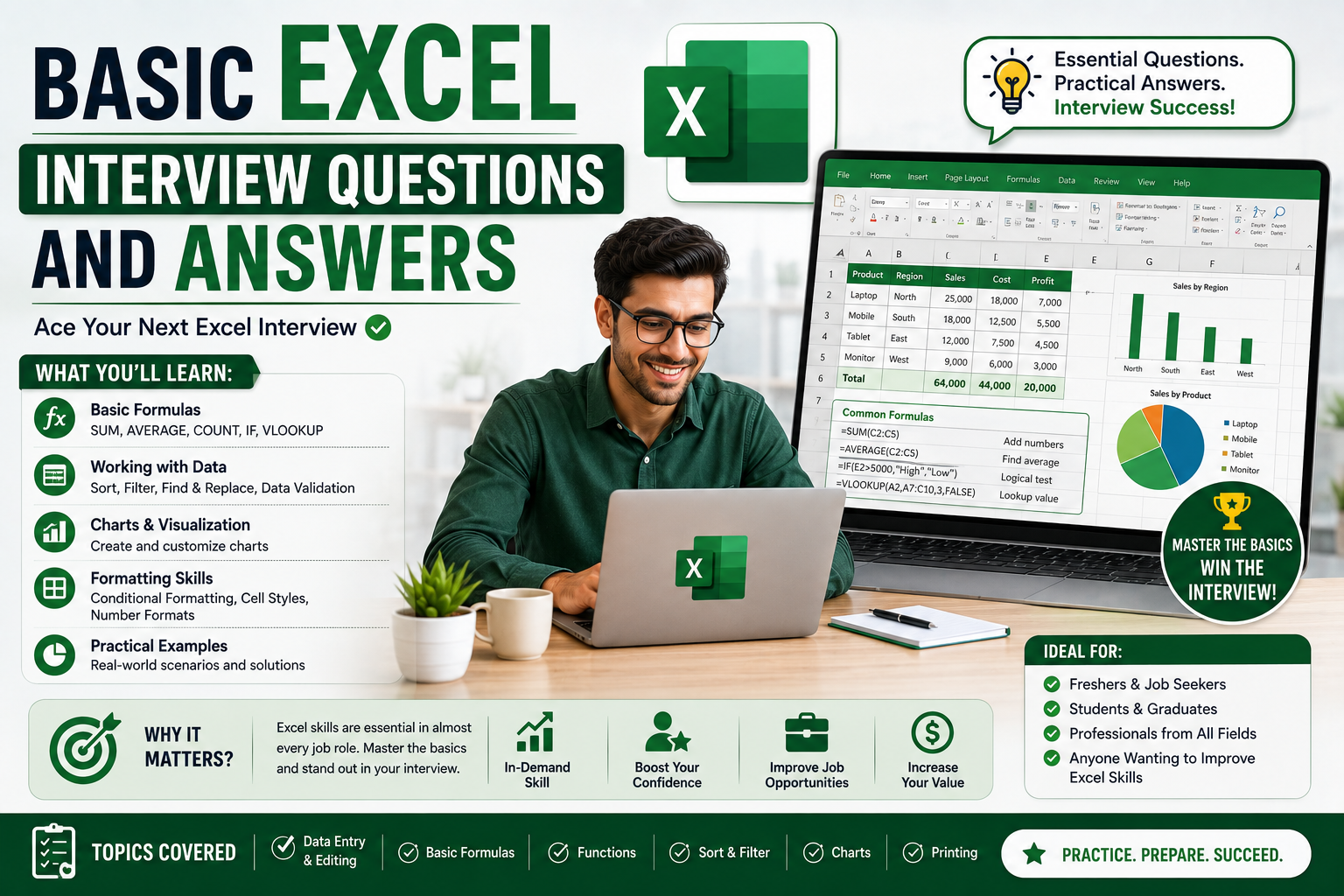
- What is Microsoft Excel and why do businesses rely on it?
Excel is a spreadsheet application used to store, organise, calculate and visualise data. Australian businesses use it for budgeting, reporting, rostering, inventory tracking and data analysis because it is flexible, widely available and integrates with other Microsoft 365 tools.
- What is the difference between a workbook and a worksheet?
A workbook is the entire Excel file, while a worksheet (or “sheet”) is a single tab within that file. One workbook can contain multiple worksheets, which is useful for separating months, departments or data types.
- How do you freeze panes in Excel?
Go to View > Freeze Panes and choose Freeze Top Row, Freeze First Column, or select a cell and Freeze Panes to lock everything above and to the left of it. This keeps headers visible while scrolling through large datasets a common practical test in interviews.
- What is the difference between COUNT, COUNTA and COUNTIF?
COUNT counts cells containing numbers only, COUNTA counts all non-empty cells (numbers and text), and COUNTIF counts cells that meet a specific condition, such as =COUNTIF(A2:A50,”Melbourne”).
- How do you remove duplicate values in a dataset?
Select the data range, go to Data > Remove Duplicates, and choose the columns to check. This is a favourite practical task in Excel interview questions and answers because duplicate data is a real problem in Australian payroll, CRM and sales datasets.
Intermediate Excel Interview Questions and Answers
Once basics are confirmed, interviewers move to intermediate Excel interview questions and answers that test formulas, lookups and formatting logic used in day-to-day reporting.
- What is VLOOKUP and when would you use it?
VLOOKUP searches for a value in the first column of a range and returns a value from another column in the same row for example, pulling a staff member’s department from an employee ID. Syntax: =VLOOKUP(lookup_value, table_array, col_index_num, FALSE).
- What is the difference between VLOOKUP and INDEX-MATCH?
VLOOKUP only searches left-to-right and can break if columns are inserted. INDEX-MATCH is more flexible it can look in any direction and is generally more stable for large or changing datasets, which is why many Australian employers now prefer candidates who know both.
- What is a Pivot Table and how do you create one?
A Pivot Table summarises large datasets into a compact, interactive report. Select your data, go to Insert > PivotTable, then drag fields into Rows, Columns, Values and Filters. It’s one of the most commonly tested skills in Excel interview questions and answers for analyst and admin roles.
- How do you apply conditional formatting?
Select the range, go to Home > Conditional Formatting, and choose a rule such as highlighting cells greater than a value, duplicate values, or using colour scales. It’s often used to flag overdue invoices or underperforming sales regions.
- How do you write a nested IF statement?
A nested IF places one IF function inside another to test multiple conditions, for example: =IF(A2>90,”Excellent”,IF(A2>70,”Good”,”Needs Improvement”)). Many candidates are now expected to know IFS() as a cleaner alternative for multiple conditions.
- How do you protect a worksheet or workbook?
Go to Review > Protect Sheet (or Protect Workbook) to restrict editing, add a password, and control which cells can be changed. This matters in Australian workplaces that share reporting templates across teams.
Advanced Excel Interview Questions and Answers
Senior, analyst and finance roles usually include advanced Excel interview questions and answers that test automation, dynamic dashboards and data cleaning.
- What is Power Query and how does it help with data cleaning?
Power Query (Data > Get & Transform) lets you import, clean and reshape data from multiple sources without manual formulas removing blanks, merging tables, splitting columns and refreshing automatically when the source updates.
- What is XLOOKUP and how does it differ from VLOOKUP?
XLOOKUP is Excel’s modern lookup function. It searches in any direction, doesn’t break when columns are inserted, and has a built-in “not found” argument, making it more reliable than VLOOKUP for current Excel and Microsoft 365 environments.
- Have you used Macros or VBA? Give an example.
Macros record repetitive tasks (Developer > Record Macro) and VBA (Visual Basic for Applications) lets you write custom automation, such as auto-formatting a weekly report or consolidating data from multiple sheets a strong answer for operations and finance interviews.
- How would you build a dynamic dashboard in Excel?
Combine Pivot Tables, Pivot Charts, slicers and named ranges so the dashboard updates automatically as new data is added, then use conditional formatting and clear KPIs so non-technical stakeholders can read it at a glance.
- What is the difference between absolute and relative cell references?
A relative reference (A2) shifts when copied to other cells; an absolute reference ($A$2) stays fixed. Mixed references ($A2 or A$2) lock only the row or column essential for building formulas that copy correctly across large sheets.
Behavioural and Practical Excel Interview Questions
Australian employers increasingly pair technical Excel interview questions and answers with practical, scenario-based questions to see how you apply the skill under pressure.
- Describe a time you used Excel to solve a business problem.
Structure your answer with STAR (Situation, Task, Action, Result) for example, explain how you used Pivot Tables and VLOOKUP to consolidate regional sales data and cut reporting time from two days to two hours.
- How do you ensure accuracy when working with large datasets?
Mention data validation rules, cross-checking totals with SUM/SUMIF, using Remove Duplicates, and reviewing formulas with Trace Precedents before submitting a report.
- What Excel certifications or training have you completed?
This is the moment to mention a recognised course. Completing structured Excel training signals to Australian employers that your skills are current and verified, not just self-taught.
How to Prepare for an Excel Interview in Australia
Beyond memorising answers, hiring managers in Sydney, Melbourne, Brisbane, Perth, Adelaide and Canberra increasingly set a live Excel test cleaning a messy dataset, building a Pivot Table, or writing a formula on the spot. Preparation should be hands-on, not just theoretical.
- Practise on real, messy datasets not just clean templates.
- Time yourself completing a Pivot Table and a VLOOKUP/XLOOKUP task in under 10 minutes.
- Revise keyboard shortcuts interviewers notice candidates who move efficiently.
- Be ready to explain your formula logic out loud, not just produce the result.
- If the role touches reporting or dashboards, brush up on Power Query and Pivot Charts before the interview.
For a structured path from beginner to advanced, excelcoursesonline.au offers Excel training aligned to real Australian workplace tasks, with flexible options for job seekers in every state.
If your target role also involves reporting and data visualisation, pairing Excel with Power BI training is one of the fastest ways to stand out against other applicants in 2026.
Both courses are part of the wider training portfolio at Logitrain, an Australian IT training provider with a track record of preparing candidates for real interview and workplace scenarios.
Excel Skills in Demand Across Australian Cities
Excel remains one of the most requested skills on Australian job boards, and demand looks slightly different city to city:
- Sydney — finance, banking and corporate reporting roles favour advanced formulas, Pivot Tables and Power Query.
- Melbourne — marketing, logistics and retail employers often test data cleaning and dashboard-building.
- Brisbane — government, healthcare and construction roles frequently ask for budgeting and rostering spreadsheets.
- Perth — mining and resources companies test large-dataset reporting and Power Query automation.
- Adelaide — manufacturing and defence-adjacent roles ask for inventory and cost-tracking formulas.
- Canberra — government and policy roles emphasise accuracy, data validation and audit-ready spreadsheets.
Whichever city you’re applying in, the fundamentals stay the same: lookups, Pivot Tables, formulas and clean data handling.
Further Resources
These official and industry resources are useful for deeper reference while you prepare:
Microsoft Support — Excel functions (official reference)
SEEK Australia — current Excel-related job listings
Indeed Australia — Excel skills job search
Frequently Asked Questions
What is the most commonly asked Excel interview question in Australia?
VLOOKUP (or its modern equivalent, XLOOKUP) is the single most common question across finance, admin and analyst interviews, followed closely by Pivot Tables and IF statements.
Do I need a certificate to pass an Excel interview?
A certificate isn’t always required, but it strengthens your application and gives you a structured way to practise before facing a live test particularly if you’re changing careers or re-entering the workforce.
How long should I prepare before an Excel-heavy interview?
Two to four weeks of regular, hands-on practice is typically enough to move from basic to intermediate confidence, especially when paired with a short course.
Ready to Prepare for Your Next Excel Interview?
Build real, job-ready Excel skills with excelcoursesonline.au flexible Excel training for job seekers across Sydney, Melbourne, Brisbane, Perth, Adelaide and Canberra. Explore related training via Power BI courses and the full course catalogue at Logitrain.