




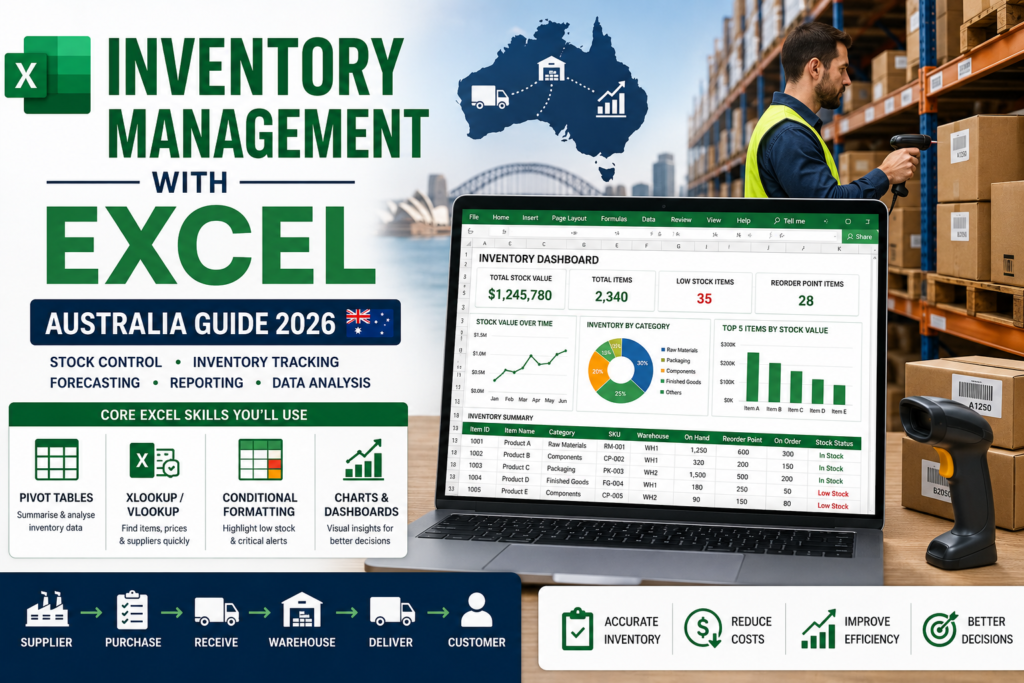
Excel for supply chain and inventory management remains one of the most practical, in-demand skill combinations in Australian operations and logistics roles even in businesses that also run dedicated inventory software. Warehouse managers, procurement officers, operations coordinators and logistics analysts all lean on Excel daily for stock reporting, reorder tracking and supply chain analysis. This guide covers exactly which Excel skills matter most for supply chain and inventory work, how Australian businesses actually use them day to day, and how to build these skills quickly in 2026.
Why Excel Still Runs Supply Chain and Inventory in Australia
Enterprise resource planning (ERP) and dedicated inventory platforms have grown more common, but Excel hasn’t gone anywhere it’s still where most reconciliation, ad hoc reporting and supplier-facing spreadsheets actually happen. According to Microsoft’s own guidance on inventory spreadsheets, Excel offers a flexible, accessible way to organise stock data without requiring specialised software, which is exactly why small and mid-sized Australian businesses and even large ones needing a quick working file keep reaching for it. It’s also the common language between systems: exports from ERP platforms, supplier data, and warehouse counts all tend to land in Excel before they’re cleaned up and acted on.
Core Excel Skills for Supply Chain & Inventory Management
Formulas & Functions for Stock Data
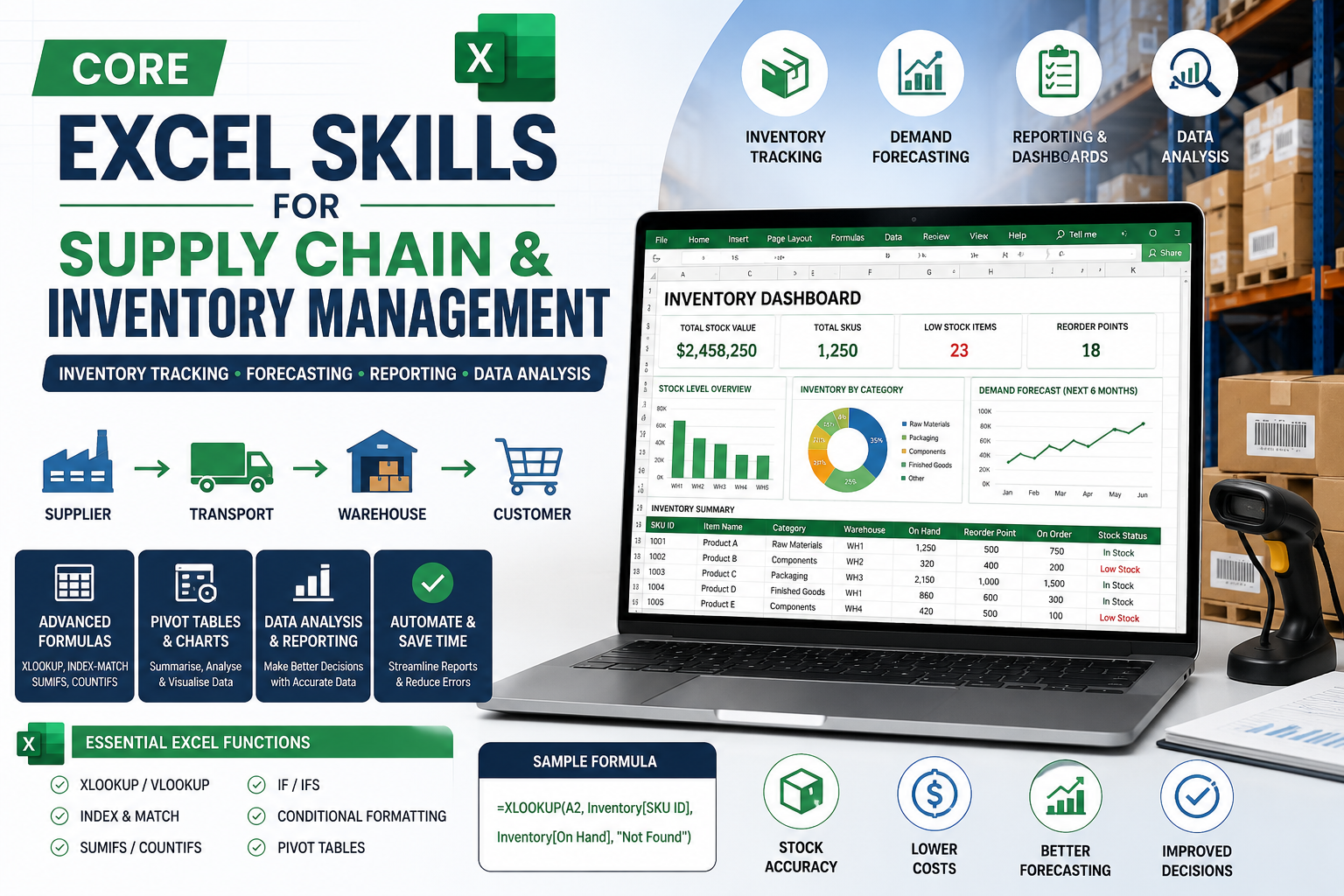
Functions like XLOOKUP, SUMIFS, COUNTIFS and IF statements are the backbone of any inventory spreadsheet matching SKUs across supplier lists, calculating stock-on-hand by category, and flagging items that have dropped below reorder point. Getting comfortable with these isn’t optional for supply chain work; they’re what turns a static list of numbers into something that actually tells you what to order and when.
Pivot Tables for Stock Analysis
Pivot tables let you summarise thousands of inventory movements into a clear picture stock levels by warehouse, turnover by category, or supplier performance over a quarter without manually sorting and subtotaling data. For supply chain and inventory management, this is usually the single highest-value Excel skill beyond basic formulas, because it turns raw transaction exports into decisions.
Inventory Tracking Templates & Reorder Alerts
Conditional formatting rules that flag low stock, combined with a structured inventory list template, give you a working reorder system without needing separate software. Microsoft’s own inventory templates covering warehouse stock, reorder highlighting, and SKU-level tracking are a good starting point, and most learners quickly move from using a template as-is to customising it for their specific warehouse layout, supplier terms, or product categories.
Dashboards for Supply Chain Reporting
Once the underlying data is clean, dashboards combining charts, subtotals and key metrics give operations managers a one-page view of stock health, incoming orders and supplier delays. This is where Excel for supply chain and inventory management moves from record-keeping into genuine decision support the kind of reporting that gets shown in weekly ops meetings rather than buried in a raw spreadsheet.
Common Supply Chain Excel Use Cases in Australian Businesses
- Tracking stock-on-hand across multiple warehouses or store locations
- Building reorder point calculations based on lead time and demand history
- Reconciling supplier invoices against purchase orders and received goods
- Analysing slow-moving vs fast-moving stock to reduce holding costs
- Creating demand forecasts using historical sales and seasonal trends
- Building supplier scorecards to track on-time delivery and quality
Excel vs Dedicated Inventory Software Where Excel Still Wins
Dedicated inventory and ERP systems win on real-time, multi-user accuracy at scale — that’s not in question. But Excel still wins for flexibility: building a quick what-if scenario, reconciling a supplier discrepancy, preparing a board-ready summary, or working with data exported from a system that doesn’t report exactly the way you need. Most Australian supply chain and operations professionals aren’t choosing between Excel and dedicated software they’re using both, with Excel as the flexible layer that sits alongside whatever core system the business runs.
Who Should Take an Excel for Supply Chain & Inventory Course?
- Warehouse and inventory coordinators who need faster, more accurate stock reporting
- Procurement and purchasing officers reconciling supplier data regularly
- Operations and logistics analysts building recurring reports and dashboards
- Small business owners managing their own stock without dedicated software
- Anyone moving into a supply chain, logistics or operations role in 2026
You don’t need advanced Excel experience to start most supply chain-specific training builds from core formulas up to pivot tables and dashboards, so beginners and intermediate users both get genuine value.
Career Impact: Excel Skills for Supply Chain & Logistics Roles in Australia
Supply chain and logistics management is tracked by Jobs and Skills Australia as a genuine skilled occupation, covering the planning, storage and distribution work that underpins Australian retail, manufacturing, mining and healthcare supply chains. Strong Excel skills won’t replace supply chain knowledge or experience, but they consistently show up as a practical requirement in job ads for inventory coordinators, procurement officers and operations analysts candidates who can build their own reports and reorder trackers are simply faster to onboard and more self-sufficient than those who rely entirely on IT or finance to pull numbers for them.
Excel for Supply Chain & Inventory Management Course Options by City
Training is available across Australia’s major business hubs. Sydney and Melbourne have the strongest demand from retail, manufacturing and logistics head offices. Brisbane and Perth see consistent uptake from resources-sector and freight/logistics operations. Adelaide and Canberra are typically served through live online delivery, keeping the training identical in quality to in-person sessions regardless of location.
How to Get Started
- Assess your current Excel level — comfortable with basic formulas, or starting from scratch.
- Enrol in a course built specifically around supply chain and inventory use cases, not generic Excel training.
- Practise with real inventory data — your own workplace exports if possible, or Microsoft’s free inventory templates.
- Build one working reorder tracker and one summary dashboard as practical proof of your new skills.
- Apply what you’ve learned directly to a current reporting task at work to cement it.
Ready to build these skills properly?
The Excel for Supply Chain Inventory course is built specifically around these workflows, and pairs well with our broader Microsoft Excel Intermediate and Microsoft Excel Advanced courses if you want to strengthen your formulas and pivot table skills first. You can also contact our team to talk through which course level suits your current role.
Frequently Asked Questions
Do I need advanced Excel skills for supply chain and inventory work?
Not to start. Core formulas (XLOOKUP, SUMIFS) and pivot tables cover most day-to-day inventory reporting needs; advanced skills like macros become more useful once you’re automating repetitive reports.
Is Excel still relevant if my company uses ERP or inventory software?
Yes. Most operations and supply chain professionals use Excel alongside dedicated systems for ad hoc analysis, reconciliation and reporting that the core system doesn’t handle natively.
What’s the most useful Excel skill for inventory management specifically?
Pivot tables tend to deliver the most immediate value, since they let you summarise large stock movement datasets into clear, actionable views without manual sorting.
Can Excel handle inventory tracking for a growing business?
It can for a while, particularly with structured templates and conditional formatting, but businesses scaling rapidly or needing real-time multi-user updates typically transition to dedicated inventory software while keeping Excel for flexible reporting.
Which roles in Australia benefit most from Excel supply chain training?
Warehouse coordinators, procurement officers, inventory analysts, and operations managers across retail, manufacturing, mining and logistics all rely on these skills regularly.