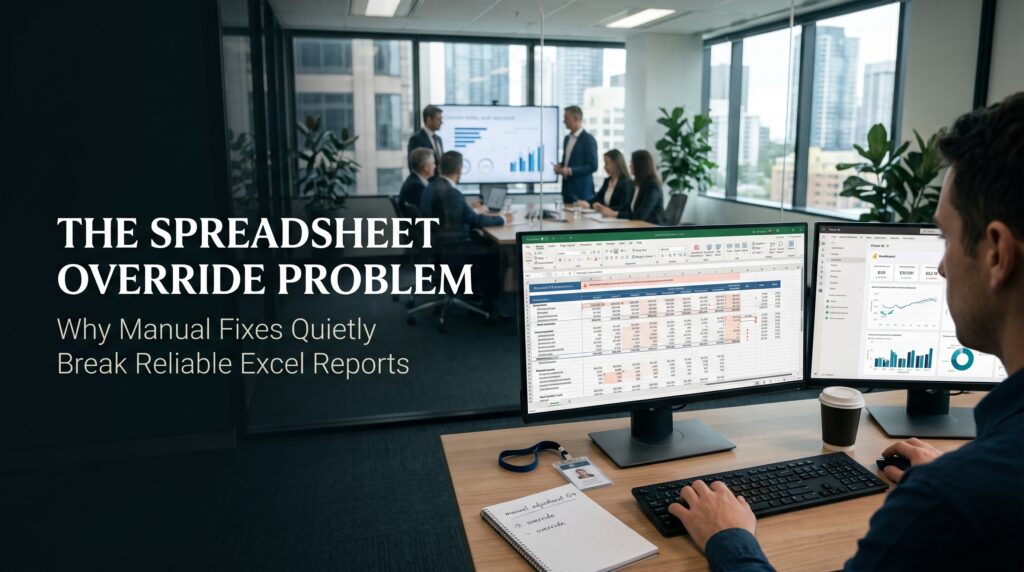
The Spreadsheet Override Problem: Why Manual Fixes Quietly Break Reliable Excel Reports
A spreadsheet override happens when someone types a number over a cell that was built to hold a formula. It

A spreadsheet override happens when someone types a number over a cell that was built to hold a formula. It

Excel version control is the thing nobody plans for until a Monday morning when someone asks, “Which spreadsheet are we

The spreadsheet knowledge trap is what a business falls into when one critical Excel file can only be understood by
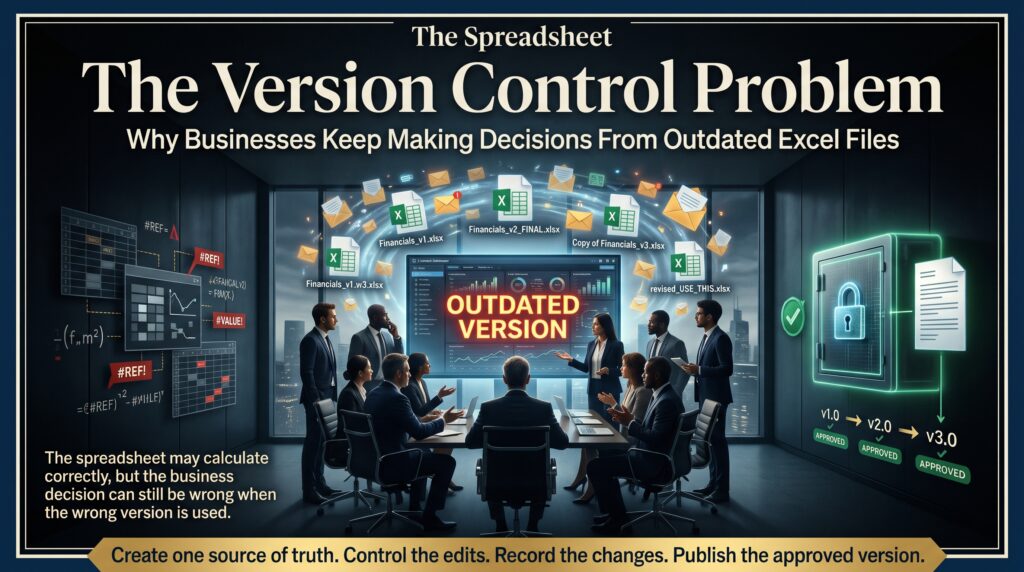
The spreadsheet version control problem starts with a harmless-looking file name. Budget_FINAL.xlsx becomes Budget_FINAL_v2.xlsx, then Budget_FINAL_v2_revised_JM.xlsx, and by the end
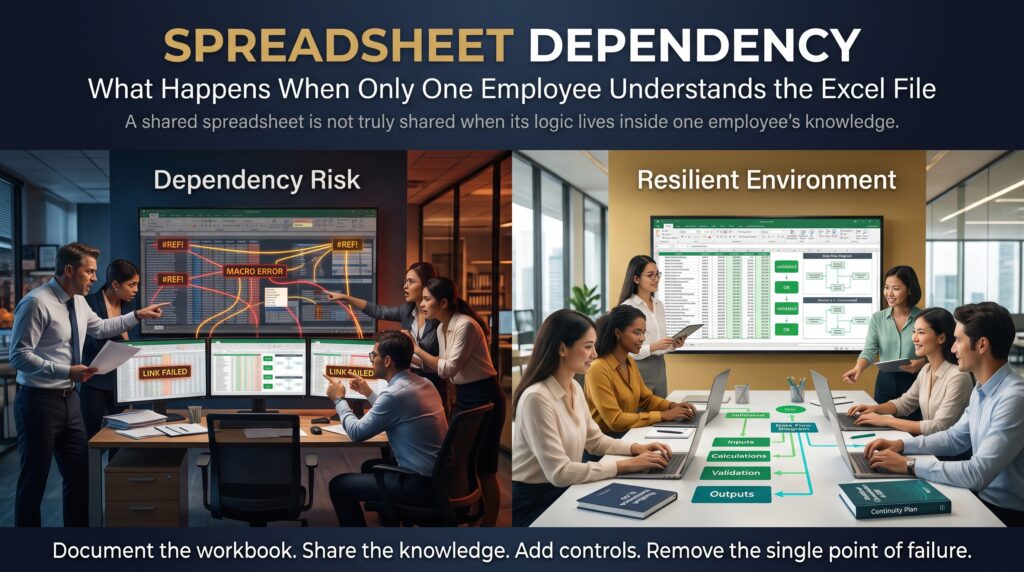
Spreadsheet dependency is what happens when a whole process, report or business decision rests on one Excel file that only
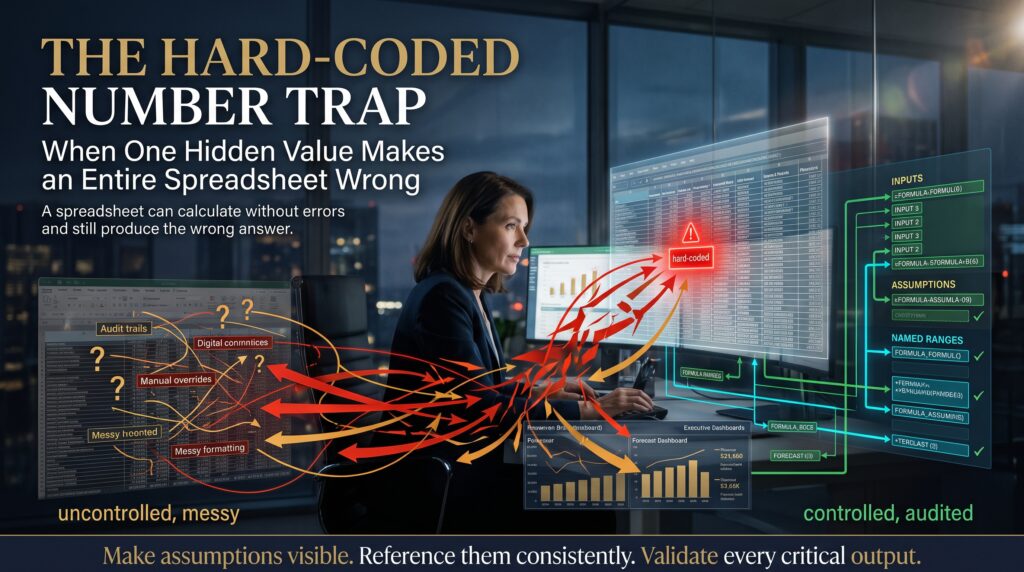
Hard coded numbers in Excel are the quietest way to wreck a spreadsheet. Nothing flashes red. No error message pops