



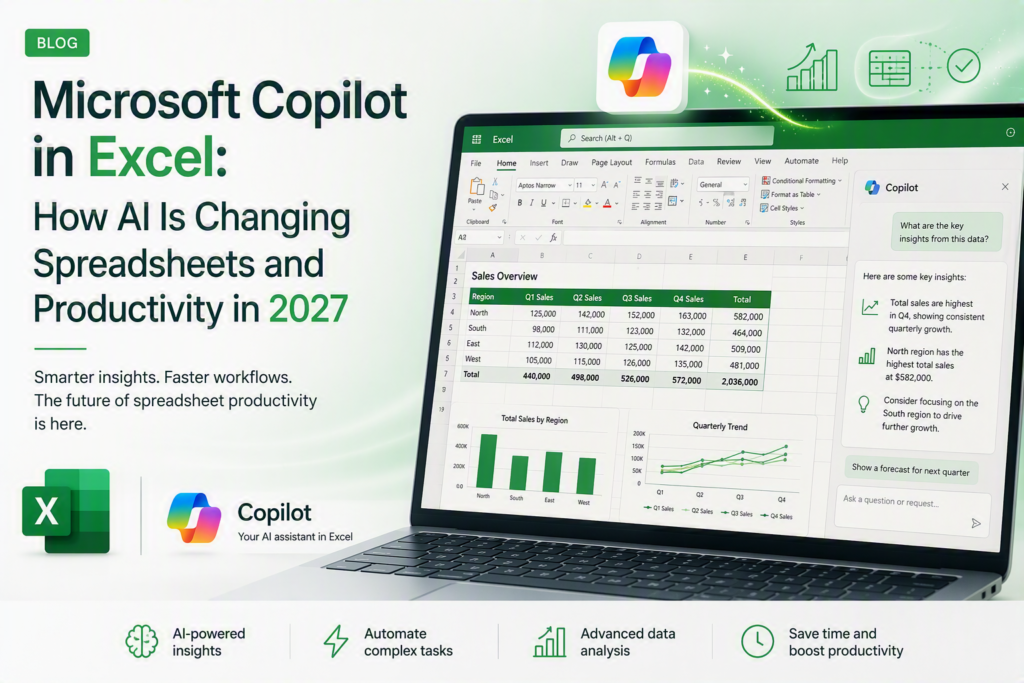
Microsoft Copilot in Excel is changing the way Australian professionals build spreadsheets, write formulas and analyse data in 2027. Instead of remembering complex function syntax or manually building pivot tables, users can now describe what they need in plain English and let AI generate a working starting point. For professionals in Sydney, Melbourne, Brisbane, Perth, Adelaide and Canberra, this shift is making everyday spreadsheet work faster while raising expectations for what a strong Excel skill set looks like.
What Is Microsoft Copilot in Excel?
Microsoft Copilot in Excel is a generative AI assistant built into Excel as part of Microsoft 365 Copilot. It uses large language models, connected through the Azure OpenAI Service, to help users write formulas, generate charts, highlight trends and answer questions about a worksheet using natural language, without requiring the user to know exact function syntax.
According to Microsoft’s own documentation, Copilot in Excel works directly on the data already in an open workbook, so suggestions and formulas are grounded in the actual worksheet rather than generic examples.
How Microsoft Copilot in Excel Works
Copilot in Excel operates through a chat-style side pane. A user can type a request such as “summarise sales by region and highlight the top performer” and Copilot will:
- Analyse the selected range or table and identify relevant columns
- Suggest formulas, pivot tables or charts based on the request
- Generate a written summary explaining what the data shows
- Highlight trends, outliers or anomalies in the worksheet
- Explain what an existing formula does when asked
As with other Copilot tools, the output is a starting point Excel users are still expected to check formulas and figures before using them in a report or decision.
Key Features of Copilot for Excel Users
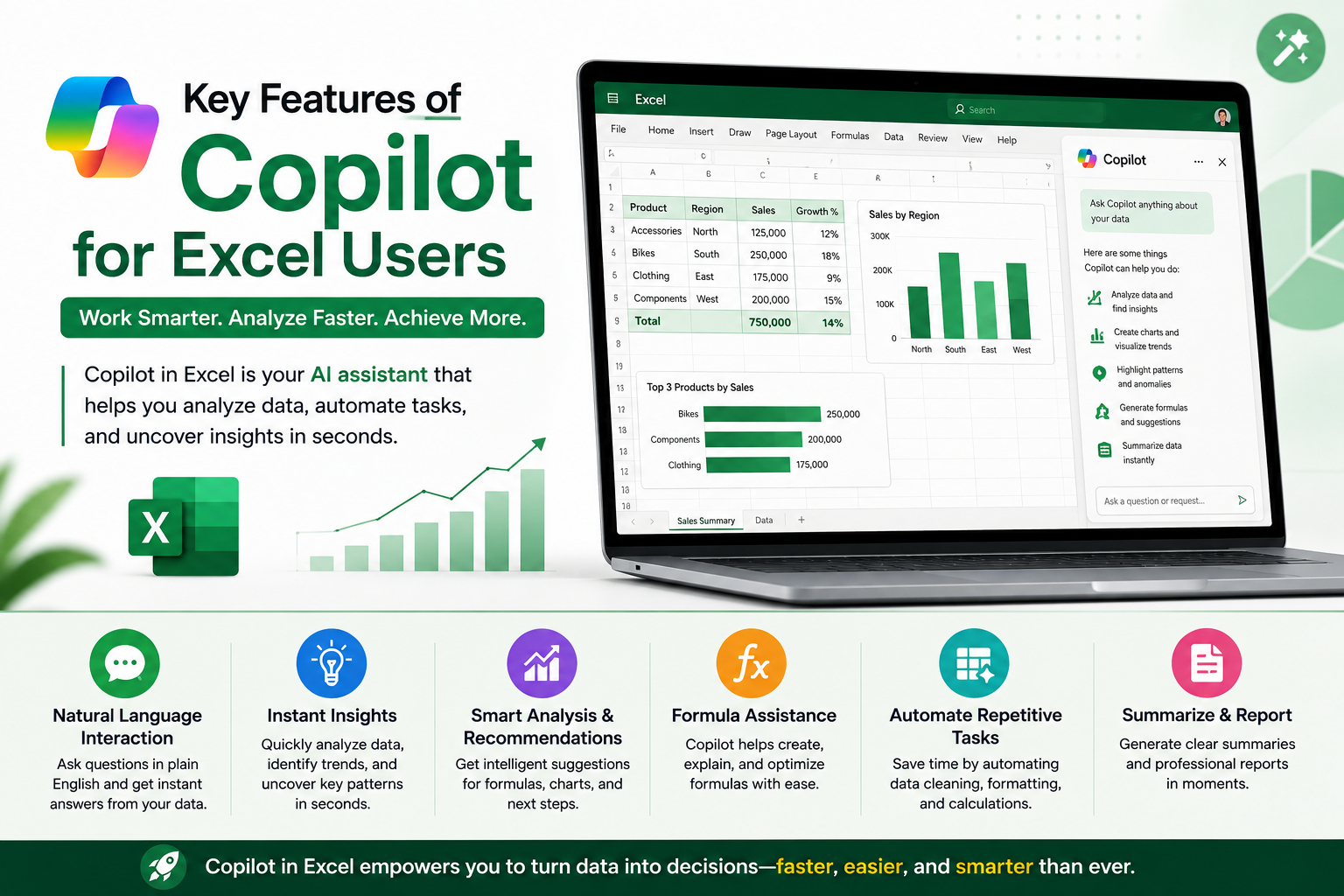
1. Natural-language formula writing
Instead of recalling exact function syntax, users can describe the calculation they want, and Copilot writes a working formula referencing the correct cells.
2. AI-generated data summaries
Copilot can turn a large table into a short written explanation of key trends, useful for anyone who wants the takeaway without scanning every row.
3. Smart formatting and chart suggestions
Copilot can recommend chart types and apply conditional formatting based on the shape of the data in the worksheet.
4. Formula explanation and troubleshooting
Users can ask Copilot to explain what an unfamiliar formula does or help identify why a formula is returning an error.
Benefits for Australian Businesses
AI in Excel is being adopted across Australian industries as teams look to speed up reporting and reduce time spent on manual spreadsheet work.
- Sydney — finance and professional services teams using Copilot to speed up budget and forecasting spreadsheets
- Melbourne — retail and logistics businesses applying AI summaries to sales and inventory trackers
- Brisbane — resources and government-adjacent teams using natural-language formulas for operational reporting
- Perth — mining and energy companies using Copilot to speed up shift and production spreadsheets
- Adelaide — health and manufacturing teams exploring Copilot for faster internal reporting
- Canberra — government departments cautiously trialling AI-assisted spreadsheet tools within data-governance guardrails
Analyst firm Gartner has identified generative AI as a defining trend across productivity and analytics software, noting that AI-assisted features are becoming a standard expectation across everyday office tools, including spreadsheets.
Copilot vs Traditional Excel Skills Do You Still Need to Know Formulas?
A common question from learners is whether Copilot removes the need to learn Excel fundamentals. The honest answer is no Copilot changes how fast you build, not what you need to understand to build correctly.
| Task | Traditional Excel | Microsoft Copilot in Excel |
| Writing formulas | Manually recall function syntax | Describe the calculation, Copilot writes the formula |
| Analysing a dataset | Manual pivot tables and filters | Ask a question in plain English, Copilot highlights trends |
| Formatting & charts | Manual selection and styling | Copilot suggests chart types and conditional formatting |
| Explaining a formula | Look up documentation or ask a colleague | Copilot explains what an existing formula does |
| Skill barrier for beginners | Steep learning curve for functions | Lower entry barrier, though core Excel logic still matters |
Copilot is a productivity layer on top of Excel, not a replacement for understanding formulas, data structure and pivot logic. Professionals who understand the fundamentals are better placed to check Copilot’s output for accuracy before it goes into a report.
How This Is Changing Productivity Roles in Australia
As Microsoft Copilot in Excel becomes more common in Australian workplaces, employers are increasingly looking for candidates who can combine strong Excel fundamentals with comfort using AI features. This mirrors broader trends covered in our Advanced Excel skills employers want in 2026 and Excel interview questions and answers guide.
For professionals who work with Excel alongside dashboards and reporting tools, our Power BI training course covers the data visualisation and modelling skills that pair well with AI-assisted spreadsheet work.
Getting Started With AI-Powered Excel
If your team is adopting Microsoft Copilot in Excel, the fastest way to get real value from it is to first be confident in core Excel: formulas, pivot tables, data structure and Power Query. Logitrain’s Excel training course is delivered by certified trainers across Australia, with options for learners in Sydney, Melbourne, Brisbane, Perth, Adelaide and Canberra, either in person or live online.
For teams also working across dashboards and the wider Microsoft data stack, Logitrain’s Power BI course and full course catalogue at logitrain.com.au cover the complementary skills that support AI-driven productivity across the Microsoft 365 suite.
Frequently Asked Questions
Is Microsoft Copilot in Excel free to use?
Copilot in Excel is generally included with a Microsoft 365 Copilot licence added on top of an eligible Microsoft 365 subscription pricing and eligibility are confirmed directly through Microsoft.
Does Copilot replace the need to learn Excel formulas?
No. Copilot speeds up formula writing and explains existing logic, but understanding functions, pivot tables and data structure is still essential for checking what Copilot produces.
Which Microsoft 365 plan do I need for Copilot in Excel?
Copilot in Excel requires an eligible Microsoft 365 plan (typically Business Standard/Premium or Enterprise) plus a Microsoft 365 Copilot add-on licence.
Is Microsoft Copilot in Excel available in Australia?
Yes. Microsoft has rolled out Copilot in Excel across Australian Microsoft 365 tenants, including workplaces in Sydney, Melbourne, Brisbane, Perth, Adelaide and Canberra, subject to tenant and licensing settings.
Will AI in Excel reduce demand for Excel skills in Australia?
Industry commentary suggests AI is reshaping spreadsheet work rather than removing the need for it — professionals who combine solid Excel fundamentals with AI-prompting skills are positioned as more valuable, not less.
Conclusion
Microsoft Copilot in Excel is not replacing spreadsheet skills — it is changing what a strong Excel skill set looks like in 2027. Professionals across Australia who pair solid Excel fundamentals with confident use of Copilot’s AI features are best placed to benefit from this shift.