




The spreadsheet lifestyle tax is the personal time you pay every week because your work still depends on manual spreadsheet processes. It is the Sunday night spent rebuilding Monday’s report, the lunch break lost to copy and paste, and the Friday evening spent hunting for the one cell that broke the totals. Nobody sends you an invoice for it, yet you pay it in hours you would rather spend elsewhere.
Most people accept this cost as part of the job. They assume that late finishes, repeated typing and double-checking are simply what “working with data” feels like. They are not. A large share of that effort can be removed with skills that are well within reach of any office worker.
In this guide you will see where the spreadsheet lifestyle tax hides, how to estimate your own bill, and seven practical ways to cut it. You will also find the Excel courses that teach each skill, so you can turn manual effort into time you actually keep.
What Is the Spreadsheet Lifestyle Tax?
Think of a normal tax. It is taken from your income whether you notice it or not. The spreadsheet lifestyle tax works the same way, except it is taken from your time rather than your pay. Every repeated manual step, such as re-typing figures, reformatting columns or rebuilding the same summary, takes a slice of your day.
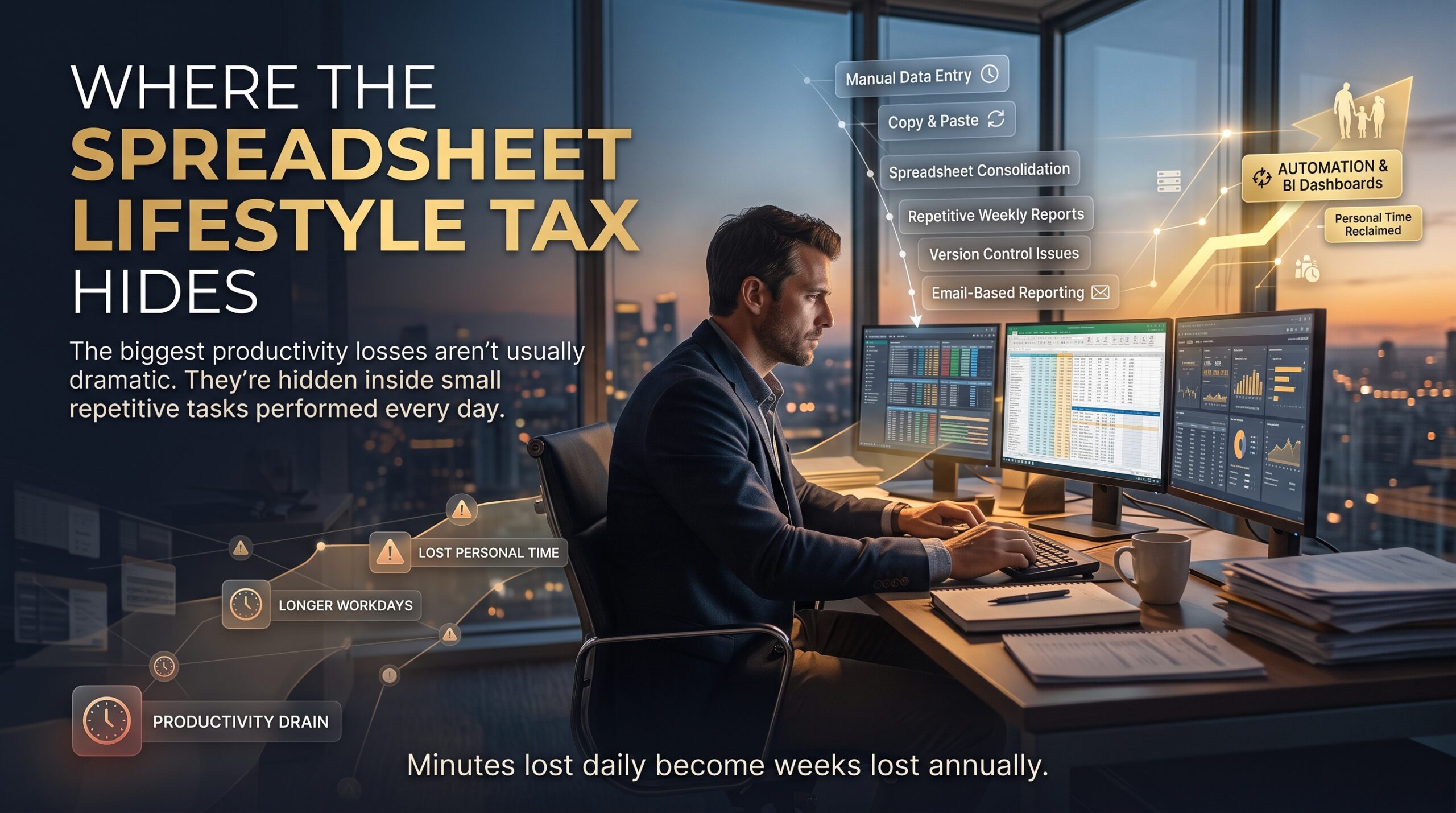
The reason this tax is so persistent is that each task feels small. Twenty minutes here, forty minutes there. Added together across a year, those small slices become weeks of lost time, and the cost shows up in your evenings, your weekends and your energy.
It is different from ordinary workload. Real work creates value. The spreadsheet lifestyle tax is the overhead of doing that work the slow way, and unlike the work itself, it can usually be reduced.
Where the Spreadsheet Lifestyle Tax Hides
You may already be paying it in several places without noticing. These are the five most common.
1. Copy-and-Paste Reporting
Exporting data from one system, pasting it into a workbook, then rearranging it into the same layout each week is the classic example. We describe the career side of this habit in The Copy-and-Paste Economy.
2. Re-Keying Data Between Systems
Typing the same customer, invoice or stock figures into two or three places invites errors and wastes time. Every re-keyed number is a small tax payment.
3. Version Chaos
Files named “final”, “final_v2” and “final_USE_THIS_ONE” cost time every time someone asks which is correct. Merging changes from several copies is another hidden charge.
4. Manual Formatting and Rebuilding
Resizing columns, recolouring headers, rebuilding charts and updating titles by hand feels trivial but repeats forever when nothing is templated or linked to the data.
5. Checking Numbers by Eye
When a workbook has no validation and no consistent structure, people spend hours scanning for mistakes. The more manual the process, the more manual the checking.
Warning Signs You Are Paying a Heavy Spreadsheet Lifestyle Tax
Check how many of these apply to you or your team:
- You regularly work late or on weekends to finish routine reports.
- Month-end or week-end tasks take roughly the same time every period, however experienced you become.
- Colleagues ask you to “just rerun the numbers” because only you know the steps.
- You copy the same data between files or tabs several times a week.
- Totals are checked by hand because nobody trusts the formulas.
- Holidays are stressful because the process stops without you.
- You know there must be a faster way but have never been shown it.
If most of these ring true, the tax is likely higher than you think.
The Real Cost of the Spreadsheet Lifestyle Tax
The obvious cost is time. The less obvious costs reach into every part of working life:
- Lost evenings and weekends. Hours spent on manual tasks come straight out of family, rest and leisure time.
- Errors and rework. Manual handling raises the risk of mistakes. The European Spreadsheet Risks Interest Group collects research and real stories about the damage spreadsheet errors can cause.
- Stress and fatigue. Repetitive, deadline-driven work wears people down, especially when it is predictable but never gets easier.
- Stalled career growth. Time spent on routine tasks is time not spent on analysis, improvement or leadership. Our article on being busy versus being effective explores this trap.
- Weaker trust in the numbers. Fragile manual workbooks make people nervous about what they report, a theme we cover in The Spreadsheet Confidence Gap.
- Blurred boundaries. Australian right to disconnect rules, explained by the Fair Work Ombudsman, limit unreasonable after-hours contact, but they do not shrink the workload that spills into evenings.
None of this means Excel is the problem. Excel is a powerful tool. The cost comes from using it manually when it could do the heavy lifting for you.
How to Work Out Your Own Spreadsheet Lifestyle Tax
You can put a rough number on the tax in about ten minutes. Here is a simple method:
- List your repeated tasks. Write down every spreadsheet job you do weekly or monthly.
- Estimate minutes per task. Be honest about the full time, including checking and fixing.
- Multiply by frequency. Weekly tasks happen about 48 times a year once leave is removed. Monthly tasks happen 12 times.
- Convert to hours. Divide the total minutes by 60.
- Mark what could be automated. Anything that follows the same steps each time is a candidate.
As an illustration, 45 minutes of manual work every working day adds up to about 3.75 hours a week. Over 48 weeks that is roughly 180 hours a year, or the equivalent of four and a half full working weeks. Even if you could only remove half of it, you would win back more than two weeks of your life each year.
A Simple Example of the Spreadsheet Lifestyle Tax
Here is an illustrative scenario. An operations coordinator in Perth prepares a weekly sales and stock report. Every Sunday night she exports three files, pastes them into a workbook, fixes the date formats, copies formulas down, builds a summary by hand and checks the totals. It takes about three hours.
After learning to load and combine the files with Power Query, summarise them with a PivotTable and look up product details with XLOOKUP, the same report takes around twenty minutes. She now refreshes the data and reviews the results on Monday morning. The work did not disappear. The tax did.
How to Cut the Spreadsheet Lifestyle Tax: 7 Practical Steps
Reducing the spreadsheet lifestyle tax does not require becoming a programmer. Work through these steps in order and start with your most time-consuming task.
- Track one week of manual work. Note each repeated task and how long it takes. You cannot reduce what you have not measured.
- Pick the biggest repeatable task. Choose the job that eats the most minutes and follows the same steps every time.
- Turn ranges into Tables. Excel Tables expand automatically, keep formulas consistent and make data easier to filter, sort and summarise.
- Replace copy-and-paste with Power Query. Connect to your files or systems once, clean the data with recorded steps, then refresh whenever new data arrives.
- Summarise with PivotTables. Let Excel build totals, averages and breakdowns instead of typing formulas for every view.
- Use lookups and data validation. XLOOKUP pulls matching information automatically, and validation rules stop bad data entering in the first place.
- Automate what is left. Record macros or learn VBA for the steps that remain, and document the process so others can run it too.
Excel Tools That Shrink the Spreadsheet Lifestyle Tax
Each of the tools below targets a specific source of the spreadsheet lifestyle tax. You do not need all of them at once. Pick the one that matches your biggest task.
| Tool | What it replaces | Typical time-saving use |
| Power Query | Copying, pasting and cleaning data by hand | Combining weekly exports into one clean table |
| PivotTables | Manual totals and subtotals | Summarising sales by region, product or month |
| XLOOKUP | Searching and re-typing matching details | Adding prices or names to a transaction list |
| Tables and formulas | Copying formulas down and fixing ranges | Keeping reports consistent as data grows |
| Data validation | Checking entries by eye | Preventing typos and invalid values at entry |
| Macros and VBA | Repeating the same sequence of clicks | Formatting and exporting a report in one step |
Microsoft explains the features in detail on its Excel product page, and the Power Query documentation is a good place to explore data connections and transformations. If you want to understand how time pressure affects Australians more broadly, the Australian Bureau of Statistics publishes national data on how people spend their time.
How Excel Training Helps You Win Back Your Time
You can teach yourself a lot, but guided training shortcuts months of trial and error. A good course shows you which feature fits which problem, so you stop doing it the slow way. At Excel Courses Online, the most relevant options include:
- Microsoft Excel Beginner: data entry, formatting and basic formulas for a solid foundation.
- Microsoft Excel Intermediate: formulas, functions, charts and data organisation for professional tasks.
- Microsoft Excel Advanced: pivot tables, macros, Power BI and data analysis to work faster.
- Excel VBA & Macros Masterclass: create, document and run macros that automate repetitive tasks.
- Role-based options: Excel for Small Business, Excel for Accountants, Excel for Project Managers, Excel for HR Professionals and Excel for Supply Chain Inventory.
- MOS Exam Preparation Course if you want a recognised Microsoft Office Specialist credential.
Not sure where to begin? Browse all the Excel courses, read more about us, or check the FAQs.
Excel Courses Across Australia
The spreadsheet lifestyle tax is paid in every city. Excel Courses Online offers training in Melbourne, Sydney, Brisbane, Perth, Canberra and Adelaide, with live online and in-house options for Hobart and other locations.
Melbourne and Sydney professionals in finance, administration, logistics and government often handle recurring reports that are ideal for automation. Start with the Melbourne page or the Sydney page, or see every option on our locations page.
Training a whole team together can multiply the savings, because everyone moves to the same faster methods at once. You can enquire about group or in-house training or call 1300 649 299.
Spreadsheet Lifestyle Tax FAQs
What is the spreadsheet lifestyle tax?
The spreadsheet lifestyle tax is the personal time lost to manual, repetitive spreadsheet work. It is not an official tax, but it is a real cost paid in evenings, weekends and mental energy.
How much time can Excel automation save?
It depends on the task, but repeatable jobs such as weekly reports, data cleaning and reconciliations often shrink dramatically once Power Query, PivotTables and macros are in place. Track your current time first so you can measure the difference.
Do I need to learn VBA to reduce manual work?
No. Many tasks can be handled with Tables, Power Query, PivotTables and lookups. VBA and macros are useful for the final steps that remain, and our VBA & Macros Masterclass covers them.
Which Excel course should a beginner start with?
The Beginner course builds the foundations of data entry, formatting and formulas. Once you are comfortable, the Intermediate course adds functions, charts and better data organisation.
Can my team do the training together?
Yes. Group and in-house sessions are available, and content can be tailored to your reports and processes. Contact our team to discuss options.
Keep Reading
- The Capability Wealth Gap: Why Some Professionals Keep Increasing Their Value
- Why Hardworking Employees Get Overlooked While Data-Savvy Employees Get Promoted
- The Spreadsheet Divide: Why Some Professionals Become Indispensable
Conclusion: Stop Paying the Spreadsheet Lifestyle Tax
The spreadsheet lifestyle tax is not a fact of working life. It is the price of doing repeatable work by hand. Measure it, pick one task, apply the right tool, and you will start taking your evenings back one report at a time.
If you would like structured help, explore our Excel courses, read more on the blog, or get in touch to find the right course for you and your team.