





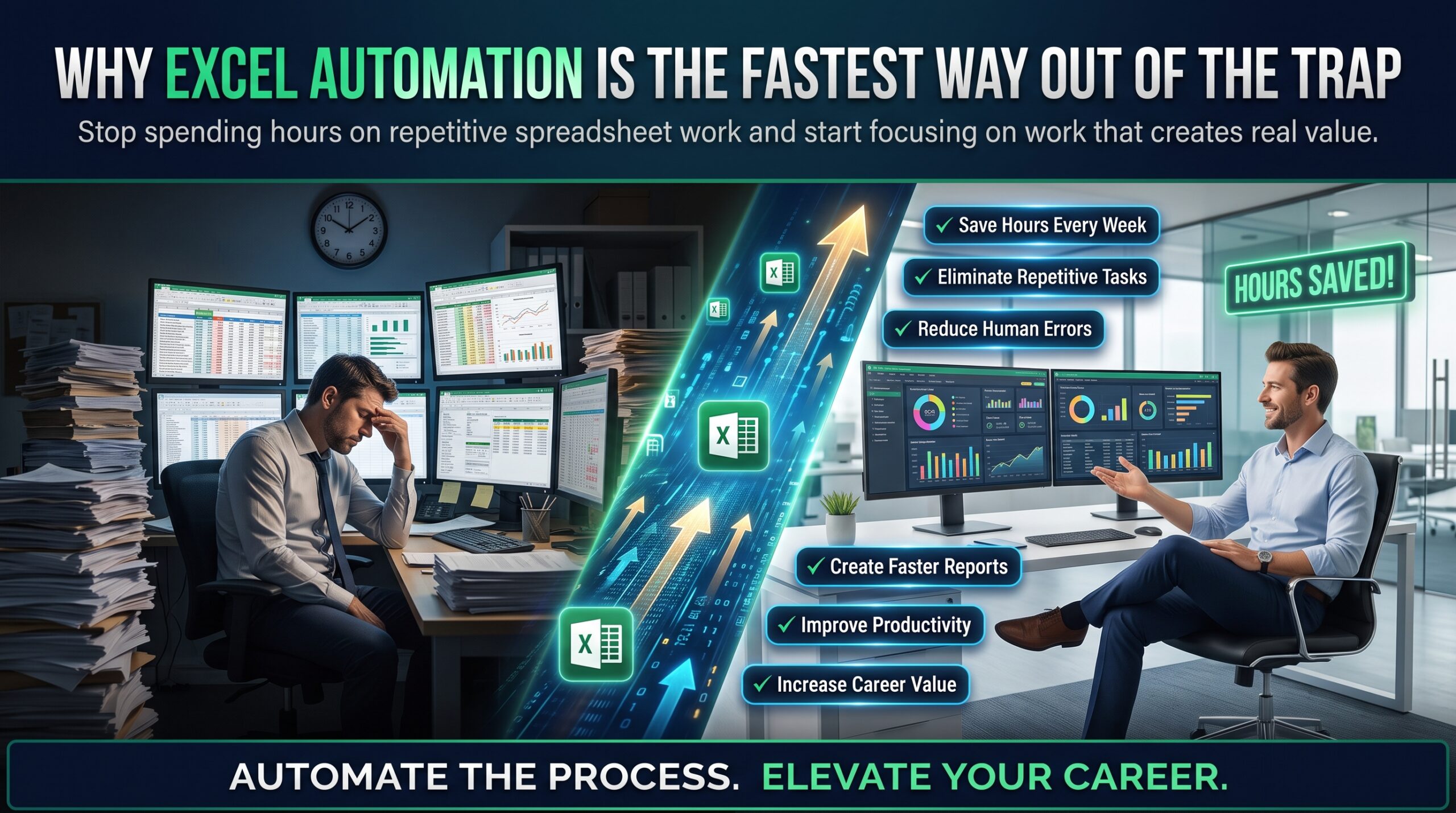
It is Monday morning. You open last week’s spreadsheet, copy the numbers from one file, paste them into another, fix the formatting, check the totals and send it off. Then you do much the same thing again on Tuesday. If that feels familiar, Excel automation may be the most useful career skill you have not yet learned. It is the difference between spending your week moving data around and spending it on work that people actually notice.
We call this the copy-and-paste economy: a workplace where capable people act as the glue between systems that do not talk to each other. It feels productive, because you are always busy. But it quietly limits Australian careers, because busy and valuable are not the same thing. In this guide we explain how the trap works, what it costs, and how Excel automation skills help you get out of it. We also link to Excel courses for teams in Sydney, Melbourne, Brisbane, Perth, Adelaide and Canberra.
Quick answer: Manual copy-and-paste work limits your career because it caps your output, invites errors and hides your real value. Excel automation (using formulas, PivotTables, Power Query and macros) removes the repetitive steps, so you can spend your time on analysis, decisions and improvement.
What is the copy-and-paste economy?
Most organisations did not plan to rely on manual work. It crept in. A system exports a report in the wrong layout. Two teams keep their data in different files. A process that was meant to be temporary becomes a weekly ritual. Someone, usually a reliable employee, fills the gap by hand.
The cost rarely appears in a budget, but you can see it in how people describe their jobs. Common signs include:
- Rebuilding the same weekly or monthly report from scratch every time.
- Combining exports from several systems by copying columns into one sheet.
- Fixing the same formatting problems again and again.
- Checking totals by eye because nobody trusts the formulas.
- Being the only person who knows how the “master spreadsheet” works.
None of these tasks is difficult. That is exactly the problem. They fill the day, they feel urgent, and they leave very little room for anything that would move your career forward.
How manual work quietly limits Australian careers
1. Your output is capped by your hours
A person who copies and pastes can only produce as much as their time allows. A person who automates a task can run it in seconds and put the saved hours into improvement. Over a year, that gap is large, and managers notice who has capacity to take on bigger work.
2. Manual steps invite errors
Every extra copy, paste and retype is a chance to slip. One wrong row can flow into a report that leaders rely on, and one visible mistake can damage the trust you spent years building. Automated steps are not perfect, but they do the same thing the same way every time.
3. Effort is not the same as impact
Reliable, hardworking people often assume their effort will be rewarded. Yet decision makers tend to reward results they can see, such as faster reporting, fewer mistakes and clearer insight. Our article on why hardworking employees get overlooked while data-savvy employees get promoted explores this gap in detail.
4. You get stuck below the analysis line
Promotions often depend on interpreting information, not just preparing it. If most of your week goes to preparation, you rarely get to the analysis. This is the pattern behind the spreadsheet divide and the Excel skills gap, where some professionals become indispensable while others stay replaceable.
The wider labour market is moving the same way. The World Economic Forum’s Future of Jobs reporting continues to highlight analytical thinking and technological literacy among the skills employers value most, and the Jobs and Skills Australia labour market insights portal is a good place to check demand for roles in your field.
Why Excel automation is the fastest way out of the trap
The good news is that you do not need to become a programmer. Most repetitive spreadsheet work can be reduced with tools already inside Excel. Here is how common manual tasks map to the right fix:
| Manual task | What it costs you | Excel automation fix |
| Combining monthly exports into one sheet | Hours of copying, plus a high risk of missed rows | Power Query, which connects, cleans and combines data on refresh |
| Rebuilding summaries by hand | Slow reporting and inconsistent totals | PivotTables and structured tables |
| Matching values between two lists | Endless scrolling and manual checks | Lookup functions such as XLOOKUP |
| Reformatting the same report every week | Repetitive clicks that add no value | Recorded macros or a short VBA routine |
| Chasing broken totals | Lost trust and rework | Clean tables, consistent formulas and error checks |
Microsoft explains the basics of Power Query well, and it is often the single biggest time saver for people who work with exports. Once your data cleans itself, the rest of the process becomes much easier to automate.
The Excel automation skills ladder
You can climb this ladder one rung at a time. Each step removes another layer of manual work, and each has a matching course:
- Solid foundations. Clean tables, sensible formatting and core formulas. Start with Microsoft Excel Beginner.
- Smarter formulas and summaries. Lookups, logical functions, charts and PivotTables. Build these in Microsoft Excel Intermediate.
- Data preparation and analysis. Power Query, data linking, scenarios and dashboards, covered in Microsoft Excel Advanced.
- Macros and VBA. Record, edit and run routines that handle repetitive steps with the Excel VBA & Macros Masterclass.
- Proof of skill. Back your experience with a recognised credential through the MOS Exam Preparation Course.
If you work across several tools, the MS Office Full Bundle also covers Word, PowerPoint and Outlook, which helps when reports need to travel beyond the spreadsheet.
Is Excel automation worth the learning time?
This is the most common objection, and it is a fair one. Learning takes effort, and the week is already full. But the maths usually works in your favour. If a task takes two hours every week and you can reduce it to ten minutes, you recover roughly ninety hours across a year. That is more than two working weeks handed back to you, before counting the errors you no longer have to fix.
The first win also tends to be the hardest. After that, each new task is faster to automate, because you already understand the tools. That is why Excel automation behaves like compound interest for your career.
Where Excel automation pays off by role
Manual work looks different in every job, so the best course is the one that matches your daily tasks. Typical examples include:
- Accountants and bookkeepers: month-end reconciliations and repeated journals. See the Excel for Accountants Course.
- HR professionals: headcount, leave and onboarding reports. See the Excel for HR Professionals Course.
- Project managers: status reports, schedules and budget tracking. See Excel for Project Managers.
- Supply chain and operations: stock levels, orders and supplier data. See Excel for Supply Chain Inventory.
- Small business owners: invoicing, cash flow and sales tracking. See the Excel for Small Business Course.
What not to automate
Not everything should be automated. Keep a human in the loop for tasks that need judgement, such as approving payments, interpreting unusual results or deciding what a number means for the business. Good Excel automation handles the repetitive preparation and leaves the thinking to you. It is also wise to keep a simple record of what each automated process does, so a colleague can understand it when you are on leave.
5 steps to automate your first manual task
- Pick the task you dislike most. Choose something repetitive that you do at least monthly. The more often it happens, the faster it pays back.
- Write down every step. List each click, copy and paste. This often reveals steps you can remove entirely.
- Fix the data first. Convert ranges to tables and use Power Query to clean and combine sources. Clean input makes every later step easier.
- Automate the repetitive part. Use formulas and PivotTables for calculations, and a recorded macro for formatting or repeated actions.
- Test, then add a check. Compare the automated result with your manual one, add a simple total check, and note how many minutes you saved.
Share the result with your manager in business terms, such as hours saved per month or errors removed. That is how Excel automation becomes visible, and visibility is what turns skill into opportunity. Our article on the invisible skill that decides who gets promoted explains why.
Excel automation training across Australia: by city
Wherever you work, Excel automation skills travel with you. Here are typical sectors that rely on spreadsheets in each city, along with local course pages:
- Sydney: finance, government and professional services. See Excel courses in Sydney.
- Melbourne: healthcare, retail, education and state government. See Excel courses in Melbourne.
- Brisbane: infrastructure, resources and logistics. See Excel courses in Brisbane.
- Perth: mining, energy and resources operations. See Excel courses in Perth.
- Adelaide: defence, health and manufacturing. See Excel and business analysis courses in Adelaide.
- Canberra: federal agencies and policy-driven reporting. See Excel courses in Canberra.
Courses are available through live online delivery as well as in-person options in selected cities, so you can learn without leaving work behind. Compare every option on our Excel courses locations page.
A 30-day plan to leave the copy-and-paste economy
- Week 1: Audit. Track your repetitive tasks for five days and note how long each takes.
- Week 2: Learn. Choose one task and learn the matching tool, whether that is PivotTables, Power Query or a simple macro.
- Week 3: Automate. Build the automated version, test it against your manual result and add a check.
- Week 4: Share. Show your manager the time saved and propose the next task to automate.
Frequently asked questions
What is Excel automation?
Excel automation means using features such as formulas, PivotTables, Power Query and macros to complete repetitive spreadsheet tasks with fewer manual steps. The aim is to save time, reduce errors and free you up for analysis.
Do I need to learn VBA to automate Excel?
Not at first. Formulas, tables, PivotTables and Power Query handle a large share of repetitive work without any code. VBA and macros are useful once you want to automate actions such as formatting or repeated clicks.
Is Power Query included in Excel?
Power Query is built into current versions of Excel, though the exact menu names can vary by version. It is worth checking your own version, and your trainer can show you where to find it.
Will automation replace my job?
Automation replaces repetitive steps, not people who understand the work. Professionals who can automate the routine and interpret the results usually become more valuable, not less.
Are Excel courses available online in Australia?
Yes. Our Excel courses run through live online delivery across Australia, with in-person options in selected cities.
Ready to stop copying and pasting?
Learning Excel automation is one of the most practical ways to protect your time and grow your career. Explore our Excel courses, or speak to a course advisor on 1300 649 299. Start with one task this week, and let the spreadsheet do the repeating.