




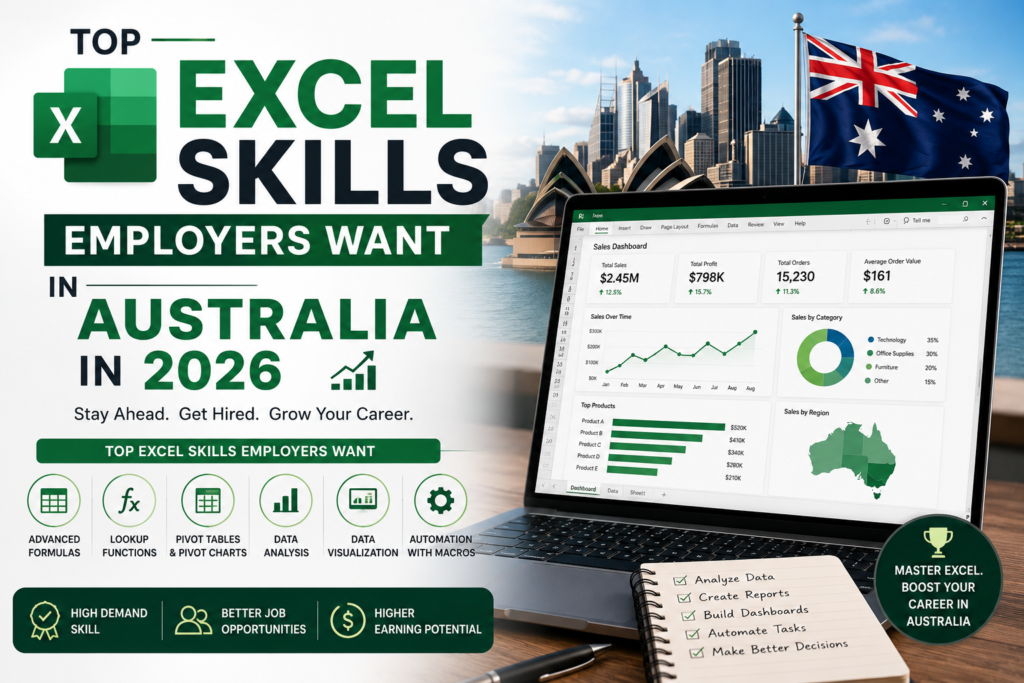
If you’re comparing Excel jobs in Sydney vs Melbourne, the skills employers actually screen for differ more than most job seekers expect. Both cities remain Australia’s largest employment markets for Excel-dependent roles administration, finance, data analysis, and operations but the specific Excel skills that get you shortlisted vary by industry mix and local hiring patterns. This guide breaks down exactly which Excel skills employers want in 2026, city by city, including Brisbane, Perth, Adelaide, and Canberra.
Excel Jobs in Sydney vs Melbourne: Overview
Sydney job market leans heavily on financial services, banking, and corporate head offices, which drives strong demand for advanced Excel skills like financial modelling and dashboard reporting. Melbourne’s economy is more diversified across healthcare, retail, and logistics, which shifts demand toward Power Query, data cleaning, and operational reporting skills. Understanding this difference helps you prioritise the right skills before applying.
| Excel Skill | Sydney Demand | Melbourne Demand | Typical Role |
| Pivot Tables | Very High | High | Admin, Analyst, Finance |
| VLOOKUP / XLOOKUP | High | High | Admin, Data Entry, Reporting |
| Power Query | High | Very High | Data Analyst, Operations |
| VBA / Macros | Moderate | Moderate | Finance, Automation Roles |
| Dashboards & Charts | Very High | High | Marketing, Management Reporting |
| Financial Modelling | Very High | Moderate | Banking, Corporate Finance |
Across both cities, Pivot Tables and VLOOKUP/XLOOKUP remain the two most commonly listed Excel skills in job ads, appearing in the majority of administration, coordinator, and analyst listings screened on Australian job boards.
Which Excel Skills Do Sydney Employers Want?
Sydney employers, particularly in banking, insurance, and professional services, prioritise financial modelling, scenario analysis, and polished dashboard presentation skills. If you’re targeting Excel jobs in Sydney, strengthening your financial modelling and advanced charting ability will set you apart from other applicants for finance and reporting roles.
Which Excel Skills Do Melbourne Employers Want?
Melbourne retail, healthcare, and logistics sectors put more weight on Power Query for data consolidation and clean reporting workflows, since these industries handle high transaction volumes from multiple systems. Candidates applying for Excel jobs in Melbourne benefit from demonstrating strong data cleaning and automation skills over pure financial modelling.
Excel Job Demand Across Other Australian Cities
Excel skills aren’t only in demand in Sydney and Melbourne. Brisbane, Perth, Adelaide, and Canberra each show distinct employer expectations shaped by their dominant industries.
| City | Excel Job Market | Employer Focus |
| Brisbane | Growing | Government administration and construction sector reporting. |
| Perth | Steady | Mining and resources back-office reporting and payroll analysis. |
| Adelaide | Steady | Defence industry admin support and manufacturing data entry. |
| Canberra | High | Federal government reporting, budget tracking, and compliance. |
Canberra stands out for consistently high Excel demand tied to federal government reporting and budget compliance work, while Perth and Adelaide skew toward operational and payroll-focused Excel use in mining, energy, and defence industries.
Top Excel Skills Employers Want in Australia in 2026

- Pivot Tables for summarising large datasets quickly
- VLOOKUP and XLOOKUP for cross-referencing data across sheets
- Power Query for automating data imports and cleaning
- Dashboard and chart building for management reporting
- Basic VBA/Macros for repetitive task automation
- Financial modelling for finance and banking-adjacent roles
Employers across every Australian city increasingly expect at least intermediate proficiency in these areas, regardless of job title even generalist admin and coordinator roles now list two or more of these skills as a requirement.
How to Position Yourself for Excel Jobs in Australia
Job listings on Seek consistently show Excel proficiency as one of the most frequently requested skills across administration, finance, and data roles nationwide, reinforcing that targeted upskilling rather than generic Excel familiarity is what gets candidates shortlisted in competitive markets like Sydney and Melbourne.
The most efficient path is to identify which skill cluster matches your target city and industry, then build proficiency in that cluster specifically, rather than trying to learn every Excel feature at once.
Frequently Asked Questions
Are Excel jobs in Sydney different from Excel jobs in Melbourne?
Yes Sydney employers tend to prioritise financial modelling and dashboard reporting due to the concentration of banking and corporate roles, while Melbourne employers weight Power Query and data cleaning more heavily due to its retail, healthcare, and logistics industry mix.
What Excel skills do most Australian employers want in 2026?
Pivot Tables, VLOOKUP/XLOOKUP, Power Query, and dashboard building are the most commonly requested Excel skills across job listings in Australia, regardless of city.
Is Excel still a required skill for Australian jobs in 2026?
Yes Excel remains one of the most frequently listed software skills across administration, finance, operations, and analyst roles in every major Australian city, including Sydney, Melbourne, Brisbane, Perth, Adelaide, and Canberra.
Which Australian city has the highest demand for Excel skills?
Sydney and Canberra show the strongest sustained demand Sydney due to its financial services concentration, and Canberra due to federal government reporting requirements.
Do I need VBA to get an Excel job in Australia?
Not always VBA is considered a valuable add-on skill rather than a baseline requirement. Pivot Tables, lookups, and Power Query are far more commonly listed as must-haves.
Build the Excel Skills Employers Are Actually Hiring For
Whether you’re targeting Excel jobs in Sydney, Melbourne, or anywhere else in Australia, structured training closes the gap between what you know and what employers are screening for. Explore course options through Excel Courses Online Australia’s specialist Excel training provider.