



Trying to work out which Excel course should I choose? It depends entirely on where you’re starting from and what you need Excel to do for your job. This guide breaks down exactly what beginner, intermediate, and advanced Excel courses in Australia cover, who each level suits, and which path fits admin, finance, data, and management roles — whether you’re studying online or looking for training in Sydney, Melbourne, Brisbane, Perth, Adelaide, or Canberra.
Why Choosing the Right Excel Course Matters
Enrolling in the wrong level wastes time either way — a beginner course won’t stretch someone who already knows PivotTables, and an advanced course will overwhelm someone who hasn’t yet mastered basic formulas. A widely cited Capital One and Burning Glass Technologies study found Excel skills required across the vast majority of clerical, administrative, and management roles in the workforce, which is exactly why matching your course level to your actual job requirements — not just picking the most impressive-sounding option — gets you job-ready fastest.
Who Should Take a Beginner Excel Course?
A beginner Excel course suits anyone who’s never used Excel professionally, feels unsure navigating a spreadsheet, or has only picked up scattered skills informally. It’s also the right starting point for career changers moving into any office-based role, since almost every administrative or entry-level position now assumes at least this level of comfort with Excel.
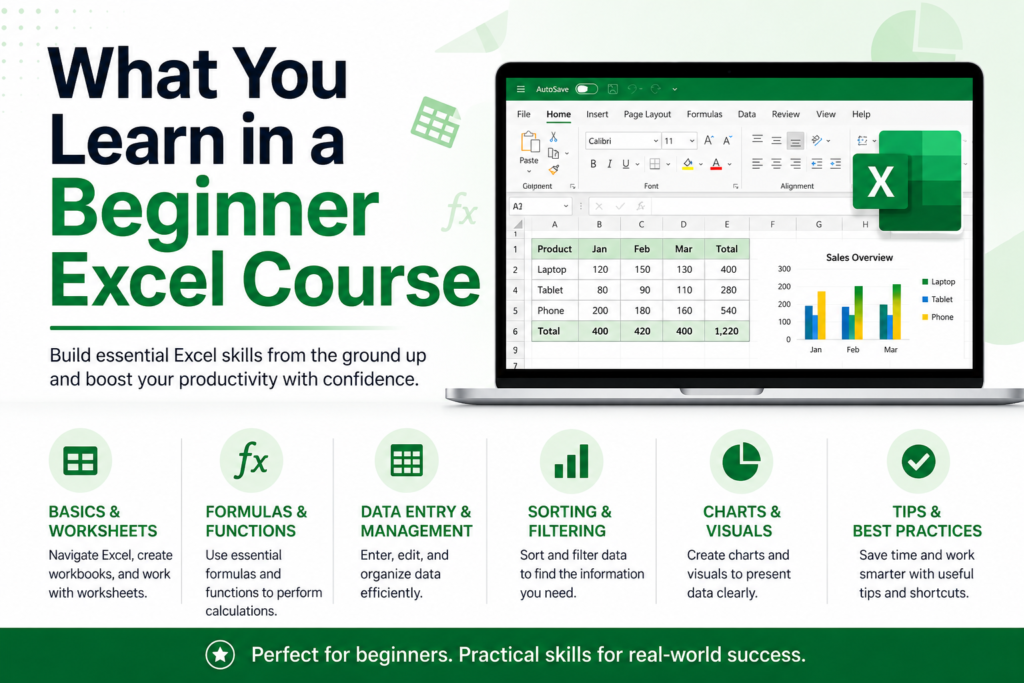
What You Learn in a Beginner Excel Course
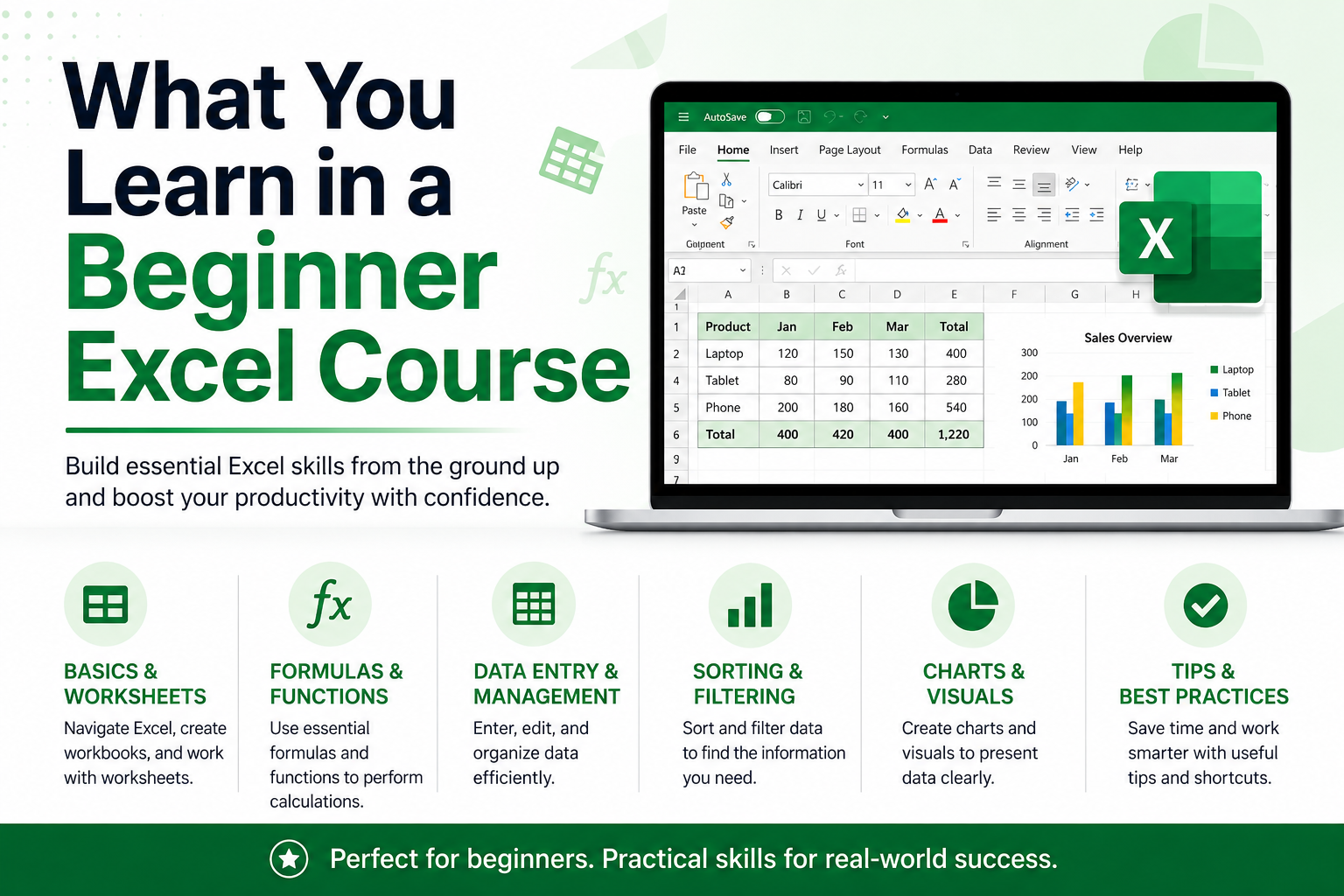
Excel Interface and Workbook Basics
Navigating workbooks, worksheets, rows, columns, and cells confidently, including saving and organising files correctly.
Data Entry and Formatting
Entering and formatting data clearly — currency, dates, percentages — so spreadsheets are easy for others to read.
Basic Formulas
SUM, AVERAGE, COUNT, and simple IF statements — the handful of formulas used in almost every spreadsheet.
Sorting and Filtering
Organising and narrowing down data quickly, a skill used constantly in day-to-day admin and reporting tasks.
Simple Charts
Turning basic data into a simple bar or line chart for quick visual summaries.
Who Should Take an Intermediate Excel Course?
An intermediate Excel course suits professionals who already handle basic formulas and data entry confidently but need to summarise, look up, or clean larger datasets — a common requirement for admin, HR, finance support, and junior analyst roles.
What You Learn in an Intermediate Excel Course
IF, SUMIF and COUNTIF Functions
Applying conditional logic and multi-condition totals and counts — the formulas that separate confident intermediate users from beginners.
VLOOKUP and XLOOKUP
Pulling matching data across sheets, including Microsoft’s newer XLOOKUP function, which handles lookups more flexibly than the older VLOOKUP formula.
PivotTables
Summarising large datasets into clear, digestible reports in just a few clicks, without writing complex formulas.
Conditional Formatting
Automatically highlighting errors, duplicates, or values that meet specific business rules.
Data Validation
Restricting what can be entered into a cell, reducing typos and inconsistent data in shared spreadsheets.
Who Should Take an Advanced Excel Course?
An advanced Excel course suits data analysts, finance professionals, and anyone responsible for building dashboards, automating repetitive tasks, or working with large, messy datasets on a regular basis. It assumes confident intermediate skills already in place.
What You Learn in an Advanced Excel Course
Advanced Formulas
Nested IF statements, INDEX MATCH, and array formulas for more complex logic than basic lookups can handle.
Power Query
Cleaning, transforming, and combining large or messy datasets automatically, rather than manually reworking them each time.
Dashboards and Reporting
Building interactive, decision-ready dashboards using PivotTables, slicers, and dynamic charts.
Macros and Automation
Recording and building simple macros to automate repetitive tasks, saving significant time on recurring reports.
Data Analysis Tools
Using Excel’s built-in analysis features — What-If Analysis, Solver, and statistical functions — for deeper, structured analysis.
Beginner vs Intermediate vs Advanced Excel: Key Differences
- Beginner: basic formulas, data entry, simple formatting and charts
- Intermediate: lookups, PivotTables, conditional formatting, and multi-condition formulas
- Advanced: Power Query, dashboards, macros, and complex nested formulas
- Each level builds directly on the one before it — skipping ahead usually means backtracking later
Which Excel Course Is Best for Admin Jobs?
Most admin and office support roles are well covered by a beginner-to-intermediate Excel course, with confident use of SUM, IF, VLOOKUP, and basic PivotTables covering the vast majority of day-to-day admin tasks.
Which Excel Course Is Best for Finance and Accounting Jobs?
Finance and accounting roles typically need an intermediate-to-advanced Excel course, with strong SUMIFS, IFERROR, and lookup formula skills, plus advanced formulas and Power Query for reconciliation-heavy work.
Which Excel Course Is Best for Data Analyst Jobs?
Data analyst roles generally require the full advanced Excel course, including Power Query, PivotTables, dashboard building, and complex lookup formulas, often paired with SQL and Power BI training alongside it.
Which Excel Course Is Best for Managers and Team Leaders?
Managers and team leaders are usually well served by an intermediate Excel course, enough to interpret PivotTables and dashboards built by their team without necessarily building advanced reports themselves.
Which Excel Course Should Students and Job Seekers Choose?
Students and job seekers with little to no Excel experience should start with a beginner course, then progress to intermediate once comfortable, since most Australian job ads on Seek list intermediate-level Excel skills as the realistic baseline for competitive entry-level office roles.
Online Excel Course vs In-Person Excel Training
Online Excel training in Australia offers flexibility to study around work and is available regardless of location, making it a strong option whether you’re in Sydney, Melbourne, Brisbane, Perth, Adelaide, or Canberra. In-person Excel courses add direct instructor access and can suit learners who prefer structured classroom accountability. Both formats can lead to the same practical skill level — what matters most is choosing a course with hands-on exercises rather than passive video content alone.
How Long Does It Take to Learn Excel?
Most learners can complete a beginner Excel course within two to four weeks of part-time study, an intermediate course within four to six weeks, and an advanced course within six to eight weeks, depending on how much time you can dedicate each week and how much hands-on practice you build in alongside the course material.
Can an Excel Course Help You Get a Better Job?
Yes. Confident, demonstrable Excel skills consistently widen the roles you’re eligible for and are linked to stronger starting salaries across admin, finance, and data-focused positions. Choosing the right course level — rather than the most advanced-sounding one — is what actually gets you job-ready efficiently.
FAQs About Excel Courses in Australia
Which Excel course is best for beginners?
A structured beginner Excel course covering the interface, basic formulas, and formatting is the best starting point for anyone new to Excel.
Is intermediate Excel enough for office jobs?
For most admin and office support roles, yes. Intermediate skills like VLOOKUP and PivotTables cover the vast majority of day-to-day office tasks.
What is considered advanced Excel?
Advanced Excel typically includes Power Query, complex nested formulas, macros, and dashboard building — skills mostly used in finance, data analyst, and reporting-heavy roles.
Should I learn Excel before Power BI?
Yes, ideally. A solid Excel foundation makes learning Power BI significantly easier, since many of the underlying data concepts carry across directly.
Is an online Excel course worth it?
Yes, particularly for working professionals. Online Excel courses offer the same practical skill outcomes as in-person training, with far greater flexibility.
Which Excel course should I choose for my career?
Match the course level to your target role: beginner for general admin, intermediate for most office and finance support roles, and advanced for data analyst or senior reporting positions.
Choose the Right Excel Course and Start Learning Online
Working out which Excel course level suits you doesn’t need to be complicated — match the course to your actual job requirements, and progress from beginner through to advanced as your role demands more. If you want a deeper breakdown of exactly which formulas matter at each level, our guide to Excel formulas for jobs in Australia and our roundup of Excel skills for jobs in Australia both pair well with the course level you choose here.
Not sure which Excel course level is right for you?
Explore our beginner, intermediate and advanced Excel courses and choose the best training path for your workplace or career goals.