




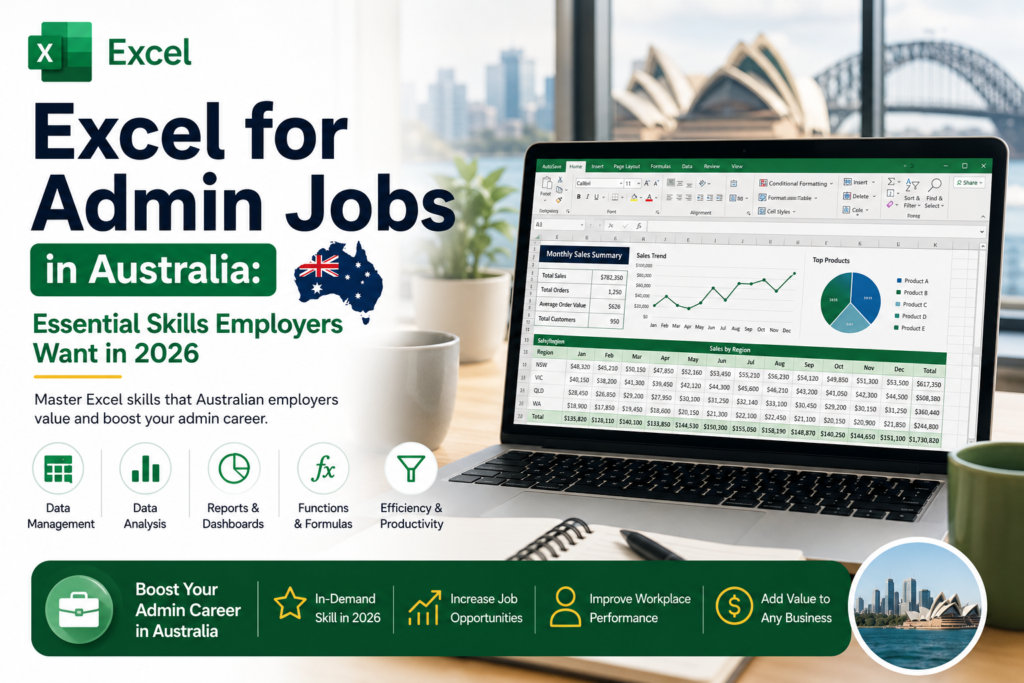
If you’re chasing Excel for admin jobs in Australia, you’ve probably noticed the same line showing up in almost every listing: “strong Excel skills required.” It’s not filler text. From receptionists in Perth to project admins in Sydney, Australian employers now expect admin staff to move confidently through spreadsheets, formulas, and reports on day one. The good news is that you don’t need a finance degree to get there you need the right skills, practised the right way. This guide breaks down exactly what employers want, role by role and city by city, so you know precisely where to focus.
Why Excel Skills Matter for Admin Jobs in Australia
Admin roles have quietly become data roles. Rosters, invoices, supplier lists, HR records, and client databases all live inside spreadsheets, and someone has to keep them accurate. Workforce research backs this up: a widely cited Capital One and Burning Glass Technologies study found that Excel skills are required for the vast majority of clerical and administrative roles, and a separate GoSkills forecast found Excel remains one of the most in-demand workplace skills employers are hiring for right now. In Australia, a quick scan of live administration listings on Seek tells the same story “strong Excel and data entry skills required” appears on everything from short-term admin contracts to permanent office manager roles. For jobseekers, that means Excel isn’t a nice-to-have on your resume. It’s often the deciding factor between two similar candidates.
Basic Excel Skills Every Admin Assistant Should Know
Before diving into formulas or PivotTables, every admin assistant needs a solid foundation. These are the non-negotiables employers expect from day one:
- Navigating workbooks, worksheets, rows, columns, and cells confidently
- Formatting data clearly currency, dates, percentages, and cell borders
- Freezing panes and using headers so large sheets stay readable
- Basic charts for quick visual summaries
- Saving, sharing, and version-naming files correctly for a team environment
These fundamentals sound simple, but they’re exactly what separates a confident admin hire from someone who needs constant supervision in their first weeks.
Excel Formulas Used in Admin and Office Support Roles
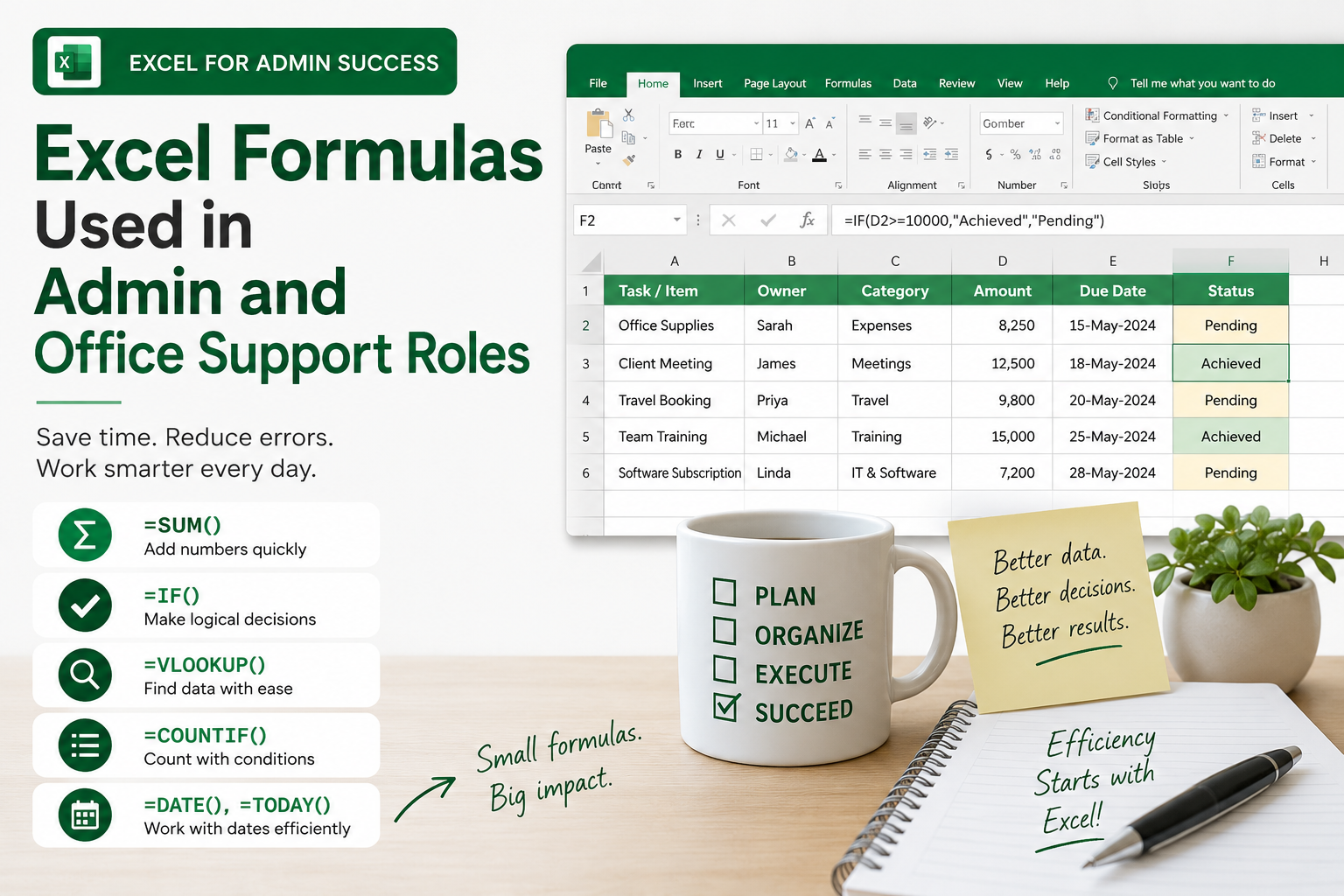
You won’t need advanced financial modelling for most admin jobs, but a handful of formulas come up constantly across Australian offices:
- SUM, AVERAGE, COUNT, and COUNTA for quick totals and record counts
- IF statements for flagging overdue invoices, low stock, or missed deadlines
- VLOOKUP and XLOOKUP for pulling client, staff, or product details across sheets
- CONCATENATE or TEXTJOIN for merging names, addresses, and reference numbers
- Basic date functions (TODAY, DATEDIF) for tracking contract or leave dates
Learning even three or four of these well will noticeably speed up daily admin work and it’s usually what interviewers test for directly.
Data Entry and Accuracy Skills for Admin Jobs
Speed matters in data entry, but accuracy matters more. Australian employers consistently list “high level of accuracy and attention to detail in data validation” as a core requirement, particularly in roles handling client records, payroll, or compliance data. Practical accuracy skills include using Data Validation to restrict incorrect entries, applying Conditional Formatting to flag duplicates or errors, and double-checking totals with simple cross-check formulas before a report goes to a manager. An admin assistant who catches their own mistakes before submission is far more valuable than one who is simply fast.
Sorting, Filtering, and Cleaning Data in Excel
Most admin tasks involve making messy data usable. That means sorting client lists alphabetically or by date, filtering large datasets down to what a manager actually needs to see, and cleaning inconsistent entries extra spaces, inconsistent capitalisation, or duplicate rows using tools like Remove Duplicates, TRIM, and Find & Replace. These are quiet skills that rarely get mentioned in job ads directly, but they’re used every single day in real admin work across Melbourne, Sydney, and every other Australian office.
Creating Simple Reports for Managers
Admin staff are frequently asked to turn raw data into something a manager can glance at and understand in seconds. This usually means building a clean summary table, adding a simple bar or line chart, and using clear headings and consistent formatting so the report doesn’t need explaining. You don’t need advanced dashboard skills for this just the ability to structure information logically and present it cleanly, which is a skill employers specifically look for when hiring office administrators and coordinators.
PivotTables for Admin Reporting
PivotTables are where admin staff start to stand out from the crowd. They let you summarise large datasets attendance records, sales figures, stock levels, expense logs into a clear summary table in a few clicks, without writing a single formula. For admin roles that touch reporting, HR, or finance support, even basic PivotTable knowledge (grouping, filtering, and simple value fields) is often the difference between an “intermediate” and “basic” Excel rating on your resume, and it’s one of the most requested skills in Australian office support job ads today.
Excel Skills for Different Admin Roles in Australia
Not every admin job needs the same Excel toolkit. Here’s how the requirements shift depending on your specific role:
Excel Skills for Office Administrators
Office administrators typically need a broad mix: basic formulas, simple reporting, and comfortable data entry across supplier, staff, and facilities records.
Excel Skills for Receptionists
Reception roles usually require lighter Excel use booking logs, visitor registers, and simple lookup skills like VLOOKUP for checking client or appointment details quickly.
Excel Skills for Accounts Admin
Accounts admin roles lean heavier on formulas SUMIF, IF statements for overdue invoices, and clean formatting for numbers that need to match accounting software exactly.
Excel Skills for HR Admin
HR admin roles rely on Excel for leave tracking, roster summaries, and PivotTables that turn staff data into reports for management at short notice.
Excel Skills for Project Admin
Project admin support often needs Gantt-style timelines, filtering large task lists, and consolidating updates from multiple team members into one master sheet.
Excel Skills for Logistics Admin
Logistics and warehousing admin roles typically require stock-tracking spreadsheets, XLOOKUP for matching product codes, and PivotTables for summarising dispatch or inventory data.
Excel for Admin Jobs in Major Australian Cities
Core Excel skills don’t change much between cities, but demand, salary expectations, and industry mix do. Here’s a snapshot of what’s shaping Excel for admin jobs in Australia’s major hubs right now.
Excel for Admin Jobs in Melbourne
Melbourne’s admin market spans legal, medical, and real estate employers, with steady demand for admin assistants who can manage client data confidently in Excel across a competitive corporate and government job market.
Excel for Admin Jobs in Sydney
Sydney tends to pay the strongest admin salaries, particularly where roles touch finance or reporting, and “Advanced Microsoft Excel skills” appears frequently in Sydney administration listings.
Excel for Admin Jobs in Brisbane
Brisbane’s admin job market is expanding alongside regional business growth, with strong demand for office coordinators and data-entry-focused admin support roles.
Excel for Admin Jobs in Perth
Perth’s resources and mining sector drives demand for admin staff comfortable with Excel-based cost tracking, procurement records, and site reporting spreadsheets.
Excel for Admin Jobs in Adelaide
Adelaide’s admin roles are common across healthcare, HR, and recruitment support, with payroll accuracy and rostering spreadsheets a frequent Excel requirement.
Excel for Admin Jobs in Canberra
Canberra’s public sector employers often expect admin staff to work with structured, policy-driven spreadsheets, so accuracy and consistent formatting matter just as much as formula knowledge.
Excel for Admin Jobs in Hobart
Hobart’s smaller admin job market rewards versatility admin staff who can handle everything from data entry to simple reporting are well positioned across local business and government roles.
Excel for Admin Jobs in Gold Coast
Gold Coast admin roles span tourism, property, and retail support, where stock tracking, booking spreadsheets, and clean data entry are common day-to-day Excel tasks.
Beginner vs Intermediate Excel Skills for Admin Jobs
Knowing where you sit on the skills ladder helps you target the right roles and salary bracket.
Beginner Admin Excel Skills
Basic formulas (SUM, IF), simple formatting, straightforward data entry, and sorting or filtering lists. This level suits entry-level admin assistant and office clerk roles.
Intermediate Admin Excel Skills
VLOOKUP or XLOOKUP, PivotTables, conditional formatting, data validation, and building simple reports for managers. Most Australian office, HR, and operations admin roles now expect this level as standard.
Common Excel Mistakes Admin Staff Should Avoid
- Leaving formulas hard-coded instead of referencing cells, which breaks reports when data updates
- Skipping data validation, allowing typos and duplicate entries into shared spreadsheets
- Overwriting the original file instead of saving clearly labelled version copies
- Formatting inconsistently across sheets, making reports harder for managers to read
- Relying only on manual checking instead of using COUNTIF or conditional formatting to catch errors
How an Excel Course Can Help You Get an Admin Job
Self-teaching Excel from scattered YouTube videos gets you partway there, but it rarely builds the structured, job-ready confidence employers are screening for. A focused course covering formulas, PivotTables, data cleaning, and reporting specifically for admin and office support work gets you interview-ready faster, and gives you a certification to point to on your resume. If you want a clear starting point, our guide to Excel skills for jobs in Australia breaks down exactly what beginner, intermediate, and advanced proficiency looks like by salary band, and our roundup of the top Excel skills every professional must learn is a good next step once you’ve got the admin basics covered. For formula syntax and troubleshooting as you practise, Microsoft’s official Excel support library is a reliable free reference to keep bookmarked.
FAQs About Excel for Admin Jobs in Australia
Do admin jobs in Australia require Excel?
Yes. The vast majority of admin, office support, and clerical roles in Australia list Excel as a required or highly preferred skill, regardless of industry.
What Excel skills do I need for an admin assistant job?
Basic formulas, confident data entry, sorting and filtering, and clean formatting cover most entry-level admin assistant roles.
Is basic Excel enough for office admin roles?
Basic Excel is enough for entry-level positions, but intermediate skills like PivotTables and XLOOKUP significantly widen your options and earning potential.
Should I learn PivotTables for admin jobs?
Yes. PivotTables are one of the most frequently requested intermediate skills in Australian admin and office support job ads.
Is XLOOKUP useful for admin work?
Very. XLOOKUP is now the standard way admin staff pull matching records client details, stock codes, staff information across linked spreadsheets.
Can an Excel course help me get an admin job?
Yes. A structured, admin-focused Excel course builds job-ready skills faster than self-teaching and gives you a certification employers recognise.
Which Excel course is best for admin jobs in Australia?
Look for a course built around real admin scenarios data entry, reporting, and PivotTables rather than generic finance-focused content.
Final Thoughts
Excel for admin jobs in Australia isn’t going away if anything, employer expectations are climbing every year. The good news is that the skills gap between a beginner and a genuinely competitive candidate is smaller than it looks: a handful of formulas, confident data entry, and basic PivotTable knowledge will put you ahead of most applicants in Melbourne, Sydney, Brisbane, and every city in between. Start with the basics, build toward intermediate skills, and let your Excel ability do some of the talking in your next application.
Ready to build job-ready Excel skills? Explore our beginner and intermediate Excel courses designed specifically for Australian admin and office support roles.