

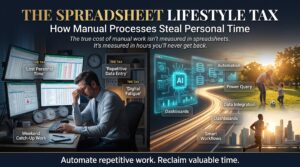


Excel courses Australia professionals are searching for in 2026 are no longer about basic spreadsheets — they are about advanced data analysis, automation, and business reporting skills that employers in Melbourne and Sydney are actively hiring for right now.In Australia’s competitive job market, especially in cities like Melbourne and Sydney, basic Excel knowledge is no longer enough. Whether you are applying for your first office role or looking to move up the ladder in finance, logistics, or business administration, employers are asking for far more than a simple spreadsheet.
The professionals earning top salaries in 2026 are the ones who have taken the time to build real, job-ready Excel skills. Data analysis, business reporting, and workflow automation are now standard expectations across industries. Those who invest in developing these skills are consistently seeing better job offers, faster promotions, and stronger salary packages.
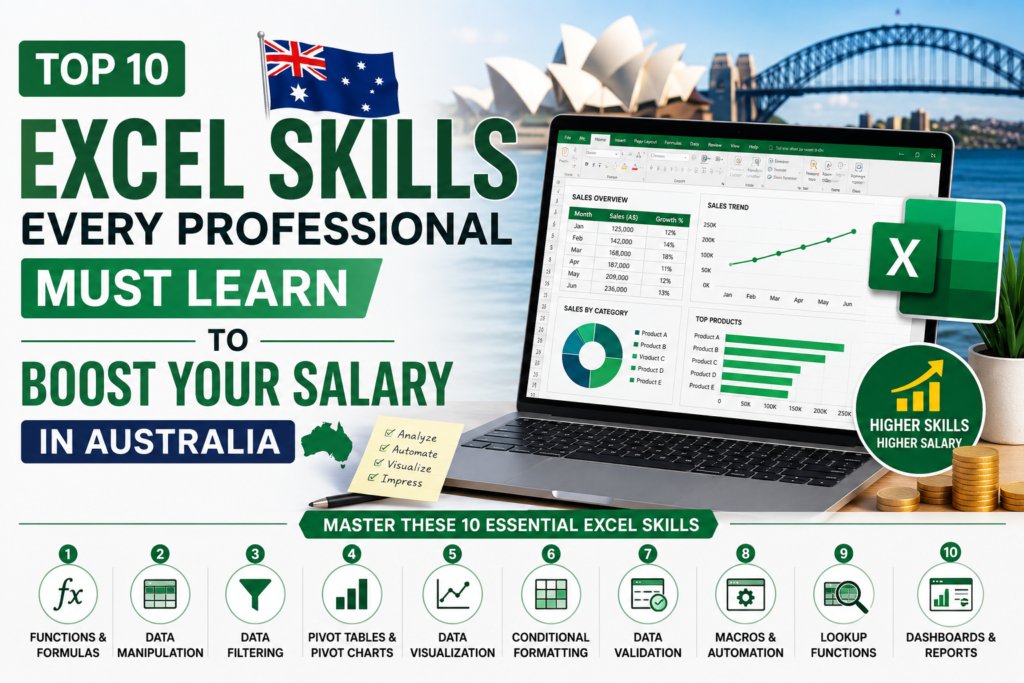
This guide covers the top 10 Excel skills that Australian professionals need right now, explains why each one matters for your career, and shows you exactly how to start building them today.
Why Excel Skills Are Still in Demand in Australia (2026)
You might think that newer platforms and software tools would push Excel aside, but the reality across Australian workplaces tells a very different story. From the big end of town in the Sydney CBD to growing logistics companies in Melbourne and Brisbane, Excel remains the backbone of business operations.
Industries where Excel skills are driving career growth include:
- Finance and banking: budgeting, forecasting, financial modelling
- Business administration: reporting, data entry, process tracking
- IT and technology: data processing, automation, system reporting
- Logistics and supply chain: inventory management, delivery tracking
- Healthcare and education: records management, performance reporting
Across all of these sectors, skills in data analysis, business reporting, and automation are separating average workers from high-value employees. The demand is real, the salary gap is real, and the opportunity to get ahead is right there waiting for you.
Top 10 Excel Skills Every Professional Must Learn
1. Advanced Excel Formulas
What it is: Advanced formulas go well beyond basic addition and subtraction. Functions like SUMIFS, COUNTIFS, IF, nested IF statements, and VLOOKUP allow you to build logic, automate calculations, and handle complex data sets with confidence.
Why it matters: Business reporting relies on accurate, repeatable formulas. Knowing how to write them properly reduces errors, saves time, and makes you far more valuable to any employer.
Real-world example: A Melbourne-based financial analyst uses SUMIFS to pull quarterly sales figures from large datasets for monthly board reports, cutting reporting time from three hours down to under 30 minutes.
2. Data Analysis and Cleaning
What it is: Real-world data is messy. Data cleaning in Excel involves removing duplicates, fixing formatting issues, handling blank cells, and standardising inconsistent entries so that your data is reliable before you do any analysis.
Why it matters: Decisions made from bad data cost businesses money and credibility. Being the person who can take a chaotic spreadsheet and turn it into something usable is a skill that gets noticed quickly.
Real-world example: A Sydney operations coordinator receives weekly supplier data exports with inconsistent date formats, random blank rows, and duplicate entries. With solid data cleaning skills, they process the file in minutes rather than spending hours doing it manually.
3. Pivot Tables and Pivot Charts
What it is: Pivot tables let you summarise large amounts of data quickly, grouping and filtering it in ways that make patterns and trends immediately visible. Pivot charts take that one step further by turning your summaries into visual dashboards.
Why it matters: Managers and executives do not have time to dig through raw data. The ability to build a clean reporting dashboard from a pivot table puts you in a position where your work directly influences business decisions.
Real-world example: A Brisbane retail company uses pivot tables to break down monthly sales by store, product category, and sales rep. What used to take half a day of manual number-crunching now takes ten minutes.
4. Excel Automation with Macros and VBA Basics
What it is: Macros record sequences of actions in Excel so you can replay them instantly. VBA (Visual Basic for Applications) takes this further, allowing you to write short scripts that automate entire workflows.
Why it matters: Excel automation tools are one of the most sought-after skills in Australian workplaces right now. If you can automate repetitive tasks, you save your employer real time and real money.
Real-world example: A Melbourne HR team member automates the monthly payroll reconciliation report using a macro, turning a two-hour task into a two-minute button click.
5. Data Visualisation with Charts and Dashboards
What it is: Excel dashboards bring together charts, graphs, and key metrics into a single page view. When done well, they tell a clear story about business performance at a glance.
Why it matters: Good data visualisation directly influences how decisions are made. Professionals who can present data clearly and visually are consistently seen as stronger communicators and more strategic thinkers.
Real-world example: A project manager at a Sydney construction firm builds a weekly KPI dashboard that tracks budget, timeline, and resource allocation. The senior leadership team reviews it every Monday morning.
6. Power Query Basics
What it is: Power Query is a built-in Excel tool that allows you to import data from multiple sources, transform it, and load it into your workbook automatically. It is one of the fastest-growing Excel skills in the Australian job market.
Why it matters: Importing and transforming data manually is slow and error-prone. Power Query handles the heavy lifting and refreshes your data with a single click whenever new information arrives.
Real-world example: A data analyst at a Melbourne e-commerce business uses Power Query to pull order data from three different systems into one combined report each morning, with no manual copy-pasting required.
7. Power Pivot and Data Modelling
What it is: Power Pivot extends Excel’s analytical capabilities to handle very large datasets, often in the millions of rows, and allows you to build relationships between multiple tables just like a database.
Why it matters: For professionals working with large datasets in finance, operations, or analytics roles, Power Pivot is a genuinely powerful skill that sets advanced users apart from the pack.
Real-world example: A financial controller in Sydney uses Power Pivot to connect customer data, sales transactions, and product tables into a unified model, generating complex profitability reports that would otherwise require a dedicated database tool.
8. Lookup Functions: XLOOKUP and INDEX MATCH
What it is: XLOOKUP is the modern replacement for VLOOKUP, offering more flexibility, fewer limitations, and cleaner formulas. INDEX MATCH is another powerful combination that gives you precise control when searching across large data ranges.
Why it matters: VLOOKUP has well-known limitations that cause errors when data structures change. Knowing XLOOKUP and INDEX MATCH means your formulas are more reliable and far easier to maintain.
Real-world example: An accounts payable officer in Melbourne uses XLOOKUP to cross-reference supplier invoices against a master vendor list, instantly flagging any invoices from unknown suppliers.
9. Financial Functions
What it is: Excel includes a powerful range of financial functions including PMT, NPV, IRR, RATE, and FV. These are the tools behind budgeting, cash flow forecasting, loan analysis, and investment modelling.
Why it matters: Finance Excel skills are among the highest-paid technical skills in Australia. Professionals who can build reliable budget models and forecasts are in consistent demand across banking, accounting, and commercial roles.
Real-world example: A commercial manager at a Brisbane property company uses NPV and IRR functions to evaluate the financial viability of development projects before presenting recommendations to the board.
10. Excel for Business Reporting
What it is: Business reporting in Excel brings together formulas, pivot tables, charts, and formatting to produce polished, professional reports that communicate performance metrics clearly to internal and external stakeholders.
Why it matters: Almost every professional role in Australia requires some level of business reporting. Having strong business Excel skills means you are not just running the numbers, you are presenting them in a way that drives action.
Real-world example: A business analyst in a Melbourne insurance company produces monthly performance reports for six different departments using a single template they built in Excel. Each report is generated in under five minutes.
How These Excel Skills Can Increase Your Salary in Australia
The salary gap between professionals with basic Excel knowledge and those with advanced, job-ready skills is significant across Australian cities. In Melbourne, Sydney, and Brisbane, employers are willing to pay a clear premium for candidates who can demonstrate practical Excel capability from day one.
Here is a general picture of how skills translate to earning potential:
- Entry-level office roles with basic Excel: $55,000 to $65,000 per year
- Mid-level roles with pivot tables, formulas, and reporting skills: $70,000 to $90,000 per year
- Advanced roles with Power Query, VBA, data modelling, and dashboards: $90,000 to $120,000 per year and above
Professionals who hold recognised Excel certification also tend to move through job interviews more confidently and are more likely to negotiate stronger starting salaries. In a market where employers are screening for job-ready skills before they even call you in for an interview, having that certification on your resume makes a real difference.
The shift from basic to advanced Excel skills is not a years-long project. With the right structured learning, most professionals can make a meaningful jump in their capability within a matter of weeks.
How to Learn Excel Skills Fast in Australia
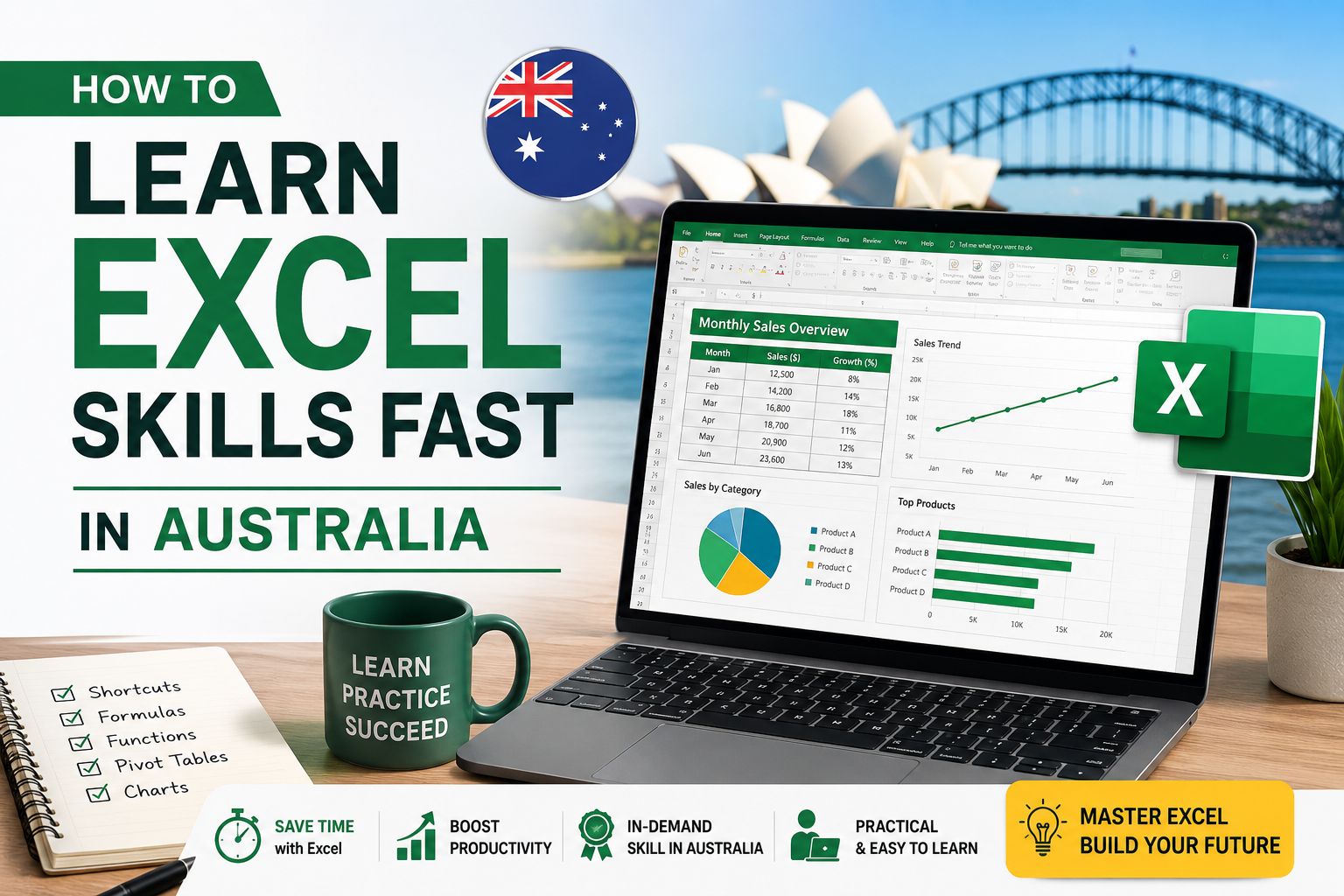
The best Excel courses Australia has available in 2026 are fully online, self-paced, and built around real workplace scenarios. The good news is that you do not need to go back to university or sit through long classroom sessions to build strong Excel skills in 2026. Self-paced online learning has made it easier than ever to study on your own schedule, at your own pace, and from anywhere in the country.
The most effective approach to building Excel skills quickly includes:
- Structured online courses that take you from foundational knowledge through to advanced skills in a logical sequence
- Hands-on practice with real datasets that reflect the kind of work you are doing or want to be doing
- Short daily sessions rather than long infrequent study blocks, which helps skills stick far more effectively
- Certification upon completion to demonstrate your skills to potential employers
Excel Courses Online offers structured, self-paced courses designed specifically for Australian professionals. Whether you are starting from scratch or looking to fill gaps in your existing knowledge, the courses cover everything from foundational Excel through to advanced reporting, Power Query, and VBA automation. You can start today and work through the material at a pace that suits your schedule.
Best Excel Training in Australia (Melbourne, Sydney and Online)
Whether you are based in Melbourne, Sydney or regional Australia, Excel courses Australia professionals rely on are now accessible entirely online. For professionals based in Melbourne, Sydney, Brisbane, or anywhere else across Australia, the most practical and flexible way to build job-ready Excel skills is through quality online training. You get the same structured content as a classroom course, without the travel, fixed timetables, or high cost.
What to look for in an Excel course:
- Content that moves from beginner through to advanced without gaps
- Real-world Australian business examples and exercises
- Flexible access so you can study when it suits you
- A recognised certificate you can add to your resume and LinkedIn profile
- Coverage of the skills employers are actually asking for in 2026
Excel Courses Online ticks all of these boxes. The courses are built for working Australians who want to upskill without putting their lives on hold. You study online, at your own pace, and walk away with a certificate that shows employers you are serious about your professional development.
Frequently Asked Questions
- Do I need to know Excel to get a job in Australia in 2026?
Yes, for most office, finance, administration, and business roles in Australia, some level of Excel knowledge is expected. The stronger your skills, the more competitive you become. Entry-level roles may only require basic knowledge, but mid to senior positions increasingly expect advanced Excel capabilities including data analysis, reporting, and automation.
- How long does it take to learn advanced Excel skills?
With a structured course and consistent daily practice, most people can build solid intermediate to advanced Excel skills within four to eight weeks. The key is hands-on practice using real datasets rather than just watching tutorials. Self-paced online courses make it easy to fit learning into a busy schedule.
- Which Excel skills are most valued by Australian employers?
Based on current job listings across Melbourne, Sydney, and Brisbane, the most requested Excel skills include data analysis, pivot tables, advanced formulas such as XLOOKUP and SUMIFS, business reporting, and Excel dashboards. Power Query and VBA automation are increasingly appearing in job advertisements for mid to senior roles.
- Can Excel skills genuinely increase my salary in Australia?
Absolutely. The salary difference between professionals with basic Excel knowledge and those with advanced, job-ready skills can be $20,000 to $40,000 per year or more, depending on the role and industry. In finance, data analysis, and business operations roles across Australian cities, advanced Excel skills are consistently linked to higher starting salaries and faster career progression.
- Is an online Excel course worth it compared to classroom training?
For most working professionals in Australia, online training offers significant advantages over traditional classroom learning. It is more affordable, far more flexible, and allows you to revisit material as many times as you need. A quality online course with a recognised certificate delivers the same career outcomes as classroom training, and you can complete it without taking time off work.
- What is the best way to start learning Excel in Australia today?
The best place to start is with a structured online course that covers both foundational and advanced skills in a logical order. ExcelCoursesOnline offers self-paced courses built specifically for Australian professionals, covering everything from core formulas and pivot tables through to Power Query, dashboards, and VBA automation. You can enrol today and start building skills that employers are actively looking for right now.
Start Building Your Excel Skills Today
Start with Excel courses Australia trusts — structured, certified, and designed to get you job-ready fast. The Australian job market in 2026 is rewarding professionals who have taken the time to build genuine, practical Excel skills. Basic knowledge will get you through the door, but advanced capability is what keeps you ahead of the competition and earns you the salary you are after.
Whether you are in Melbourne, Sydney, Brisbane, or anywhere across Australia, the skills covered in this guide represent exactly what employers are looking for right now. From advanced formulas and pivot tables through to Power Query, dashboards, and automation, each skill you build adds real value to your career.
Do not wait until the next job application to wish you had started sooner. Head over to Excel Courses Online today, enrol in a course that matches where you are right now, and take the first step toward stronger skills, better opportunities, and the salary you deserve.