



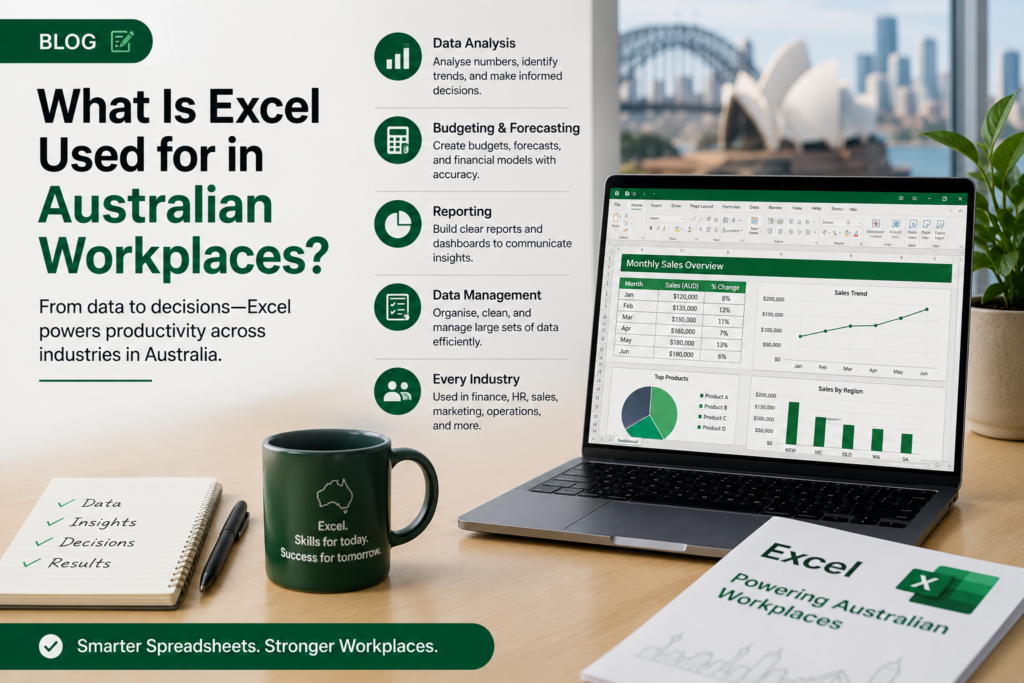
If you’ve applied for a job in Australia recently, chances are you’ve seen “Microsoft Excel proficiency” listed as a requirement. From entry-level admin roles in Brisbane to senior finance positions in Sydney, Excel remains one of the most in-demand software skills across Australian workplaces in 2026.
But what exactly is Excel used for in Australian jobs — and is it still worth learning? Whether you’re a job seeker, career changer, or professional looking to get promoted, this guide covers every major use case, the industries that depend on it most, and how you can build the skills employers are actively looking for.
What Is Microsoft Excel?
Microsoft Excel is a spreadsheet application included in the Microsoft 365 suite. It allows users to enter, organise, calculate, and visualise data using rows, columns, formulas, charts, and automation tools like macros and pivot tables.
In Australian workplaces, Excel is used for everything from basic data entry and invoice tracking to advanced financial modelling and business reporting. It is installed on the majority of business computers across the country and remains one of the few tools that genuinely crosses every industry and job level.
How Excel Is Used in Australian Workplaces
Financial Management & Accounting
Excel is the foundation of financial management in Australian businesses. Accountants, bookkeepers, and finance officers use it daily to build budgets, track expenses, reconcile accounts, manage cash flow forecasts, and produce financial reports. Even organisations running MYOB or Xero often export data into Excel for custom analysis and modelling.
Core financial tasks in Excel include GST tracking, payroll summaries, profit and loss statements, and end-of-month reporting — all common requirements in Australian finance roles at every level.
Data Analysis & Reporting
Data analysis is one of the fastest-growing uses of Excel in Australian workplaces. Business analysts, operations managers, and marketing teams rely on Excel features like pivot tables, VLOOKUP, conditional formatting, and data validation to interpret large volumes of information and turn it into clear reports for decision-makers.
In 2026, Australian employers increasingly expect staff to move beyond basic data entry and demonstrate the ability to analyse trends, create dashboards, and present data visually using charts and graphs.
Project Management
Excel is widely used across Australian project teams to track tasks, timelines, budgets, and resource allocation. While dedicated tools like Microsoft Project exist, Excel remains the practical choice for smaller teams and projects due to its flexibility, familiarity, and zero additional licensing cost.
Gantt charts, project trackers, and milestone planners are commonly built in Excel by project coordinators and operations staff in industries from construction to IT.
Human Resources (HR)
Australian HR professionals use Excel to manage employee records, track leave entitlements, monitor recruitment pipelines, and produce headcount and remuneration reports. It is especially common in small-to-medium businesses where a full HR information system may not be in place.
Workforce planning spreadsheets, training registers, and compliance tracking logs are all standard Excel outputs for HR teams across the country.
Inventory & Stock Management
Retail businesses, warehouses, and manufacturers in Australia frequently use Excel to manage stock levels, track purchase orders, calculate reorder points, and monitor supplier costs. Excel’s ability to sort, filter, and apply conditional logic makes it practical for day-to-day inventory control without requiring expensive specialist software.
Administrative Tasks
From scheduling and meeting agendas to contact databases and document registers, Excel is used widely across Australian administrative roles. Receptionists, executive assistants, and office managers use it to stay organised and produce consistent, professional output quickly.
Industries in Australia That Use Excel the Most
Excel is used in virtually every industry, but demand for Excel skills is particularly high in:
- Finance & Banking — financial modelling, reporting, compliance tracking
- Healthcare & Aged Care — patient data, rosters, budget management
- Construction & Engineering — project costing, scheduling, materials tracking
- Retail & E-Commerce — sales reporting, inventory, pricing analysis
- Government & Public Sector — policy data, grants management, internal reporting
- Logistics & Supply Chain — freight tracking, supplier management, route planning
- Education — student records, timetabling, assessment tracking
Common Excel Features Used by Australian Employers
Australian job ads regularly reference the following Excel capabilities: formulas and functions (SUM, IF, VLOOKUP, INDEX/MATCH, COUNTIF), pivot tables for summarising large datasets, charts and graphs for visualising KPIs, conditional formatting, data validation, macros for automation, and Power Query for importing and transforming data from multiple sources.
Employers at the intermediate and advanced level typically treat pivot tables, VLOOKUP, and charting as a baseline expectation — skills built through structured Excel training.
Why Excel Skills Are Important for Jobs in Australia
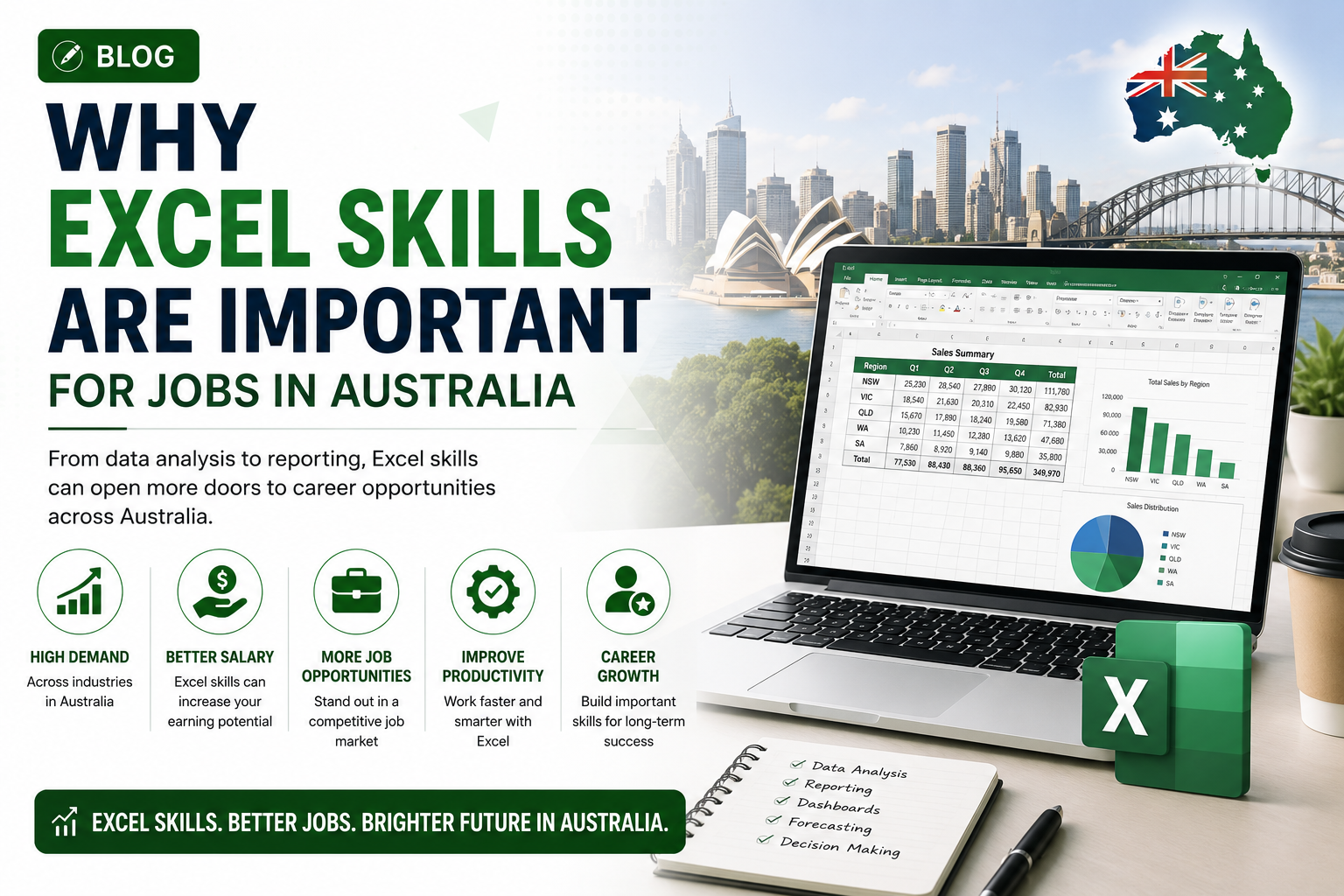
A survey of Australian job listings consistently shows Excel as one of the top five most mentioned software skills across office-based roles. The reason is practical: Excel is versatile, universally available, and produces results that can be shared, printed, and presented without compatibility issues.
For job seekers, Excel proficiency signals that you can work independently, handle numbers with confidence, and produce professional output — all qualities Australian employers value. Candidates who can demonstrate intermediate or advanced Excel skills often stand out strongly against those with only basic experience.
For professionals already in the workforce, upgrading from beginner to intermediate or advanced Excel can directly support a pay rise, promotion, or transition into a data-focused role.
Excel Usage by Major Australian Cities
Sydney — Finance, professional services, and technology sectors make advanced Excel a baseline requirement in banking, consulting, and corporate reporting.
Melbourne — A diverse economy spanning healthcare, education, retail, and finance creates broad Excel demand across all skill levels.
Brisbane — Construction, infrastructure, and resources sectors rely heavily on Excel for project costing, scheduling, and supplier tracking.
Perth — The resources and mining industry drives strong Excel demand in procurement, engineering support, and operations roles.
Adelaide — Manufacturing, defence, and government sectors regularly list Excel proficiency as essential in admin, project coordination, and compliance.
Benefits of Using Excel in the Workplace
Excel’s staying power comes down to versatility and accessibility. It is included in Microsoft 365 (which most Australian businesses already pay for), accepted universally across every industry, and capable of handling everything from a simple contact list to a complex financial model. Formulas and macros reduce manual workload, while charts and dashboards make it easy to communicate results to non-technical stakeholders.
Limitations of Excel
Excel is not ideal for very large datasets, real-time collaboration at scale, or complex relational databases. For those needs, tools like Power BI or SQL are better suited. That said, for the vast majority of everyday workplace tasks in Australia, Excel remains the most practical and widely accepted solution.
How to Learn Excel in Australia
The most effective way to build job-ready Excel skills is through structured, hands-on training. Self-teaching from YouTube videos or free tutorials can cover basics, but a proper course ensures you learn the right features, in the right order, with practical exercises that reflect real workplace scenarios.
At Excel Courses Online, we offer beginner, intermediate, and advanced Microsoft Excel courses available online and in-person across Sydney, Melbourne, Brisbane, Perth, Adelaide, and Canberra. Our courses are delivered by experienced trainers and designed specifically to help Australian professionals build skills that employers are looking for right now.
Whether you’re starting from scratch or ready to master pivot tables, macros, and data analysis, there’s a course designed for your level and career goals.
FAQs
What is Excel mainly used for in Australia?
Excel is mainly used for financial management, data analysis, reporting, project tracking, HR administration, and inventory management across Australian workplaces.
Do Australian employers require Excel skills?
Yes. Excel proficiency is listed as a requirement in a significant proportion of Australian office-based job advertisements, particularly in finance, administration, operations, and data roles.
Is Excel still relevant in Australian workplaces in 2026?
Absolutely. Despite the growth of cloud tools and specialised software, Excel remains one of the most widely used business applications in Australia. Demand for intermediate and advanced Excel skills has continued to grow, not decline.
What industries use Excel the most in Australia?
Finance, banking, healthcare, construction, retail, government, logistics, and education are among the industries with the highest Excel usage in Australia.
Can Excel be used for data analysis jobs in Australia?
Yes. Many entry-level and mid-level data analysis roles in Australia use Excel as a primary tool. Features like pivot tables, Power Query, and advanced formulas make Excel a capable data analysis platform, especially for roles that don’t require coding in Python or R.
Conclusion
Excel is not a skill of the past — it is one of the most practical, in-demand, and career-relevant tools in Australian workplaces today. From finance and HR to project management and data analysis, professionals across every industry rely on Excel to do their jobs more efficiently and communicate results more clearly.
If your Excel skills are basic or out of date, now is the right time to invest in upgrading them. Structured training is the fastest way to get there.
Ready to build skills that Australian employers are actively looking for?
Explore our Microsoft Excel courses — available online and in-person across Australia. Beginner to advanced levels, flexible scheduling, and expert trainers ready to help you succeed.