


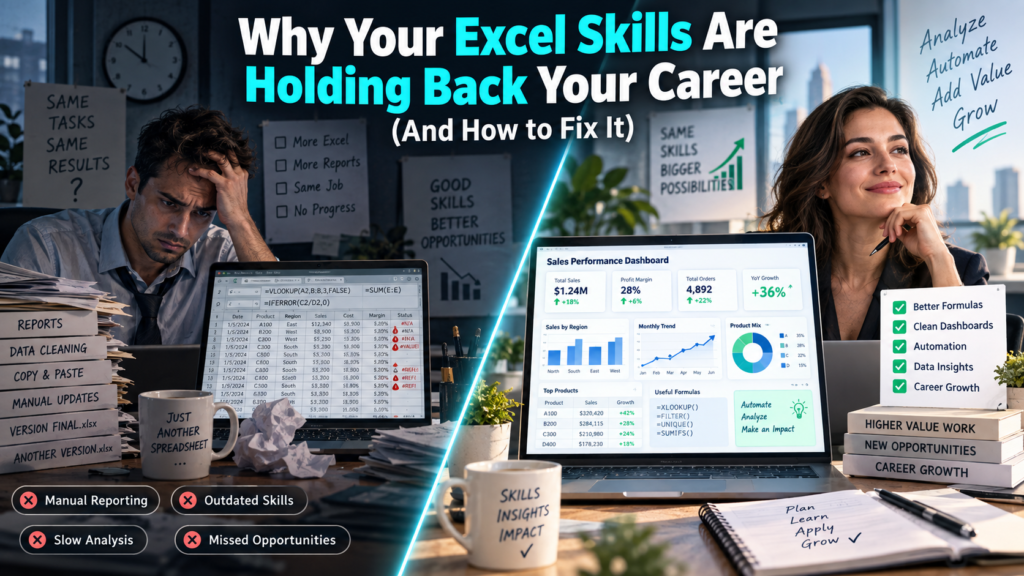
Excel skills holding back your career is a problem far more common than most professionals in Australia are willing to admit. You’ve been using Excel for years you can build a table, apply a filter, maybe even write a basic formula. But when a promotion comes up, or a new role asks for “advanced Excel,” you quietly hope nobody tests you on it. If that sounds familiar, you’re not alone, and it’s not a talent problem. It’s a training gap.
Across Sydney, Melbourne, Brisbane, Perth, Adelaide and Canberra, managers and HR teams still treat Excel as the default “you probably already know this” tool yet it’s quietly become one of the biggest gatekeepers between mid-level employees and senior, higher-paying roles. This guide breaks down exactly how basic Excel habits stall careers, and the specific skills that fix it.
1. You’re Still Doing Manual Work a Formula Should Do
If you’re retyping numbers, manually copying data between sheets, or recalculating totals by hand every week, you’re spending hours on tasks a single formula could finish in seconds. This is the single biggest sign that basic Excel habits are quietly costing you time and, by extension, your reputation as someone who works efficiently.
Common manual habits that signal a skills gap
- Manually re-entering data instead of using XLOOKUP or INDEX/MATCH
- Building the same report from scratch each month instead of using a template with linked formulas
- Eyeballing totals instead of using SUMIFS or COUNTIFS
- Formatting reports by hand instead of using Conditional Formatting rules
- Never touching Pivot Tables, even when summarising large datasets
2. Your Reports Don’t Look “Promotion Ready”
Two employees can submit the exact same numbers, and only one gets asked to present them to leadership because one report looks structured, filtered and easy to scan, while the other is a wall of raw data. Hiring managers in Melbourne and Sydney frequently mention this exact gap when explaining why technically capable employees get passed over for promotion: it’s not the numbers, it’s the presentation of the numbers.
This is a skills gap, not a personality trait and it’s directly fixable through structured, project-based training such as the Excel courses at excelcoursesonline.au, which focus on building reports the way managers actually expect to see them: clean, filtered, and formula-driven.
3. You Avoid Pivot Tables Because They “Look Complicated”
Pivot Tables remain one of the most requested Excel skills in Australian job ads, yet they’re also one of the most avoided features by self-taught users. Avoiding them isn’t a small gap it means spending hours manually summarising data that a Pivot Table could summarise in under a minute, and it’s an instant red flag in a live Excel test during an interview.
4. You Don’t Know Power Query and Neither Does Half Your Team
Power Query is quickly becoming the dividing line between “good with Excel” and “advanced Excel user” on Australian resumes. It lets you clean, merge and reshape messy data without a single manual copy-paste — a skill that directly maps to the kind of work data analysts and finance teams in Brisbane, Perth and Adelaide are increasingly expected to handle. If your Excel skills stopped at basic formulas, Power Query is usually the fastest-growing gap between you and the next pay grade.
5. You Can’t Explain Your Formulas to Anyone Else
If a colleague asks how a number in your spreadsheet was calculated and you can’t walk them through the formula logic, that’s a warning sign not because you did something wrong, but because it suggests the formula was copied or guessed rather than understood. Managers notice this quickly, and it quietly erodes trust in your reporting, even when the numbers are technically correct.
6. You’ve Never Automated a Repetitive Task
Employees who never move past manual, repetitive Excel work tend to plateau at the same responsibility level for years, simply because they’re seen as reliable executors rather than problem-solvers. Learning even basic automation dynamic formulas, simple macros, or Power Query refreshes signals to a manager that you can be trusted with bigger, less repetitive work.
7. You Freeze During Live Excel Tests in Interviews
Many Australian employers now test Excel skills live during interviews rather than relying on a resume claim. Candidates who list “Advanced Excel” but can’t build a Pivot Table or write a VLOOKUP/XLOOKUP on the spot lose credibility instantly and it’s one of the fastest ways a strong resume turns into a rejection. Structured practice with real interview-style tasks, such as those covered in the interview-style Excel courses at excelcoursesonline.au, closes this gap before it costs you an offer.
How to Fix an Excel Skills Gap: Step-by-Step
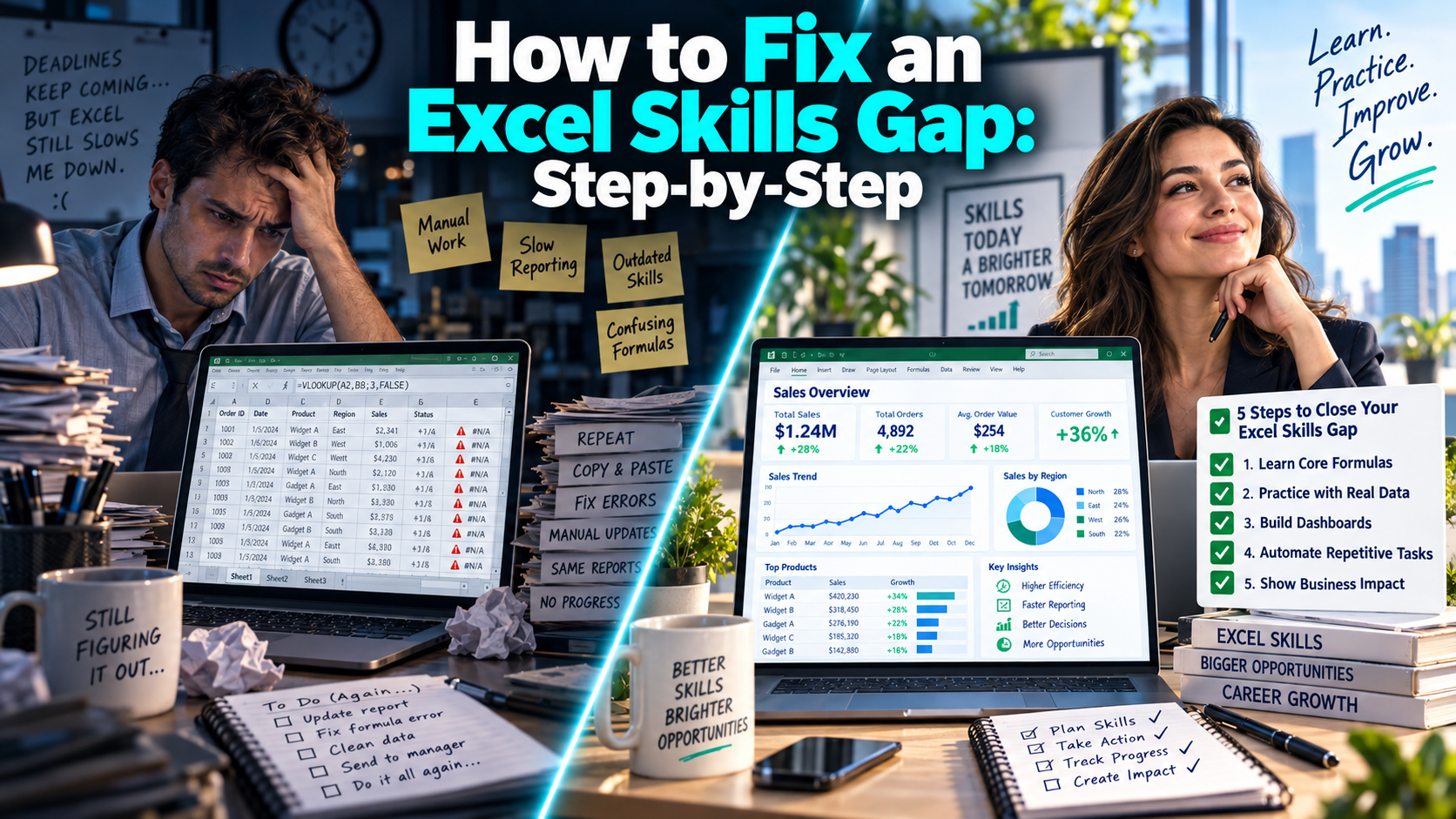
| Career-Limiting Habit | The Fix |
| Manually retyping or copying data | Learn XLOOKUP, INDEX/MATCH and SUMIFS/COUNTIFS |
| Messy, unformatted reports | Use Conditional Formatting, filters, and clean table structures |
| Avoiding Pivot Tables | Practise building Pivot Tables on real datasets weekly |
| No Power Query knowledge | Learn Power Query for data cleaning and merging |
| Repeating the same manual report monthly | Build a reusable, formula-linked template once |
| Freezing in live Excel interview tests | Practise timed, real-world Excel tasks before interviews |
Where Advanced Excel Skills Lead Next
Advanced Excel is rarely the final destination it’s usually the bridge to the next stage of a data-focused career. Many professionals who close their Excel skills gap go on to build dashboarding skills with the Power BI course at powerbicourse.au, turning the same reporting instincts they built in Excel into interactive, business-wide dashboards a path that consistently leads to better-paid, more visible roles.
Frequently Asked Questions
How do I know if my Excel skills are holding back my career?
Common signs include manually redoing work that formulas could automate, avoiding Pivot Tables, struggling to explain your own formulas, and freezing during live Excel tests in interviews.
What Excel skills do Australian employers ask for most?
Pivot Tables, XLOOKUP/INDEX-MATCH, SUMIFS/COUNTIFS, Conditional Formatting, and increasingly Power Query appear most frequently in Australian job ads and technical interview tests.
How long does it take to close an Excel skills gap?
Most working professionals see a noticeable improvement within 4–8 weeks of structured, project-based practice, rather than passive tutorial watching.
Final Thoughts
Excel skills holding back your career is a fixable problem, not a fixed trait. The professionals who move past it in Sydney, Melbourne, Brisbane, Perth, Adelaide and Canberra are the ones who treat Excel as a skill worth deliberately upgrading Pivot Tables, Power Query, and clean formula-driven reporting rather than something they’ll “pick up eventually.”
If you’re ready to close the gap, Logitrain offers structured, practical training, and the excelcoursesonline.au and powerbicourse.au microsites are built specifically around the skills employers actually test for.