


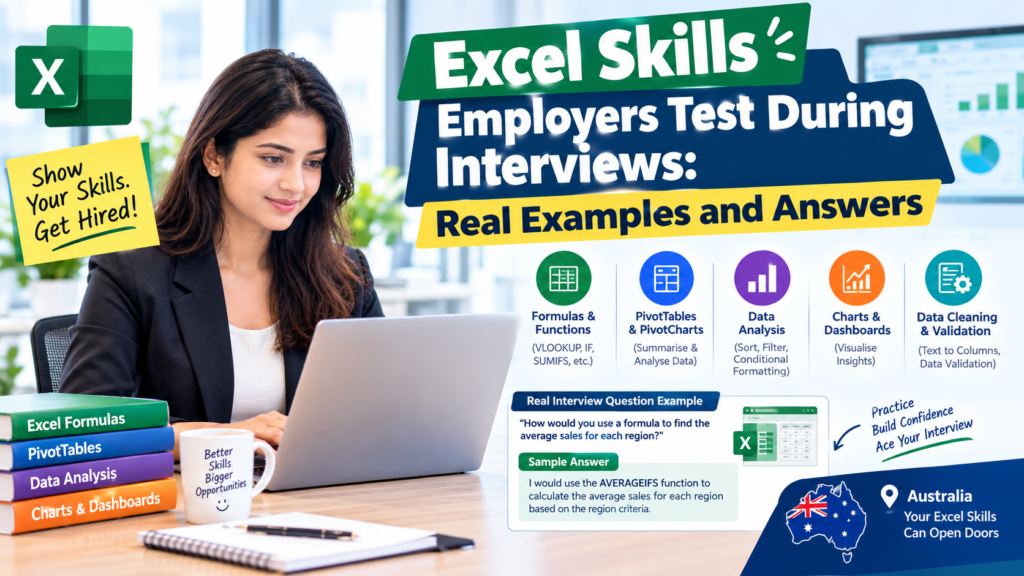
Most job seekers assume an Excel question means “do you know VLOOKUP?” In reality, the Excel skills employers test in interviews across Australia today go well beyond formulas hiring managers in Sydney, Melbourne, Brisbane, Perth, Adelaide and Canberra are now handing candidates a live spreadsheet task, a messy data file, or a screen-share exercise and watching how they think, not just what they click. This guide walks through the real tests companies run, with sample tasks and the answers that actually pass.
Why Employers Test Excel Live Instead of Asking Theory Questions
A candidate can memorise formula names, but a live task exposes whether they can actually clean, analyse and present data under time pressure. Recruitment agencies and in-house hiring teams across Melbourne’s finance sector and Sydney’s professional services firms increasingly use a shared-screen exercise or a short take-home file instead of a verbal Q&A round. Brisbane and Perth employers in resources and logistics follow the same approach, often built around a real (anonymised) report from their own business.
The Excel Skills Employers Test in Interviews, With Real Examples
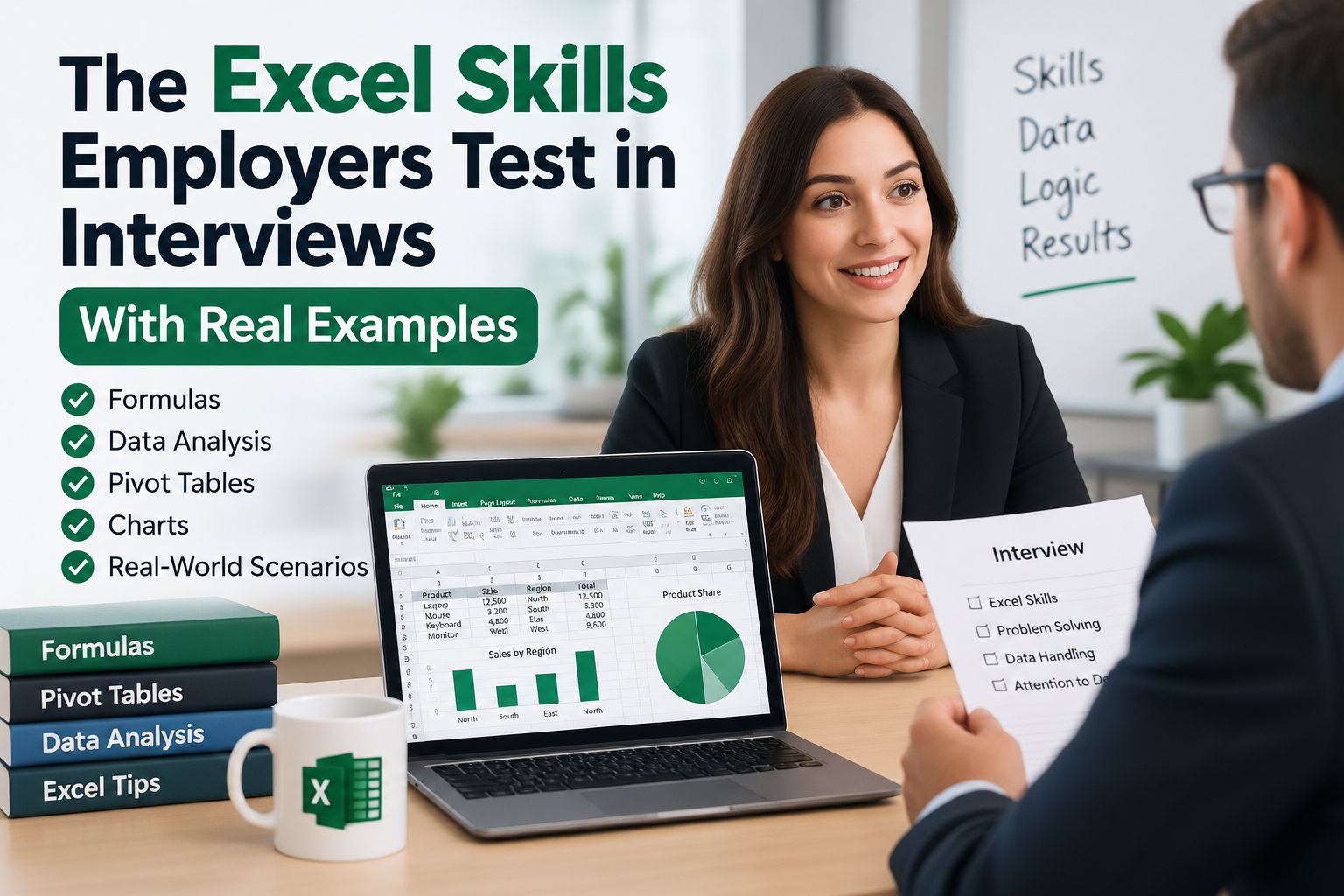
1. Data Cleaning Under Time Pressure
Real test: “Here’s a spreadsheet of 2,000 customer records with duplicate rows, inconsistent date formats and blank cells. Clean it in 10 minutes.”
What passes: using Remove Duplicates, TEXT or DATEVALUE to standardise dates, and Find & Replace or Flash Fill for formatting fixes while narrating your steps out loud. Employers are checking whether you spot the mess before touching a single formula.
2. VLOOKUP, INDEX-MATCH and XLOOKUP
Real test: “Match employee names in Sheet 1 to salaries in Sheet 2 without copy-pasting.”
What passes: XLOOKUP is now the expected answer in 2027 because it searches in both directions and handles missing matches cleanly with an IFNOTFOUND-style default. Mentioning why you’d avoid a plain VLOOKUP (it breaks when columns move) shows depth, not just recall.
3. Pivot Tables and Summarised Reporting
Real test: “Turn this raw sales export into a one-page summary by region and month.”
What passes: building a Pivot Table with rows for region, columns for month, and a calculated field for growth then adding a simple Pivot Chart. Interviewers in Sydney and Melbourne retail and FMCG roles use this exact task because it mirrors real weekly reporting.
4. Formula Auditing and Fixing Broken Spreadsheets
Real test: “This formula returns #REF! find and fix it.”
What passes: using Trace Precedents/Trace Dependents or the Evaluate Formula tool rather than guessing. Employers want to see a debugging process, since inherited spreadsheets with broken links are common in real jobs.
5. Conditional Logic and Nested Formulas
Real test: “Flag any order over $10,000 as ‘High Value’, between $1,000–$10,000 as ‘Standard’, and under $1,000 as ‘Low’.”
What passes: a clean nested IF or, better, an IFS formula. Candidates who reach for IFS instead of stacking multiple IFs signal they’re current with modern Excel functions.
6. Data Validation and Error-Proofing
Real test: “Set up a dropdown list so this column can only accept ‘Open’, ‘In Progress’ or ‘Closed’.”
What passes: Data Validation with a List source, plus an explanation of why this prevents downstream reporting errors a detail that matters to Canberra government and compliance-heavy employers.
7. Charting and Visual Storytelling
Real test: “Show which product line is declining fastest, in one chart.”
What passes: choosing the right chart type (usually a line or combo chart, not a default pie chart), removing chart clutter, and adding a one-line takeaway label showing you can communicate, not just chart.
8. Power Query for Repeatable Data Prep
Real test: “Combine these three monthly CSV files into one table that updates automatically next month.”
What passes: using Power Query’s “Get Data” and “Combine Files” feature rather than manual copy-paste. This has become a common differentiator question in Melbourne and Perth analyst interviews since it tests whether a candidate can build something reusable.
How Employers Score These Tasks
- Process over speed narrating your thinking usually scores higher than silently rushing to an answer.
- Accuracy checks most panels deliberately plant an error to see if you catch it.
- Communication can you explain the result to someone non-technical in one sentence.
- Modern function choice XLOOKUP, IFS and Power Query over outdated equivalents.
How to Prepare Before Your Interview
- Practise on messy, real-world style data rather than clean textbook examples.
- Time yourself on a 10–15 minute cleaning and pivot-table task.
- Learn to narrate your steps out loud this is what separates a pass from a borderline result.
- Get comfortable with Power Query if your target role is analyst-level rather than admin-level.
Certifications and Courses That Build These Exact Skills
Structured, guided practice consistently outperforms self-taught YouTube learning for this kind of live test, because a course forces you through the same messy-data and pivot-table scenarios employers actually use.
- Build job-ready spreadsheet skills with an Excel Course covering formulas, Pivot Tables, Power Query and dashboarding.
- Extend into dashboarding and reporting with a Power BI Course for roles that combine Excel with BI tools.
- Explore the full IT and business skills catalogue at Logitrain, Australia’s long-established training provider.
Further Reading
- Current Excel-skilled job vacancies across Australia on SEEK.
- Official function reference for XLOOKUP, IFS and Power Query from Microsoft Support.
Final Tips Before Your Interview
- Ask what version of Excel the company uses older environments may not have XLOOKUP or dynamic arrays.
- Bring one spreadsheet project you built end-to-end, ideally with a Pivot Table and a chart.
- Practise the live-screen-share format specifically it feels different to working alone.
Ready to walk into your next interview able to handle any live Excel test? Explore the full Excel Course at excelcoursesonline.au and build the exact skills Sydney, Melbourne, Brisbane, Perth, Adelaide and Canberra employers are testing for in 2027.