




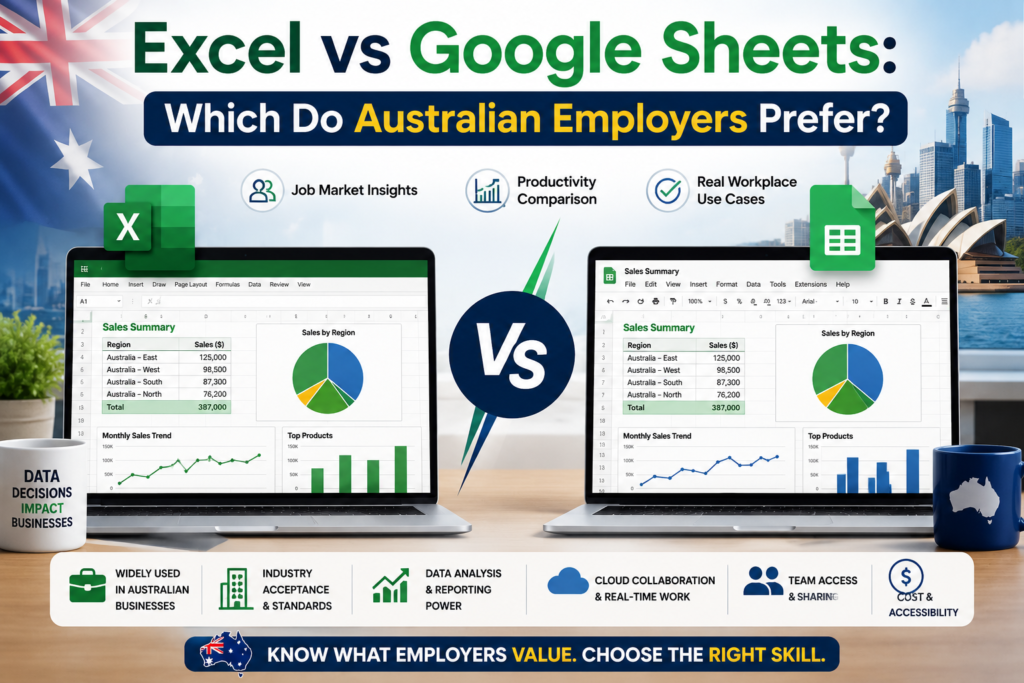
Excel vs Google Sheets is one of the most Googled career-skills questions in Australia right now, and honestly, the answer isn’t as simple as either side likes to make out. Walk into any office in Sydney, Melbourne, Brisbane, Perth, Adelaide or Canberra and you’ll find teams split down the middle finance running on Excel, marketing living in Google Sheets, and everyone arguing about which one actually gets you hired.
So we pulled apart job ads, spoke to recruiters, and looked at what employers actually type into their “required skills” box. Here’s the honest breakdown not the vendor-marketing version.
Why This Comparison Actually Matters for Australian Job Seekers
Spreadsheet skills sit quietly in almost every job description, from admin assistant to financial analyst to operations manager. Most candidates never question which tool the ad means they just assume “spreadsheets” is generic. It isn’t. When a Sydney accounting firm lists “advanced Excel” as essential, they mean pivot tables, VLOOKUP/XLOOKUP, and macros not a general familiarity with rows and columns. Get the tool wrong and you can walk into an interview under-prepared for a skills test.
What Australian Employers Actually List in Job Ads
- Finance, banking and accounting roles (Sydney, Melbourne): Excel named explicitly, often with “pivot tables” and “financial modelling” in the same line.
- Government and public sector (Canberra): Excel remains the default, largely due to legacy systems and procurement standards.
- Marketing, startups and tech (Melbourne, Brisbane): Google Sheets appears far more often, usually paired with Google Ads or Analytics.
- Mining, engineering and logistics (Perth, Adelaide): Excel dominates, tied to enterprise reporting tools like SAP and Power BI.
- Small business and retail: a genuine mix, often dictated by whichever tool the owner already uses.
Excel vs Google Sheets: Feature-by-Feature Comparison
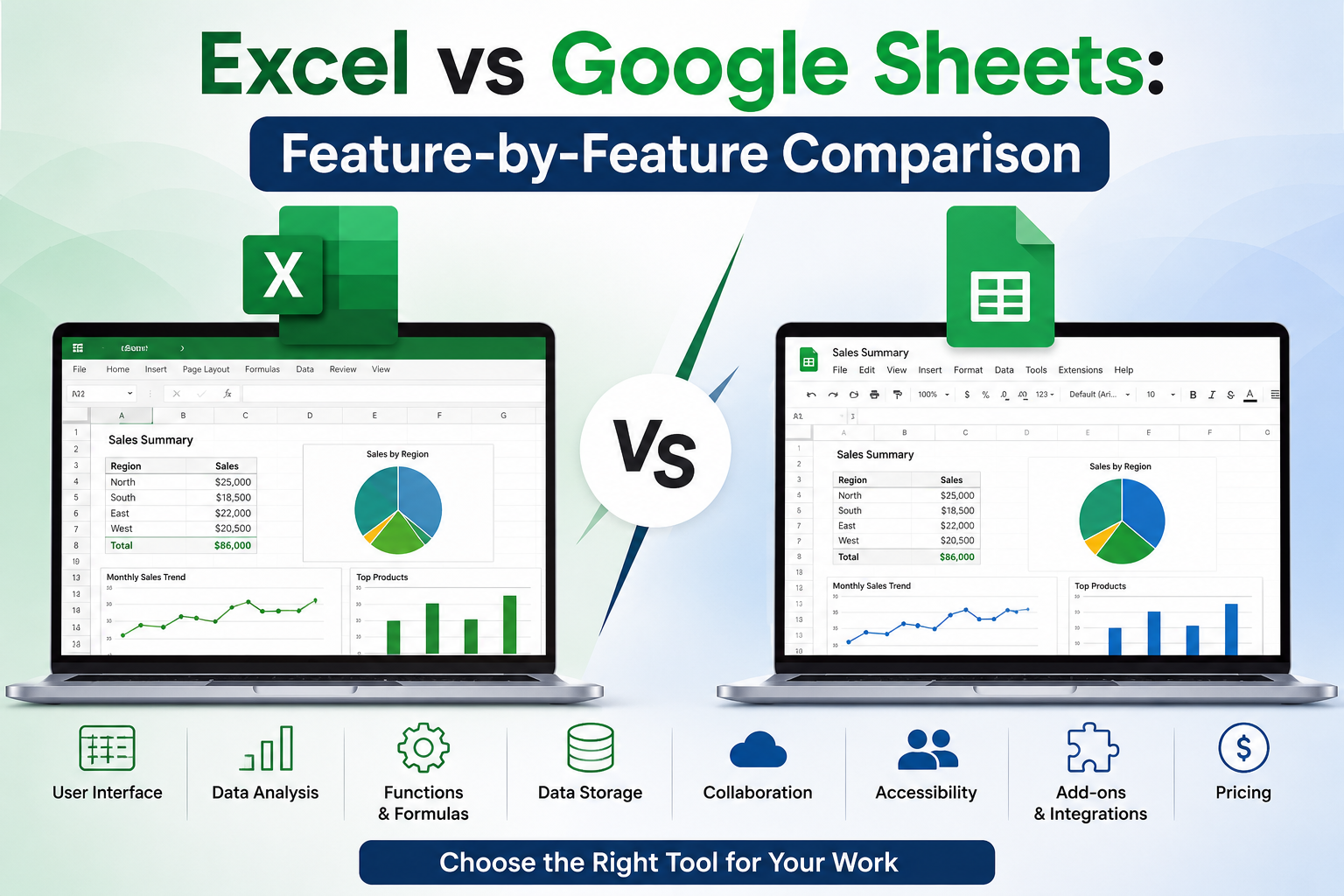
| Feature | Microsoft Excel | Google Sheets |
| Real-time collaboration | Limited (via OneDrive/365) | Native, seamless |
| Advanced formulas & modelling | Best-in-class (Power Query, Power Pivot) | Good, but fewer advanced functions |
| Handling very large datasets | Stronger for 100k+ rows | Can slow down at scale |
| Macros / automation | VBA — deep, mature | Apps Script — flexible, cloud-based |
| Cost | Paid (Microsoft 365 licence) | Free with a Google account |
| Offline access | Full offline functionality | Requires setup, more limited |
| Integration with BI tools | Deep Power BI integration | Strong with Google Data Studio/Looker |
| Enterprise/legacy system fit | Preferred by large Australian corporates | Preferred by agile/startup teams |
Where Google Sheets Wins
Google Sheets earns its place in fast-moving teams. Real-time co-editing, instant sharing via a link, and native integration with Google Ads, Analytics and Forms make it the default for marketing teams and startups across Melbourne and Brisbane. It’s also free, which matters for small businesses and sole traders who don’t want an ongoing Microsoft 365 subscription just to manage a budget.
Where Microsoft Excel Still Wins in the Excel vs Google Sheets Debate
Excel still holds the line in every sector that runs on large datasets, financial modelling or legacy enterprise systems. According to Microsoft’s own Excel product page, features like Power Query, Power Pivot and dynamic arrays remain unmatched for heavy financial analysis which is exactly why Australian banks, insurers and government departments haven’t moved off it. Google Workspace’s Sheets documentation is upfront that Sheets is built for collaboration first, not computational scale a fair trade-off, just not the one finance teams need.
Industry-by-Industry: Who Prefers What
Labour market data backs up the anecdotal split. Job-ad analysis from Seek’s hiring trends reports consistently shows “Excel” listed as a named requirement far more often than “Google Sheets” across finance, admin, operations and analyst roles the biggest employment categories in Australia. The Australian Bureau of Statistics labour force data shows clerical, administrative and financial services roles remain among the largest employing categories nationally, and these are precisely the roles where Excel is the named, tested skill at interview stage.
- Banking & Financial Services: Excel required, often tested live in interviews
- Government (Federal & State): Excel standard, procurement often locks in Microsoft 365
- Marketing & Media: Google Sheets common, Excel still preferred for budget reporting
- Mining & Resources: Excel dominant, tied to enterprise ERP systems
- Startups & SaaS: Google Sheets by default, Excel for board-level financial reporting
How to Build Excel Skills Australian Employers Actually Trust
If the job ads say Excel, the smartest move is a recognised, structured course rather than picking it up piecemeal from YouTube recruiters and hiring managers do ask for proof, especially for finance, analyst and operations roles.
Frequently Asked Questions About Excel vs Google Sheets in Australia
Is Excel or Google Sheets more in demand in Australia?
Excel is still named more often in Australian job ads overall, particularly in finance, banking, government and operations roles. Google Sheets is catching up fast in marketing, startups and small business, but Excel remains the safer skill to list first on a resume.
Do I need to learn both Excel and Google Sheets?
Ideally yes. The two tools share most core logic (formulas, pivot tables, charts), so once you’re solid in Excel, Google Sheets takes very little extra effort. Most Australian professionals end up using both depending on the employer.
Which one is better for a career in finance or accounting?
Excel, without much debate. Financial modelling, Power Query and Power Pivot are still the industry standard in Australian banking, accounting and insurance, and most interview skills tests are built around Excel specifically.
Is Google Sheets good enough for small businesses?
For most small businesses, yes. Google Sheets is free, collaborative, and covers everything from budgeting to simple reporting without a Microsoft 365 subscription. It becomes limiting once datasets grow large or complex modelling is needed.
Will learning Excel help me if my employer uses Google Sheets?
Yes. Formula logic, pivot tables and data structuring skills transfer almost directly between the two platforms, so an Excel qualification still strengthens a Google Sheets-based role.
Bottom line: in the Excel vs Google Sheets decision, Excel remains the safer, more universally recognised skill for Australian job seekers, especially in finance, government and enterprise roles, while Google Sheets is the practical everyday tool in agile and small-business settings. The strongest candidates simply learn both.