




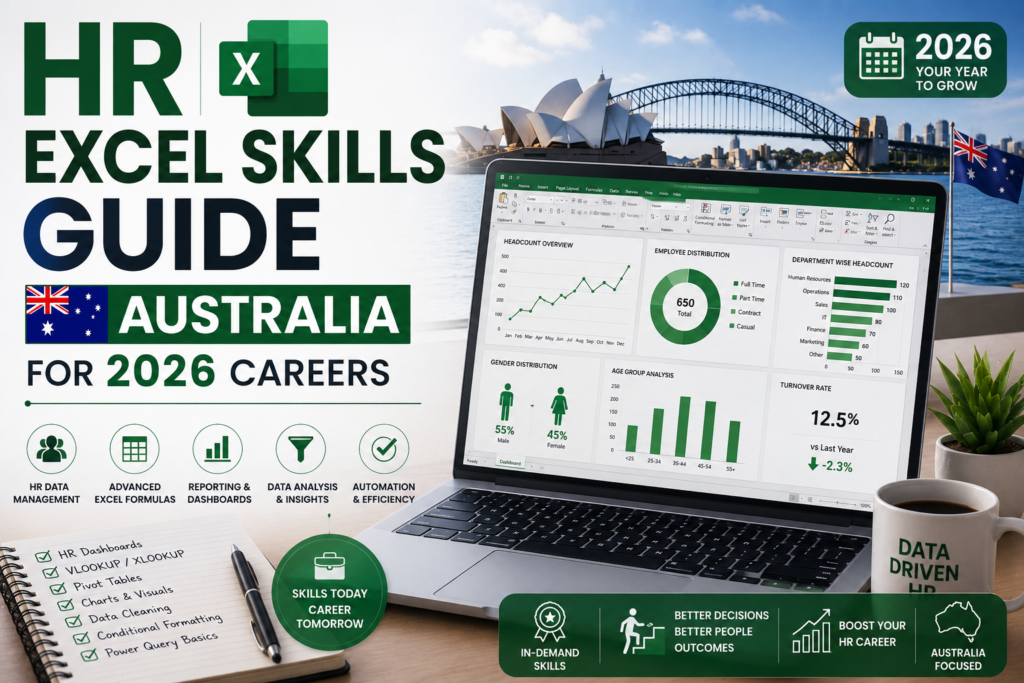
Strong Excel for HR professionals skills have quietly become one of the most requested capabilities on HR job ads across Sydney, Melbourne, Brisbane, Perth, Adelaide and Canberra in 2026. Even in businesses running Workday or SuccessFactors, HR teams still lean on Excel for headcount reports, payroll checks, leave reconciliations and board reporting. This guide breaks down exactly which Excel skills for HR you need this year, why employers are testing for them, and how to build them quickly.
Why Excel for HR Professionals Still Matters in 2026
HR Information Systems have improved, but they rarely export data in a board-ready format. Recruiters and HR managers across Australia routinely pull data out of an HRIS and into Excel to reconcile headcount, model salary bands, or prepare a diversity and attrition report for leadership. That gap is exactly why Excel for HR professionals remains a core, non-negotiable skill rather than a nice-to-have – and why it now appears as a screening question in most Australian HR interviews.
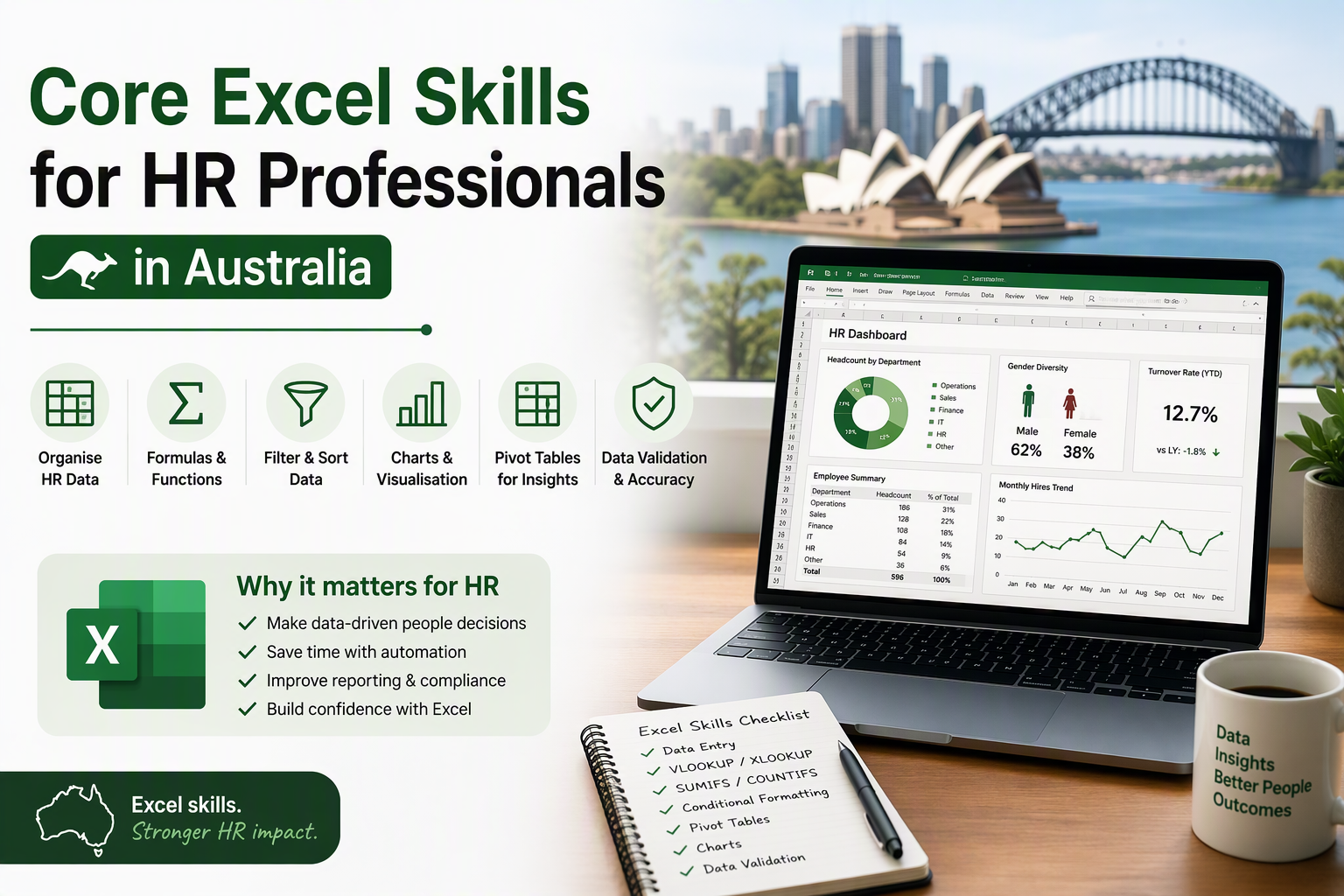
Core Excel Skills for HR Professionals in Australia
1. Pivot Tables for Headcount and Turnover Reporting
Pivot Tables let HR teams summarise hundreds of employee records into a headcount-by-department or turnover-by-tenure view in seconds, without writing a single formula. This is the single most-used Excel feature in Australian HR teams for monthly board packs.
2. VLOOKUP and XLOOKUP for Merging HR Data
HR data typically lives across payroll exports, the HRIS, and manual leave trackers. XLOOKUP (or VLOOKUP in older workbooks) lets you match employee IDs across these sources to build one clean, single source of truth before reporting.
3. Conditional Formatting for Compliance Flags
Conditional formatting is widely used to flag overdue performance reviews, expiring visas or work rights, and probation end dates – a common compliance requirement across Australian workplaces.
4. IF, IFS and Nested Formulas for Payroll and Leave Calculations
HR teams use IF and IFS formulas to calculate leave accrual, overtime eligibility, and award-based pay tiers, particularly in industries covered by Modern Awards and Fair Work pay guides.
5. Data Validation for Clean HR Data Entry
Drop-down lists and data validation rules stop inconsistent entries (e.g. “Sydney”, “sydney”, “SYD”) from breaking a pivot table or report further down the line.
6. Dashboards and Charts for Executive HR Reporting
Combining Pivot Tables with simple charts lets HR professionals build a one-page dashboard covering headcount, attrition, diversity ratios and time-to-hire for monthly leadership updates.
Excel Skills Employers Test For in HR Job Interviews
How would you calculate staff turnover rate in Excel?
Divide the number of employees who left in a period by the average headcount for that period, then multiply by 100 – typically built using a simple formula referencing two Pivot Table summaries.
How would you merge payroll data from two different systems?
Use XLOOKUP or VLOOKUP matched on a unique employee ID to pull matching fields (such as pay rate or department) from one sheet into another before reconciling totals.
How do you flag employees approaching the end of probation?
Use a formula comparing today’s date to the start date plus the probation period, combined with conditional formatting to highlight records within a set number of days.
How would you present headcount by department to the leadership team?
Build a Pivot Table summarising headcount by department, then insert a Pivot Chart for a clean, one-glance visual suitable for a board pack.
How Excel Skills Affect HR Salaries Across Australian Cities (2026)
Employers consistently pay a premium for HR professionals who can self-serve on reporting rather than relying on a data or systems team. According to Seek’s HR salary data, indicative HR Advisor/Officer base salaries for 2026 are:
| City | HR Officer/Advisor | HR Manager |
| Sydney | AU$75 | 000-$95 |
| Melbourne | AU$72 | 000-$92 |
| Brisbane | AU$68 | 000-$88 |
| Perth | AU$70 | 000-$90 |
| Adelaide | AU$65 | 000-$85 |
| Canberra | AU$75 | 000-$95 |
Figures are indicative ranges based on public salary aggregators and current job listings, and will vary by employer, industry and demonstrated Excel/reporting ability.
How HR Professionals Can Build These Excel Skills
Most HR teams pick up basic Excel on the job but never formalise Pivot Tables, lookups or dashboarding – which is exactly where a structured course closes the gap fastest.
- Build job-ready reporting skills with a dedicated Excel course for HR and business professionals covering Pivot Tables, XLOOKUP, dashboards and payroll-style formulas.
- Pair Excel with visual reporting through a Power BI course if your HR team is moving toward live, self-updating dashboards.
- Explore broader HR analytics and data skills via Logitrain’s full training catalogue, with instructor-led sessions available across Sydney, Melbourne, Brisbane, Perth, Adelaide and Canberra.
- Practise on real HR-style datasets (headcount, leave, payroll) rather than generic exercises, since interviewers often ask about HR-specific scenarios.
Frequently Asked Questions
What Excel skills do HR professionals need most in Australia?
Pivot Tables, XLOOKUP/VLOOKUP, IF/IFS formulas, conditional formatting and basic dashboarding cover the vast majority of day-to-day HR reporting tasks.
Do HR professionals still need Excel if the company uses an HRIS like Workday?
Yes – most HRIS platforms export raw data that still needs to be cleaned, merged and reported in Excel for board packs, audits and ad-hoc leadership requests.
Is an Excel course worth it for HR career progression in Australia?
A structured course typically pays for itself quickly, since HR professionals who can self-serve on reporting are considered for more senior, strategic HR roles sooner.
How long does it take to learn Excel for HR reporting?
Most HR professionals can become confident with Pivot Tables, lookups and basic dashboards within a few weeks of structured, HR-focused practice.
Final Thoughts
As HR roles across Australia become more data-driven, Excel for HR professionals is no longer optional – it is the skill that separates HR generalists from HR professionals trusted with board-level reporting. Build these skills with a structured Excel course at excelcoursesonline.au, or explore the wider Logitrain training catalogue for instructor-led options across Sydney, Melbourne, Brisbane, Perth, Adelaide and Canberra.