



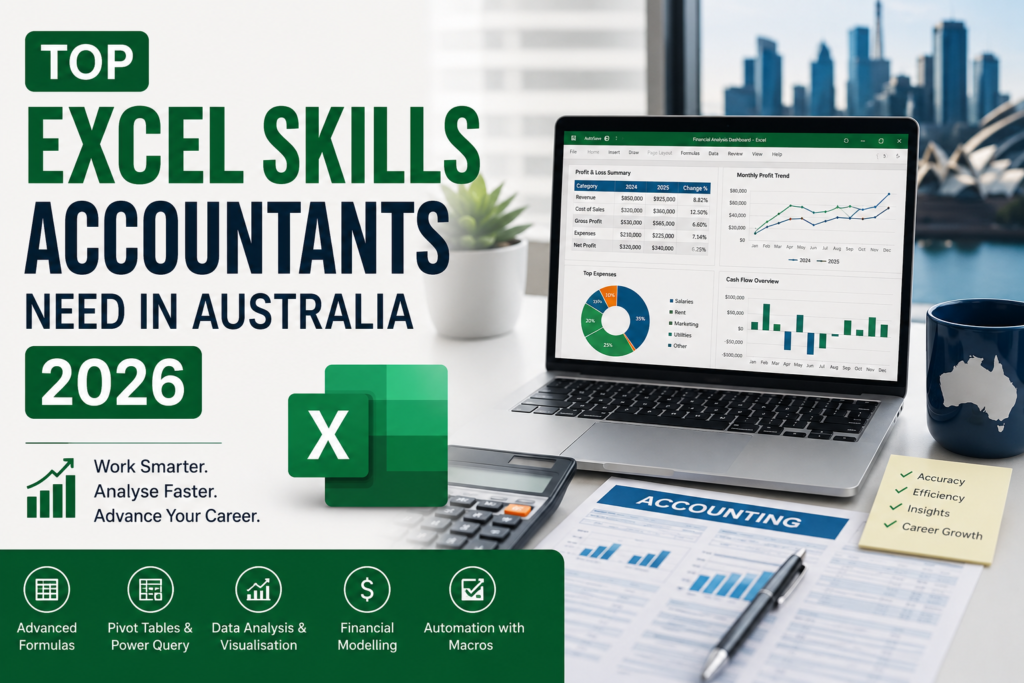
Excel for Accountants in Australia isn’t a “nice to have” line on a resume anymore it’s usually the first thing a recruiter filters for. Open almost any accounting or finance job ad right now, from a graduate accounts role in Adelaide to a financial controller position in Sydney, and Microsoft Excel sits near the top of the required skills, right alongside Xero, MYOB, and a CPA Australia or Chartered Accountants ANZ membership. What’s shifted for 2026 isn’t whether accountants need Excel it’s exactly which Excel skills get you shortlisted, and which ones no longer impress anyone.
This guide breaks down the formulas, tools, and habits that Australian employers are actually screening for this year, and where to focus your learning if you want your CV to hold up against the competition.
Why Excel Still Matters for Accountants in Australia
Cloud accounting platforms like Xero and MYOB handle the bookkeeping, but Excel is still where the real analysis happens budgets, variance reports, board packs, and the ad-hoc reconciliations that don’t fit neatly into an ERP export. According to CA ANZ’s 2026 skills outlook, the accountants who get ahead this year are the ones using Excel and AI tools together to pull insight out of financial data quickly, then communicate it clearly not the ones who can just enter numbers accurately. That’s the real shift behind Excel for accountants in Australia: from data entry to data storytelling.
Employers registered with CPA Australia and firms preparing lodgements for the Australian Taxation Office both expect the same baseline: clean, auditable spreadsheets that other people can pick up and understand without a walkthrough. That expectation hasn’t changed. What has changed is how much of the spreadsheet employers now expect to be automated rather than built by hand every month.
The Excel Formulas Employers Expect You to Know
These are the formulas that keep showing up in accounting and finance job ads across Australia in 2026 not because they’re new, but because they’re the ones that separate a candidate who can “use Excel” from one who can actually do the job.
| Formula | What it does | Where accountants use it |
| XLOOKUP | Finds and pulls matching data across tables; replaces VLOOKUP | Reconciling ledgers, matching invoice numbers across systems |
| SUMIFS / COUNTIFS | Totals or counts data against multiple conditions | GST summaries, cost-centre reporting, BAS prep |
| IF / IFS / nested IF | Flags exceptions based on set conditions | Overdue invoice flags, variance thresholds |
| INDEX/MATCH | Flexible two-way lookups across rows and columns | Budget-vs-actual comparisons across periods |
| Power Query | Imports and cleans data from bank feeds or ERP exports | Month-end reconciliations without manual copy-paste |
| PivotTables | Summarises large datasets into readable reports | Management reports, board packs, KPI dashboards |
If XLOOKUP is still new to you, Microsoft’s own reference guide is a solid starting point but most accountants pick it up faster in a structured course where it’s taught alongside real reconciliation scenarios rather than isolated examples.
Beyond Formulas: The Skills Employers Are Now Screening For
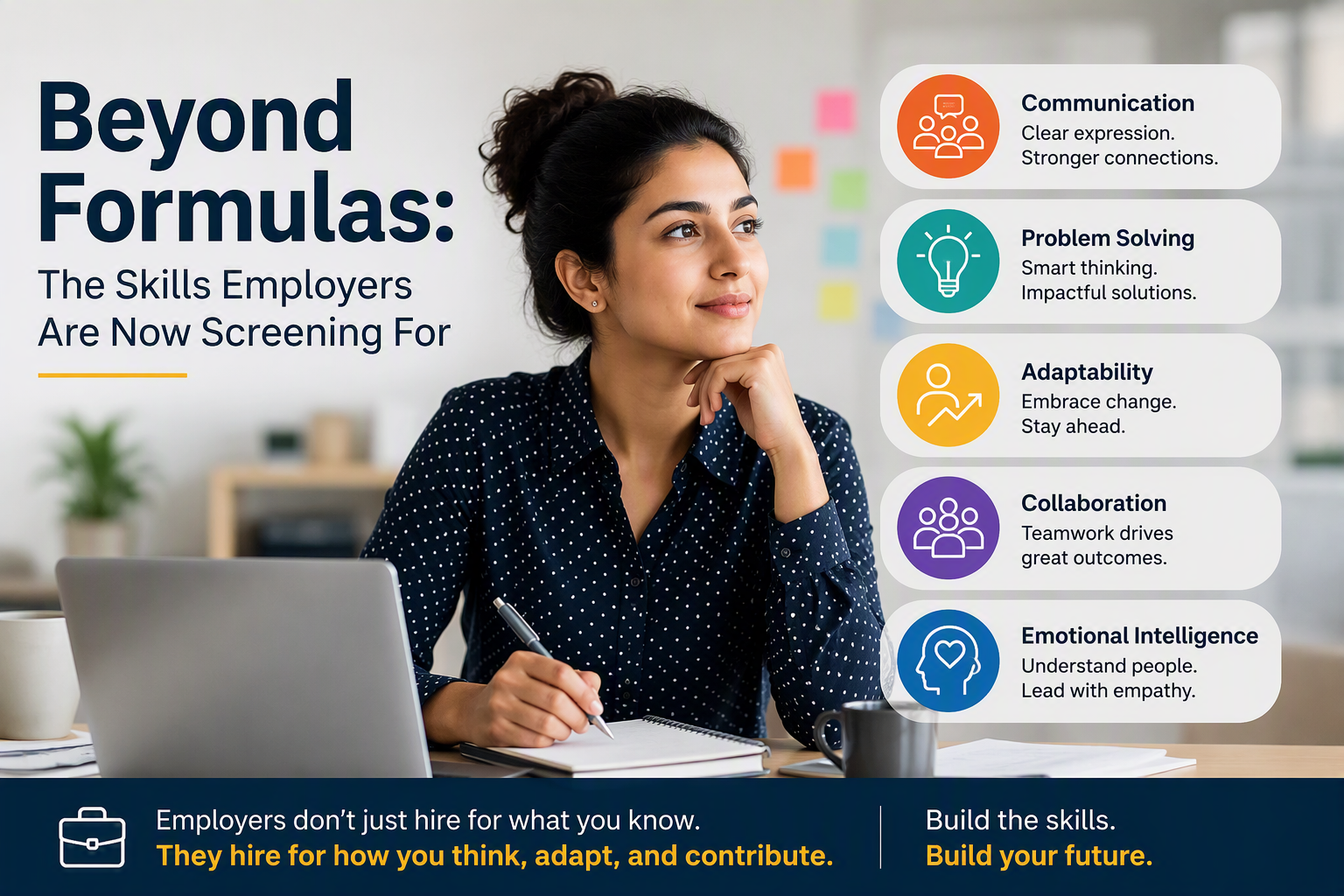
Knowing the formulas above gets you in the door. What keeps you competitive for 2026 is a step further the workflow and analysis skills that let you turn a spreadsheet into something a manager or client can act on.
- Data cleaning and automation with Power Query, so month-end doesn’t mean re-typing figures by hand
- Building PivotTables and PivotCharts into simple, self-updating dashboards
- Basic data visualisation literacy knowing when a chart tells the story better than a table of numbers
- Comfort using AI-assisted features inside Excel to speed up analysis, without losing the ability to check the numbers yourself
- Macro or VBA basics for repetitive reporting tasks, particularly in larger finance teams
This lines up with what CA ANZ is telling members directly: AI fluency and data visualisation are now named as priority skills for accountants, alongside the technical fundamentals. Excel remains the tool most firms use to practise all of it.
How Excel Demand Differs Across Australian Cities
The core Excel skills for accountants don’t really change from state to state but the mix of industries hiring for them does, and it’s worth knowing what’s driving demand where you’re based:
- Sydney — financial services and corporate finance roles, where reconciliation speed and reporting accuracy in Excel are non-negotiable
- Melbourne — a broad mix of professional services and mid-size firms, with steady demand for PivotTable and dashboard skills
- Brisbane — growth in construction and property accounting, where Excel handles project cost tracking alongside the ledger
- Perth — resources and mining sector finance teams, often looking for Excel skills that pair with Power BI reporting
- Adelaide — manufacturing and government-adjacent accounting roles, with a strong emphasis on clean, auditable spreadsheets
- Canberra — public sector and not-for-profit finance roles, where compliance-ready reporting in Excel is standard
How to Build These Skills Without Going Back to Uni
None of this requires a return to full-time study. Most accountants who make the jump from basic to job-ready Excel do it through short, structured, practical training built around real workplace scenarios reconciliations, board reports, and BAS-style summaries rather than generic tutorials.
Frequently Asked Questions
Do accountants need Power BI, or is Excel still enough?
Excel is still the baseline for accountants in Australia, but employers increasingly like to see some familiarity with Power BI or similar dashboarding tools, especially in larger finance teams that report to management regularly.
Is VLOOKUP still worth learning, or should I go straight to XLOOKUP?
Learn XLOOKUP first. It does everything VLOOKUP does, avoids its common errors, and is what most modern job ads and workplaces now expect. VLOOKUP is still worth recognising since older files still use it.
How long does it take to become job-ready in Excel for an accounting role?
Most learners with basic spreadsheet experience can reach a job-ready level confident with formulas, PivotTables and Power Query within a few weeks of focused, structured practice, rather than months.
The Bottom Line
Excel for accountants in Australia has moved well past data entry. The accountants standing out in 2026 are the ones who can build a clean formula, automate the boring parts of month-end with Power Query, and turn a spreadsheet into a report someone else can actually use. That’s a learnable skill set not a personality trait and it’s exactly what a structured course is built to teach.