




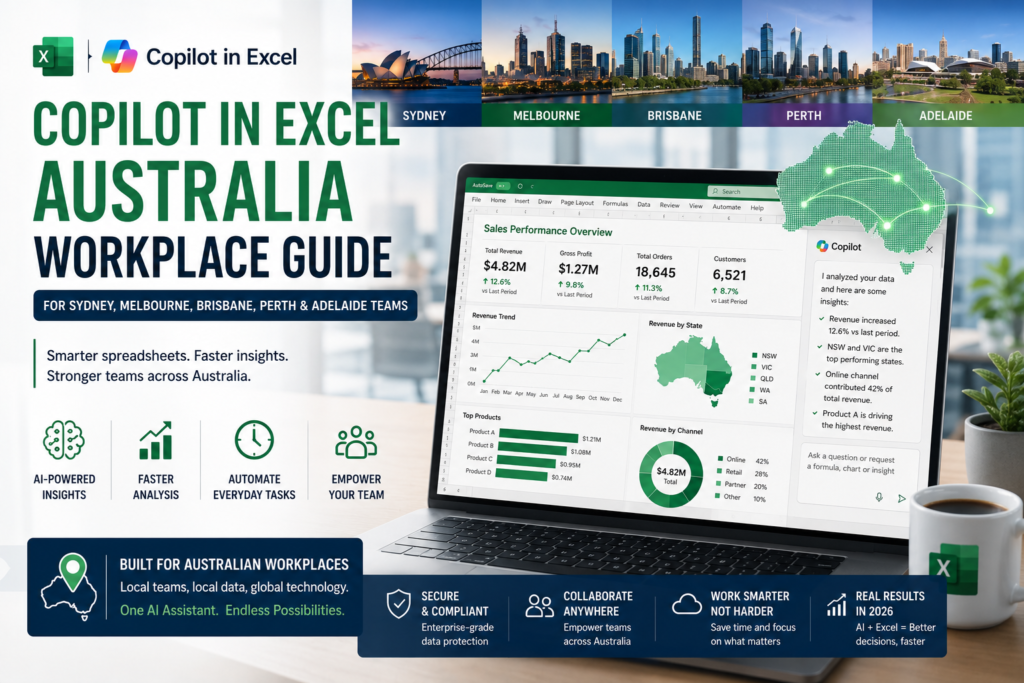
Copilot in Excel Australia is becoming one of the most searched and practical topics for modern spreadsheet users in 2026. Across Australia, Excel is still one of the most widely used workplace tools, but the way people use it is changing fast. From finance teams in Sydney to administrators in Melbourne, project staff in Brisbane, small business owners in Perth, and reporting teams in Adelaide, more professionals are starting to combine traditional Excel skills with AI support inside Microsoft 365
If you have ever spent too much time cleaning spreadsheets, building formulas manually, summarising data for a manager, or preparing a quick chart before a meeting, this shift matters. Copilot now sits directly inside Excel and helps users work faster by turning plain-English instructions into useful spreadsheet actions. It can assist with formulas, summaries, charts, PivotTables, formatting, and multi-step workbook changes. That does not mean Excel skills are no longer important. In fact, the opposite is true. The professionals who benefit most from Copilot are the ones who already understand the purpose of the spreadsheet and know what result they want.
Why Copilot in Excel Australia matters in 2026

The reason Copilot in Excel Australia matters is simple: Australian workplaces still run on spreadsheets. Businesses use Excel for monthly reporting, payroll checks, budget tracking, sales summaries, project planning, performance dashboards, data exports, and day-to-day administration. In many roles, Excel remains the bridge between raw data and practical decision-making. What is different in 2026 is that Microsoft has expanded Copilot’s role inside Excel. Instead of only answering questions, Copilot can now help users plan actions step by step, make direct edits to a workbook, highlight what changed, and support more advanced analysis in supported environments.
For people working in Sydney, Melbourne, Brisbane, Perth, or Adelaide, that means faster reporting and less time lost on repetitive spreadsheet work. A finance officer can summarise quarterly costs more quickly. An operations manager can spot patterns in a messy table. A project coordinator can turn a tracker into something more readable before a meeting. A small business owner can save time on weekly admin. That is where Copilot in Excel Australia becomes highly relevant for real jobs, not just for tech enthusiasts.
How Copilot in Excel Australia works in real workplaces
One of the biggest reasons people are interested in Copilot in Excel Australia is that it feels more natural than traditional spreadsheet work. Instead of searching for the correct formula syntax for every task, you can describe what you need in clear everyday language. You might ask Excel to summarise sales by month, highlight duplicate invoice numbers, create a dashboard, explain an outlier, or build a PivotTable comparing branch performance. Copilot helps translate those requests into actions inside the workbook.
That is especially useful in Australian workplaces where teams often move quickly and wear multiple hats. In Sydney finance teams, Excel is often used for reconciliations, forecasts, and management reporting. In Melbourne admin roles, spreadsheets are used for records, scheduling, and operational support. In Brisbane, teams frequently rely on Excel for KPI reporting and branch summaries. In Perth, small and medium-sized businesses use Excel for practical business tracking. In Adelaide, project and coordination teams often depend on spreadsheets for timelines, resources, and updates. In all of these settings, Copilot in Excel Australia can reduce manual effort and help people spend more time interpreting results rather than assembling them.
Real prompts you can use with Copilot in Excel Australia
The easiest way to understand Copilot in Excel Australia is to look at the kinds of prompts that are useful in day-to-day work. Here are a few examples:
- Summarise this sales table by month and state.
- Highlight duplicate invoice numbers and possible errors.
- Create a chart showing revenue and expenses by quarter.
- Build a PivotTable comparing performance across branches.
- Explain which product category changed the most this month.
- Create a short management summary from this spreadsheet.
- Suggest a formula to calculate margin percentage in a new column.
These examples show why Copilot in Excel Australia is practical for beginners and experienced users alike. You do not need to remember every formula from memory to get started. You simply need a clear goal and reasonably structured data.
Best practices for using Copilot in Excel Australia
Although Copilot in Excel Australia can save time, it works best when the workbook is set up properly. Clean headers, consistent columns, table formatting, and well-organised data all improve the quality of the results. If a spreadsheet contains merged cells, inconsistent labels, blank rows, or mixed data types, Copilot may still help, but the output will usually need more checking.
That is why traditional Excel skills still matter. Understanding formulas, data quality, and basic spreadsheet structure helps you get better results from Copilot. The strongest approach in 2026 is not Excel versus AI. It is Excel plus AI. If you can organise a workbook well and ask precise questions, Copilot in Excel Australia becomes a real productivity advantage.
Is Copilot in Excel Australia worth learning?
Yes, absolutely. Copilot in Excel Australia is worth learning because Excel remains central to work across Australia, and AI-assisted spreadsheet workflows are becoming more common. For job seekers, it is a smart skill to mention alongside Excel proficiency. For current professionals, it is a practical way to improve speed, reporting quality, and confidence with data. For business owners and managers, it can reduce repetitive work and help staff focus on decisions instead of formatting.
The most important thing to remember is that Copilot does not remove the need for human judgment. You still need to check results, validate calculations, and understand the business context behind the numbers. But when used properly, Copilot in Excel Australia can make spreadsheet work feel lighter, faster, and far more accessible.
Frequently Asked Questions About Copilot in Excel Australia (2026)
What is Copilot in Excel Australia?
Copilot in Excel Australia refers to Microsoft’s built-in AI assistant within Excel that helps users perform tasks using plain English prompts. It can assist with formulas, data summaries, charts, filtering, formatting, and workbook management. Rather than replacing traditional Excel workflows, Copilot enhances productivity by making common tasks faster and easier.
Is Copilot in Excel Available in Australia in 2026?
Yes, Copilot in Excel is available in Australia. However, feature availability may vary depending on your subscription type, organisation settings, Excel version, and Microsoft’s rollout schedule. Some advanced capabilities are released gradually, meaning not all users receive the same features at the same time.
What Can Copilot in Excel Do?
Copilot in Excel can suggest formulas, summarise data, create charts and PivotTables, assist with filtering and formatting, and even make direct workbook edits. According to Microsoft, Copilot also supports data analysis, workbook enhancements, table management, and advanced prompt-based tasks that help users gain insights more efficiently.
Do I Still Need Excel Skills if I Use Copilot?
Yes. While Copilot can significantly improve productivity, strong Excel fundamentals remain important. Users achieve the best results when their data is well-structured, headers are clearly defined, and the purpose of the spreadsheet is understood. Microsoft also recommends using supported data formats and providing clear, specific prompts.
Is Copilot in Excel Useful for Australian Workplaces?
Absolutely. Copilot is particularly valuable for roles involving reporting, administration, finance, project management, data analysis, and business reporting. Since Excel remains widely used across Australian industries including finance, healthcare, retail, construction, government, and professional services Copilot can deliver substantial productivity benefits in everyday workplace tasks.
Which Australian Cities Can Benefit Most from Copilot in Excel?
Major Australian cities such as Sydney, Melbourne, Brisbane, Perth, and Adelaide can benefit significantly from Copilot in Excel. Organisations in these cities often rely heavily on spreadsheets for reporting, operations, financial analysis, project tracking, and administrative tasks, making AI-powered Excel features especially useful.
Can Copilot in Excel Create Formulas Automatically?
Yes. According to Microsoft, Copilot can suggest formulas for new columns and rows, as well as explain how formulas work. This makes it easier for beginners and intermediate users to build calculations without memorising complex Excel syntax.
Can Copilot in Excel Edit My Workbook Directly?
Yes. Microsoft has introduced “Edit with Copilot” capabilities that allow Copilot to make direct changes within a workbook. These edits can include tables, charts, PivotTables, formulas, and other workbook elements. Users remain in control of the process and can review changes before finalising them.
Can Copilot in Excel Create Charts and PivotTables?
Yes. Copilot can generate charts, PivotTables, summaries, and data insights when working with properly structured data. This functionality is particularly useful for reporting, dashboard creation, and business analysis.
Does Copilot in Excel Work Better with Clean Data?
Definitely. Microsoft recommends using structured tables, clear data ranges, and well-organised datasets to achieve the best results. While Copilot can assist with many tasks, poorly formatted or inconsistent data may require additional review and validation.
Is Copilot in Excel Worth Learning for Job Seekers in Australia?
Yes. Excel skills remain highly valued across the Australian job market, and AI-enhanced Excel workflows are becoming increasingly important. Combining strong Excel knowledge with Copilot proficiency can help job seekers and working professionals improve productivity and stay competitive in today’s workplace.
Final thoughts on Copilot in Excel Australia
If you are still wondering whether Copilot in Excel Australia is just another trend, the answer is no. It is becoming a practical extension of how people already use Excel at work. Across Sydney, Melbourne, Brisbane, Perth, Adelaide, and beyond, professionals are looking for faster ways to clean data, build reports, create charts, and make sense of numbers without spending hours inside spreadsheets.
That is why now is a good time to learn Copilot in Excel Australia. Start with the fundamentals, practise with real prompts, keep your data clean, and combine Excel knowledge with AI support. That combination is what will make spreadsheet users more productive and more valuable in 2026.