

If you’ve typed “best Excel course in Australia” into Google more than once this year, you’re not alone. Excel is still the single most requested spreadsheet skill on job ads from Sydney to Perth, and most people looking for training get stuck at the same point: there are dozens of options, and it’s genuinely hard to tell which Excel course in Australia actually matches their level, their industry, and their budget. This guide breaks it down properly beginner, intermediate, advanced, industry-specific, and city by city so you can pick the right course once instead of starting three.
Why an Excel Course in Australia Is Worth It in 2026
Excel isn’t a “nice to have” line on a resume anymore for a huge share of Australian roles, it’s a filter employers use before they even shortlist a candidate. Admin, finance, healthcare, construction, retail, logistics, government and education teams all run on spreadsheets, and the gap between someone who can “use Excel” and someone who can build a working report, pivot table, or dashboard shows up fast in interviews and on the job.
A structured Excel course in Australia does three things a YouTube tutorial rarely does:
- Teaches Excel in the order employers actually use it, not the order it happens to trend online
- Gives you real workplace files and scenarios to practise on, not toy examples
- Ends with a certificate or credential you can point to in an interview or on LinkedIn
How to Choose the Best Excel Course in Australia
Before comparing individual providers, it helps to filter by five things:
- Skill level — start where you genuinely are, not where you’d like to be. A rushed beginner course wastes time; an advanced course you’re not ready for wastes money.
- Delivery format — live online, self-paced online, or in-person classroom.
- Industry relevance — accountants, HR teams and project managers each use Excel differently, and a generic course can leave gaps.
- Certification — does the course lead to a recognised outcome, such as a Microsoft Office Specialist (MOS) credential?
- Support after the course — can you ask questions once you’re back at your desk applying it?
A good starting point is to browse the full range of Excel courses on offer and check the FAQ page for anything specific to your situation.
Best Excel Courses in Australia by Skill Level
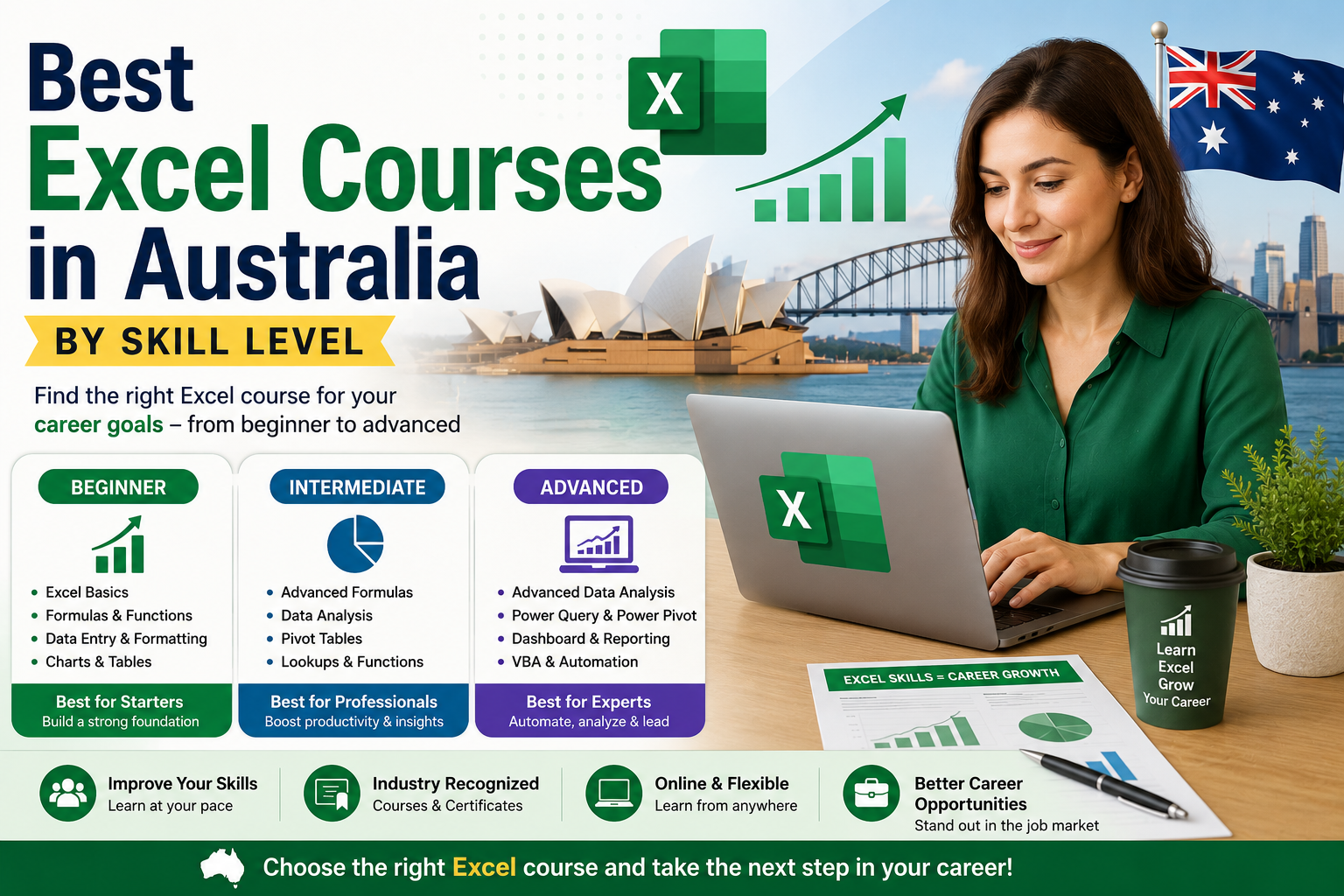
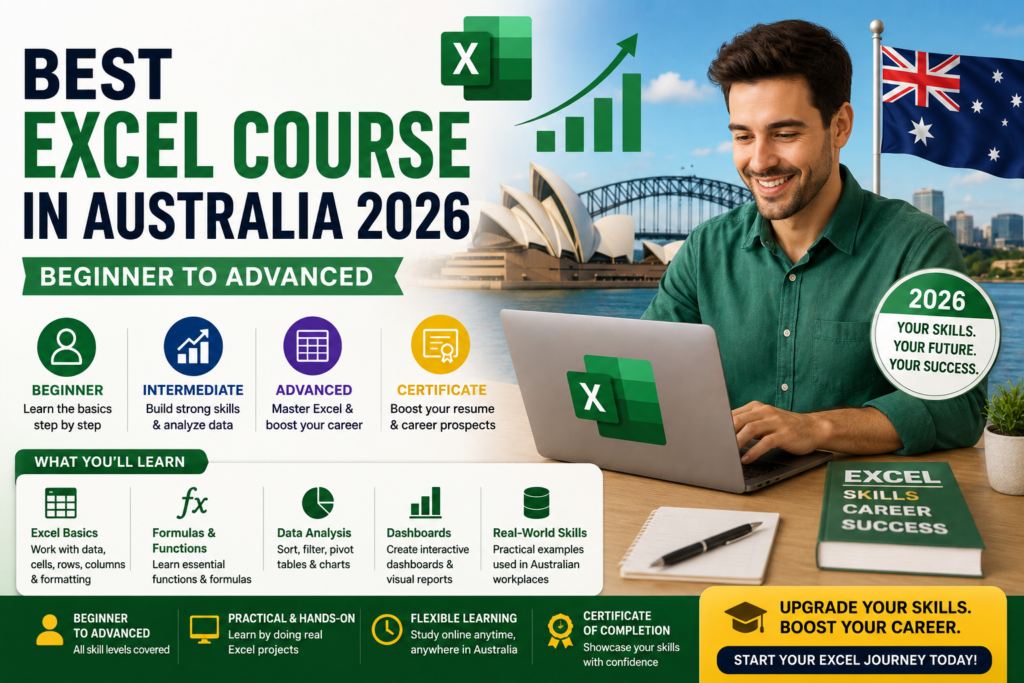
Most Excel training in Australia is structured around three levels. Here’s what each should actually cover.
Beginner Excel Course Australia
A genuine beginner Excel course covers the workbook layout, entering and formatting data, basic formulas (SUM, AVERAGE, simple IF statements), sorting and filtering, and printing a clean report. It should assume zero prior experience. This is the right starting point for admin assistants, retail supervisors, students and career-changers. See the Microsoft Excel Beginner course for a course built to this exact brief.
Intermediate Excel Course Australia
Once the basics are solid, an intermediate Excel course moves into lookup formulas (VLOOKUP/XLOOKUP), nested IF statements, conditional formatting, charts, and multi-sheet workbooks. This level is where most office and finance-support roles expect you to sit. The Microsoft Excel Intermediate course is built around exactly these skills.
Advanced Excel Course Australia
An advanced Excel course is where pivot tables, Power Query, what-if analysis, dashboards, and light automation come in and for some learners, VBA and macros. This level suits analysts, accountants, project managers and anyone reporting to senior management. Compare the Advanced Excel course with the dedicated Excel VBA & Macros Masterclass if automation is your main goal.
Industry-Specific Excel Training Options
Generic training only goes so far once your role has its own reporting quirks. Several Australian providers now run industry-specific streams on top of the standard beginner–advanced path, including:
- Excel for Accountants — reconciliations, financial reporting and audit-ready spreadsheets
- Excel for HR Professionals — headcount tracking, leave calculations and reporting dashboards
- Excel for Project Managers — timelines, resourcing and budget tracking
- Excel for Small Business — invoicing, cash flow and simple bookkeeping
- Excel for Supply Chain & Inventory — stock tracking, reorder points and logistics reporting
Best Excel Courses Near You: City by City
Whether you’d rather train online or in a classroom, most Australian Excel providers now serve every major city. Here’s where to start depending on where you’re based:
- Excel courses in Sydney — strong demand from finance and corporate reporting roles
- Excel courses in Melbourne — popular with legal, medical and real estate admin teams
- Excel courses in Brisbane — growing demand as regional business expands
- Excel courses in Perth — mining and resources-focused cost tracking and reporting
- Business analysis courses in Adelaide — data-analysis-leaning training
- Excel courses in Canberra — well suited to government and public-sector reporting
Live online delivery also covers Hobart and regional areas, so location doesn’t have to limit your options.
Online vs In-Person Excel Training in Australia
Online training suits people juggling work or family commitments you learn on your own schedule, revisit lessons, and avoid travel time. It’s the more popular choice for working professionals across Australia in 2026.
In-person / classroom training suits people who learn better with a group, want same-day questions answered, or are training as a team. It’s harder to schedule but can move faster for hands-on learners.
Neither format is objectively better the right choice depends on how you personally learn and how quickly you need the skill.
Is an Excel Certification Worth It?
A recognised credential such as the Microsoft Office Specialist (MOS) certification gives employers proof of your skill level rather than just your word for it. It’s particularly useful if you’re changing careers or don’t yet have Excel-heavy work experience to point to. Many Australian providers now bundle exam preparation directly into their advanced training see the MOS Exam Preparation Course as an example.
In-Demand Excel Skills Australian Employers Want in 2026
Across current job listings, the skills that come up again and again are pivot tables, lookup formulas, data cleaning, dashboard building, and basic automation. Formal training tends to close these gaps faster than self-teaching, largely because it’s structured around real reporting problems rather than isolated features. The core toolset itself detailed on Microsoft’s own
Excel product page — keeps expanding with AI-assisted features, which makes structured, up-to-date training more useful than ever, not less.
Frequently Asked Questions
What is the best Excel course in Australia for a complete beginner?
A dedicated beginner-level course that starts with the basics data entry, formatting and simple formulas rather than a general “all levels” course is the safest starting point.
How long does it take to complete an Excel course in Australia?
Most beginner and intermediate courses run from a few hours to a few weeks depending on the format; self-paced online courses let you move faster or slower as needed.
Can I learn Excel online, or do I need to attend in person?
Both options are widely available across Australia. Online training is the more flexible and popular choice, while in-person classes suit team training or hands-on learners.
Do employers in Australia recognise Excel certifications?
Yes a recognised credential like Microsoft Office Specialist is widely understood by Australian employers and can strengthen a resume, particularly for admin, finance and analyst roles.
Which Excel skills should I prioritise for 2026?
Pivot tables, lookup formulas, data cleaning and basic dashboard building are the most consistently requested skills across current job listings.
Final Thoughts: Choosing the Best Excel Course in Australia in 2026
The best Excel course in Australia isn’t the most expensive one or the longest one it’s the one matched to your current skill level, your industry, and how you actually learn. Start honestly at your real level, choose a format you’ll stick with, and aim for a course that ends in something you can show an employer. If you’re ready to compare options directly, get in touch or browse the full course list to find the right fit.